GoHighLevel + LeadCenter
Connect one GoHighLevel location to bring its contacts and form submissions into LeadCenter. Review every submission next to the contact's history, and let new activity start your workflows.
 One-Location Setup
 Contacts Import Automatically
 Every Form Submission
Connect GoHighLevel in a Few Clicks
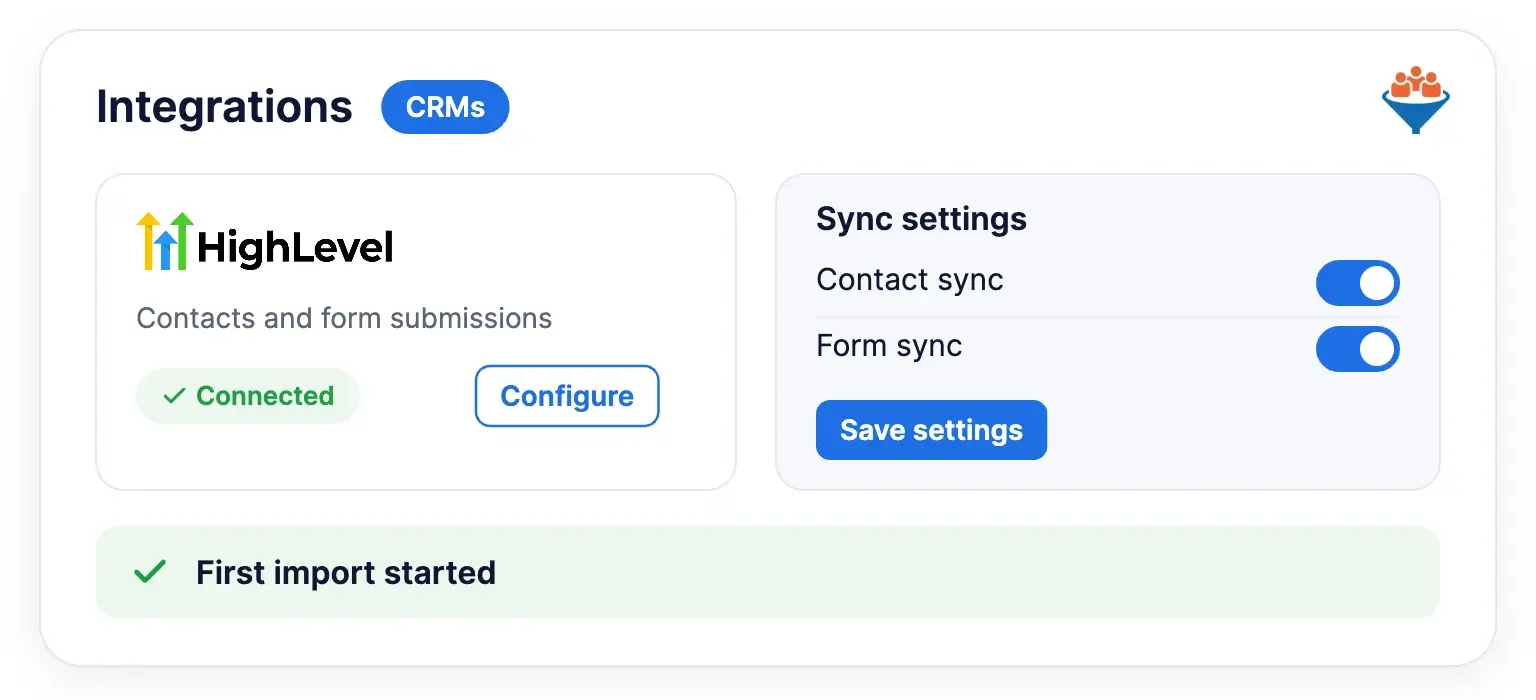
Go to Integrations, open CRMs and click Connect on the GoHighLevel card. Choose one location and approve access. Click Configure, review the sync settings and click Save settings. The first import starts right away.
Contacts Sync Without Duplicates
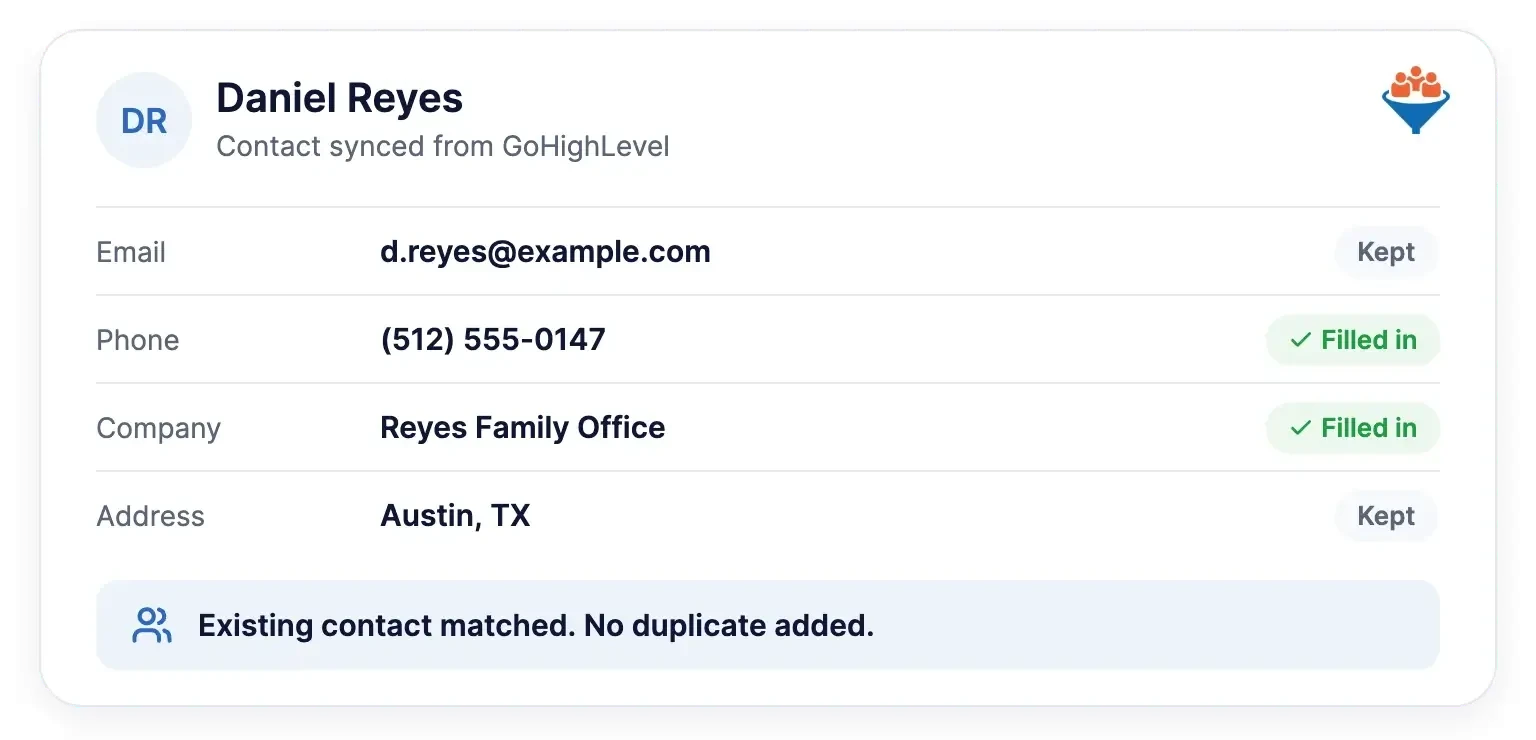
The first import brings in contacts created in GoHighLevel in the last 30 days. After that, new and updated contacts sync as they change, with a daily check for anything missed. If a contact is already in LeadCenter, only empty details are filled in. Nothing saved is overwritten and no one is added twice.
Every Submission With the Contact
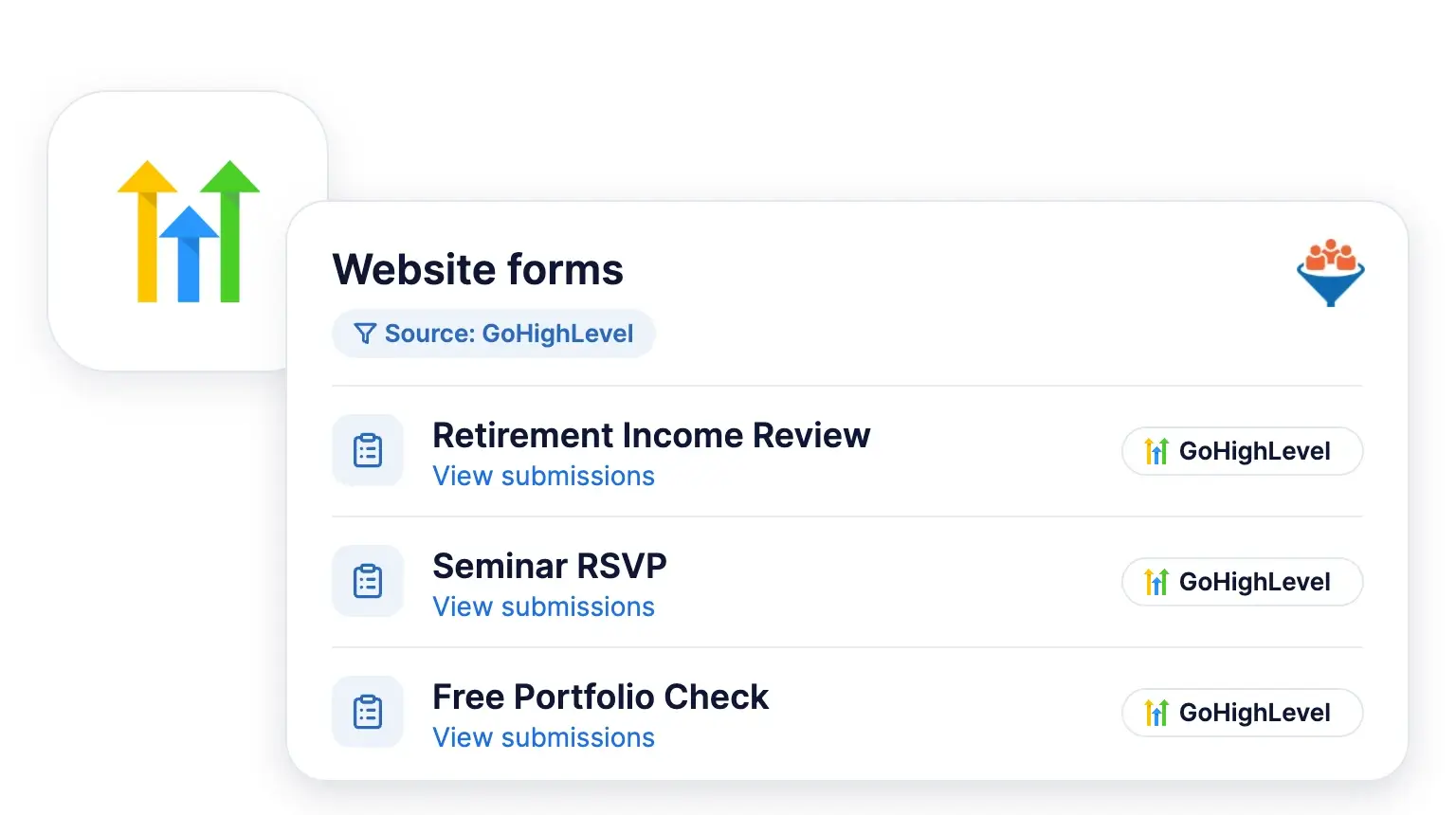
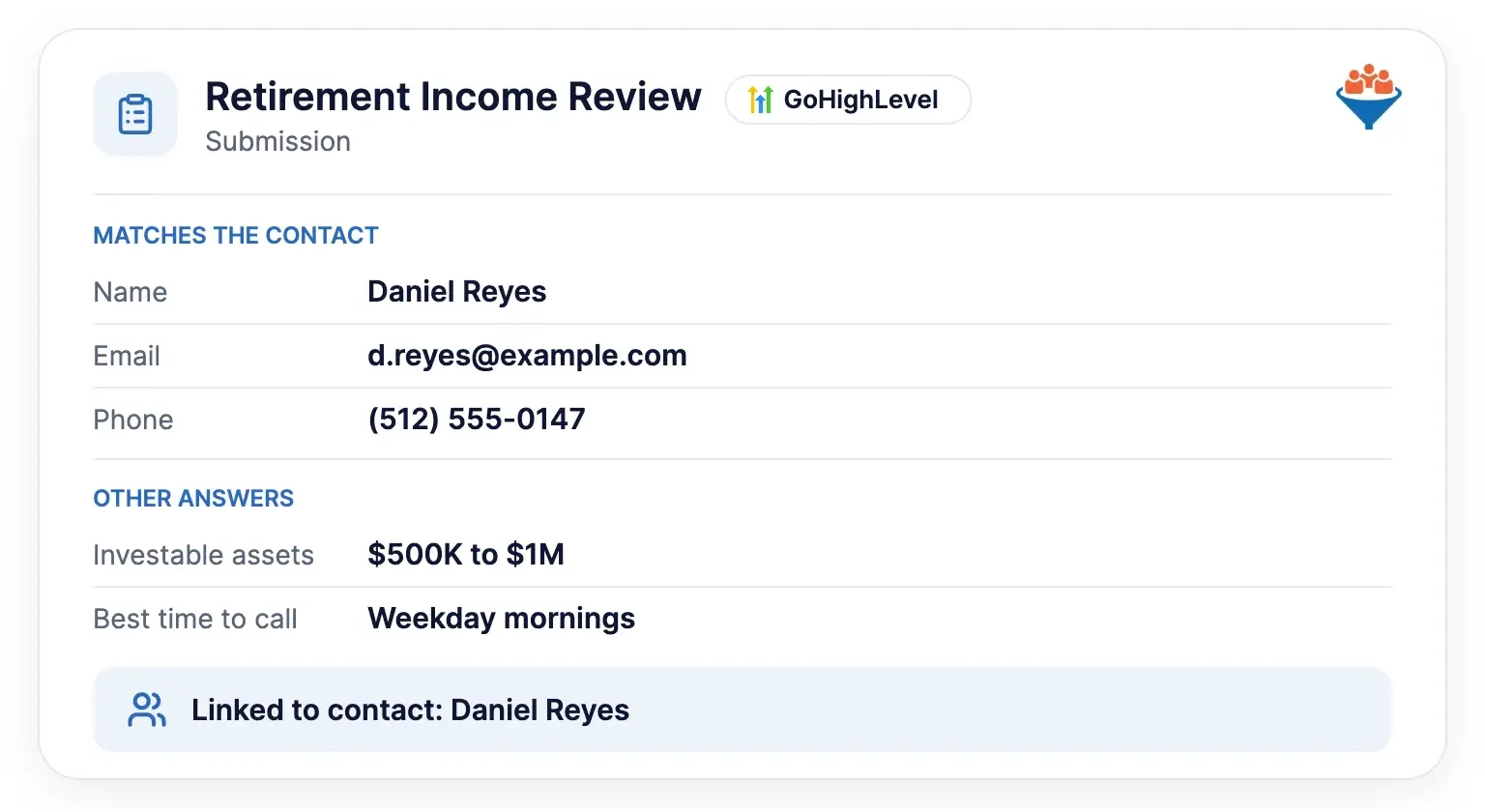
LeadCenter imports your latest 30 GoHighLevel forms with all of their answers, then checks for new forms and answers about every 15 minutes. Name, email and phone find or create the contact, and the other answers stay on the submission. Synced forms carry a GoHighLevel badge in Website forms.
New Activity Starts Your Workflows
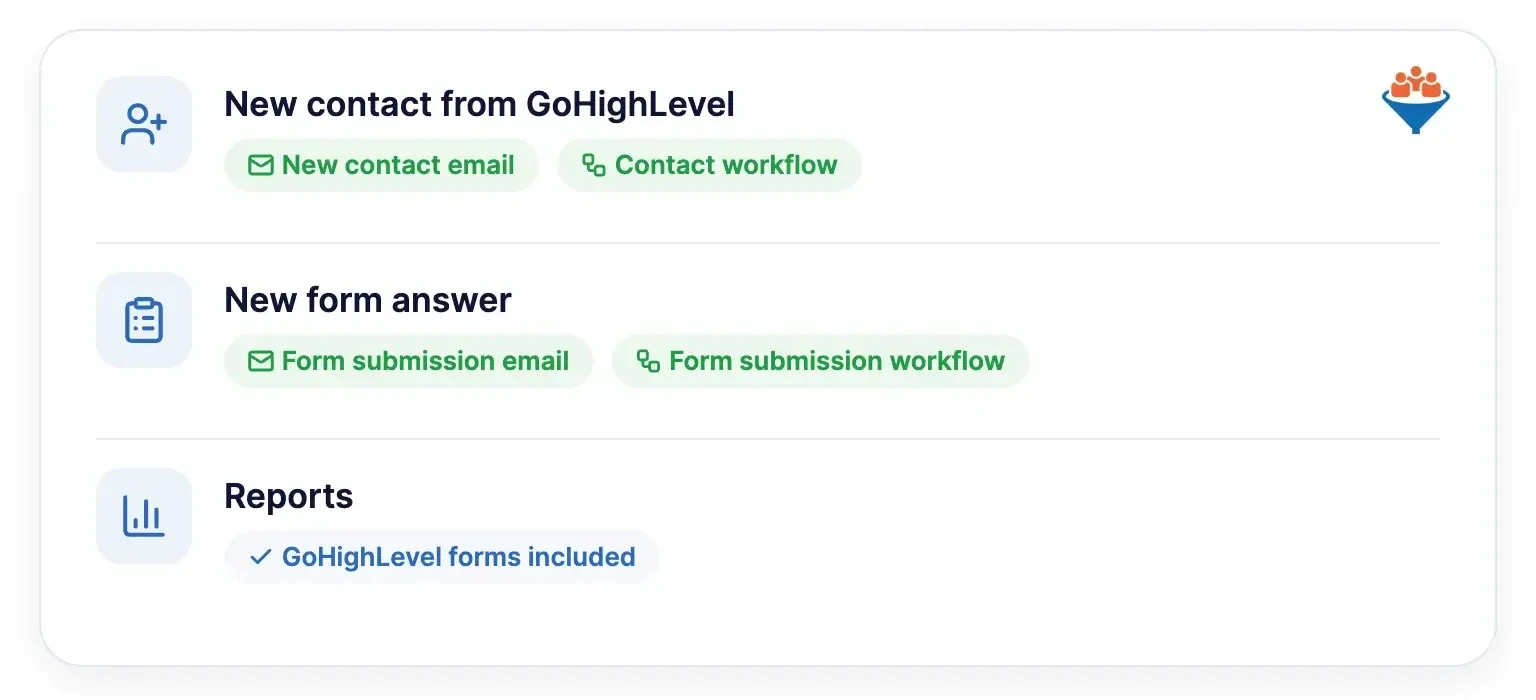
A new contact sends your team the new contact alert email and can start contact workflows. A new form answer sends the form submission email and can start form submission workflows. GoHighLevel forms also work in your reports.
Frequently asked questions
How many GoHighLevel locations can I connect?
One location per LeadCenter account. If you use Agency View in GoHighLevel, choose one sub-account.
Can I edit GoHighLevel forms in LeadCenter?
No. Form fields stay in GoHighLevel and can't be edited in the LeadCenter form builder. Preview opens the form in GoHighLevel.
Do imported answers send emails or start workflows?
Answers from the first import don't. New answers after that send the form submission email and can start form submission workflows.
What happens if I delete a synced form?
That form stops syncing, and GoHighLevel won't recreate it. Contacts and submissions already imported stay in LeadCenter.
What happens if I disconnect?
LeadCenter is removed from the GoHighLevel location and future imports stop. Contacts and form submissions already imported stay in LeadCenter.
Bring Your GoHighLevel Contacts Into LeadCenter
Keep contacts and form submissions in one place, and let new activity start your workflows.
LeadCenter CRM, anywhere you go
Access your contacts, calendar, and tasks on the go with the LeadCenter mobile app for iOS and Android.