Silloet Integration for Financial Advisors
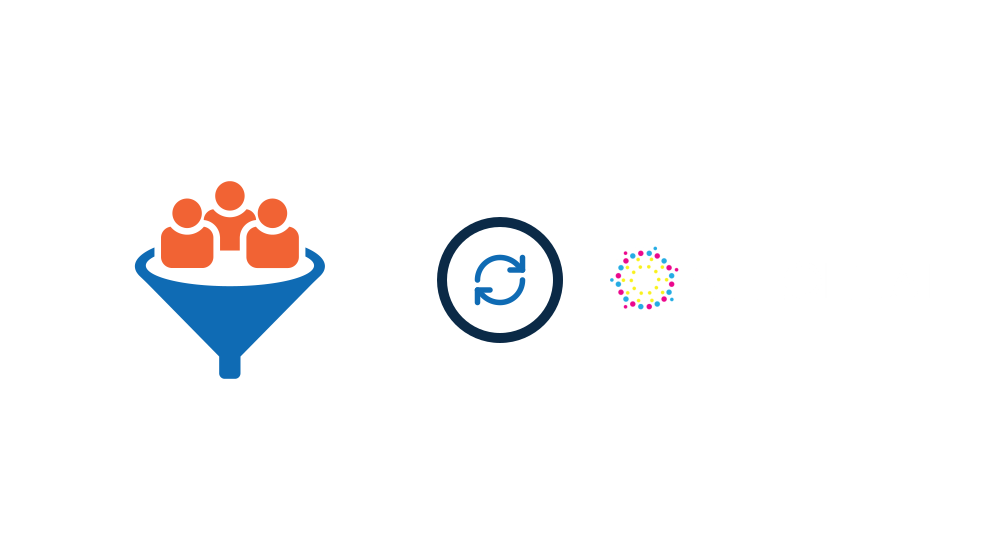
Silloet sends event and attendee registrations into LeadCenter. Generate an access token in LeadCenter, share it with Silloet, and registrations arrive in your CRM.
Registrations Sent to LeadCenter
Silloet sends your event and attendee registrations into LeadCenter.
Connect with an Access Token
Generate an access token in LeadCenter and share it with Silloet.
Built for Seminar Marketing
Manage events, attendees and follow-up in the same place as the rest of your pipeline.
How to connect Silloet
- In LeadCenter, open Integrations, then Events marketing.
- On the Silloet card, click Access tokens and generate a token.
- Share the token with Silloet.
Contact LeadCenter support if you need assistance with the integration.
Frequently asked questions
What does Silloet send to LeadCenter?
Event and attendee registrations.
How do I connect it?
Generate an access token on the Silloet card under Integrations, Events marketing, and share it with Silloet.
Fill seminars and follow up from one place
Book a demo to see event and seminar management in LeadCenter.
LeadCenter CRM, anywhere you go
Access your contacts, calendar, and tasks on the go with the LeadCenter mobile app for iOS and Android.