Troy AI Agents: Scheduled AI Work for Financial Advisors
Describe a job in plain English, test it, and set a schedule. Troy AI agents organize tasks, draft follow-ups and prepare campaigns, then report what changed after every run.
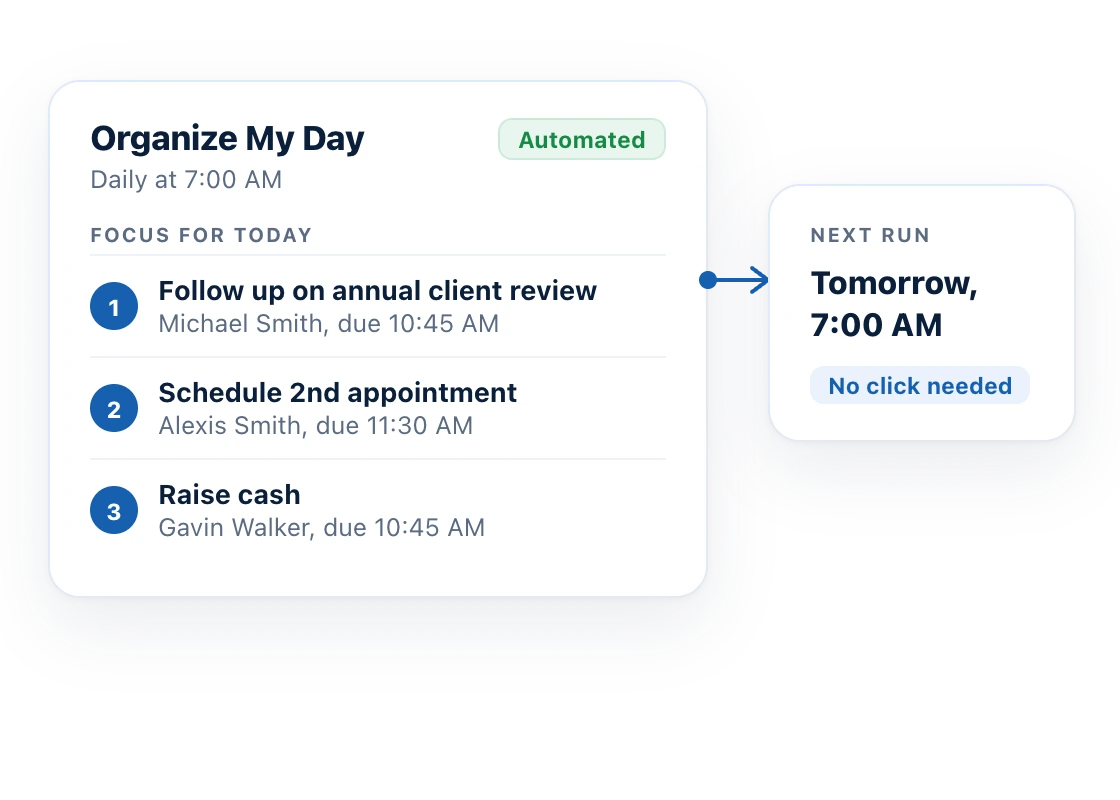
 Plain-English Instructions
 Test Before You Schedule
 A Report After Every Run
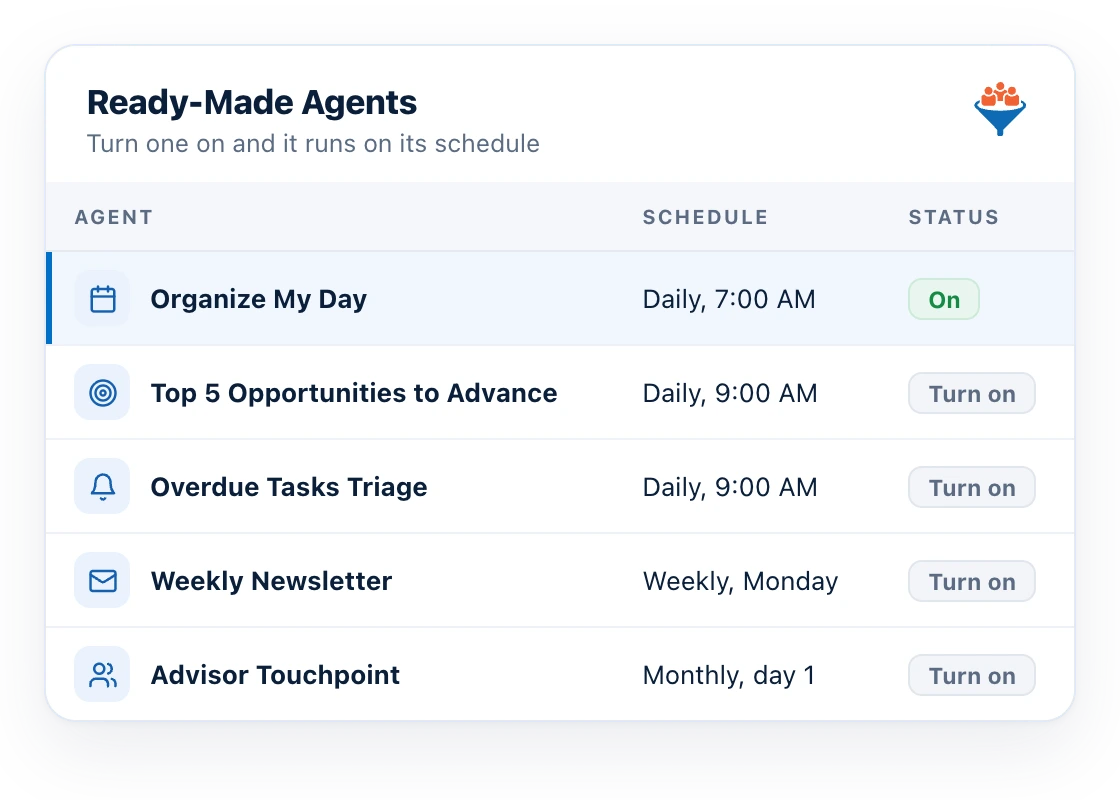
Start With a Ready-Made Agent
Turn on a ready-made agent for the work your team repeats: planning the day, sorting overdue tasks, picking contacts to move forward, drafting the weekly newsletter and following up with quiet clients. Or describe your own job in plain English.
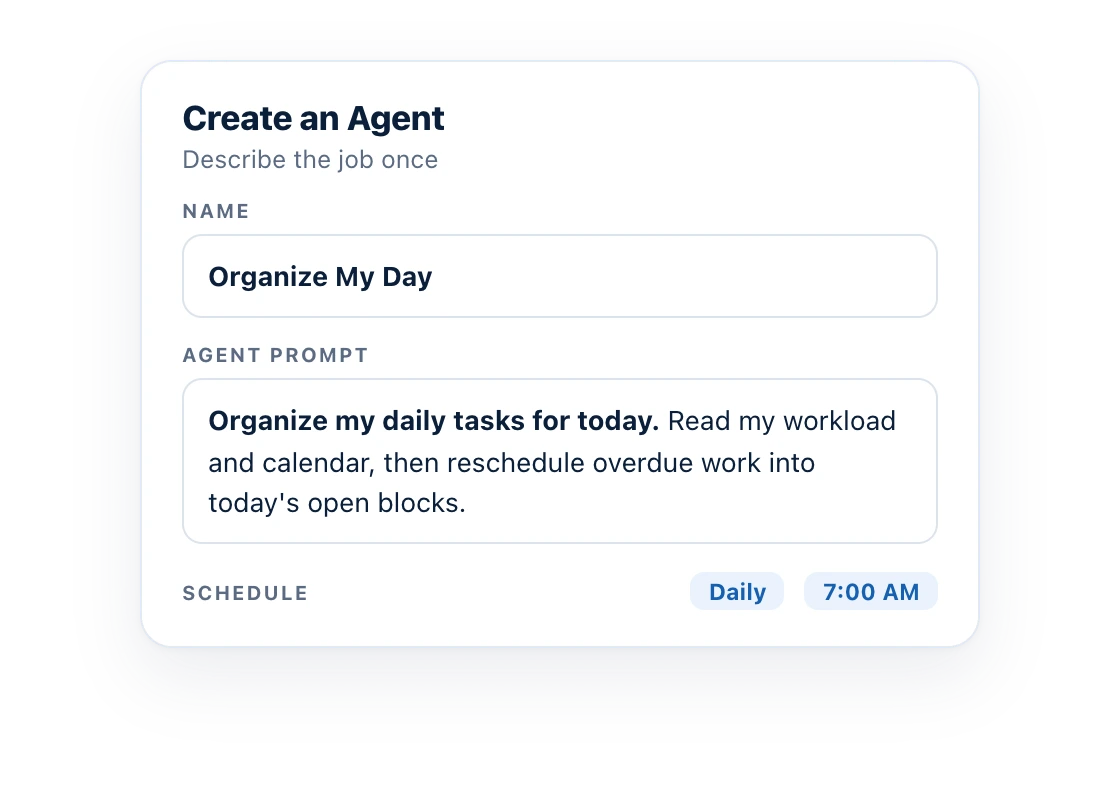
Describe the Job, Set the Schedule
Name the agent, type the instructions or dictate them with Speak AI, and choose how often it runs: hourly, daily, weekly, monthly, quarterly, semi-annual or a custom day and time. Turn on the email report to get results in your inbox.
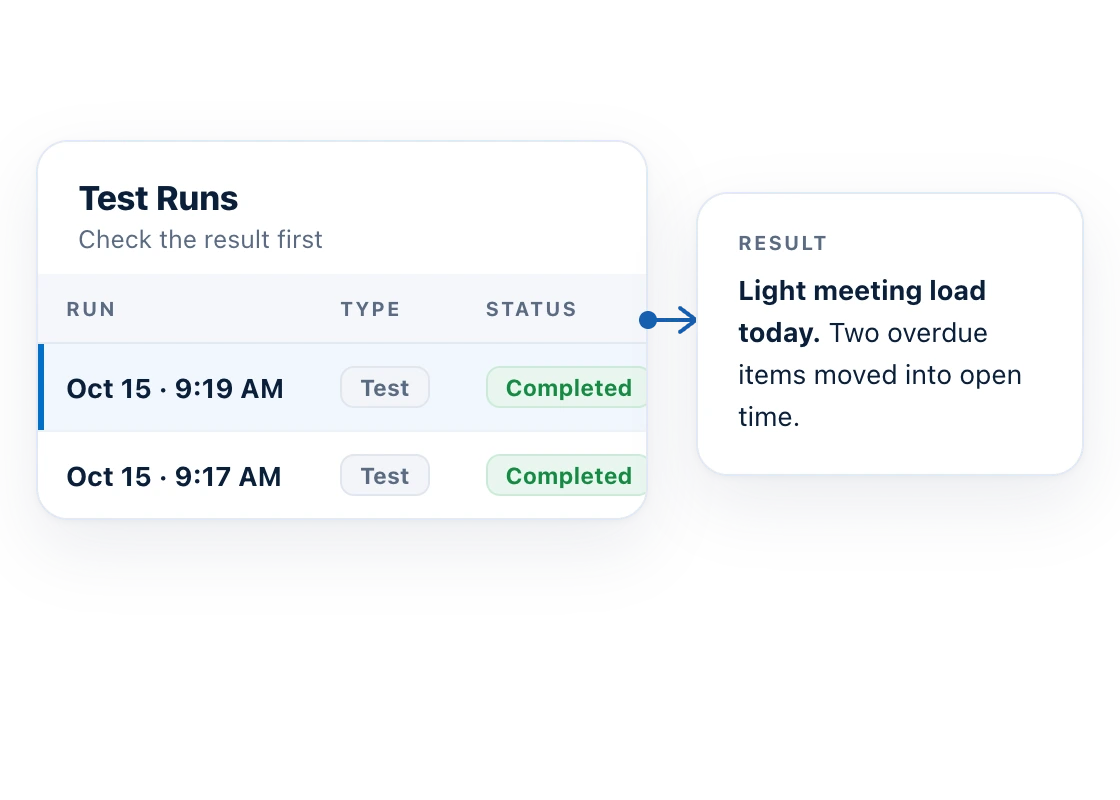
Test It Before It Runs on Its Own
Click Run test to see exactly what the agent would do. You can keep editing while it runs. Changes from a run happen right away, so testing first keeps you in control.
See What Changed After Every Run
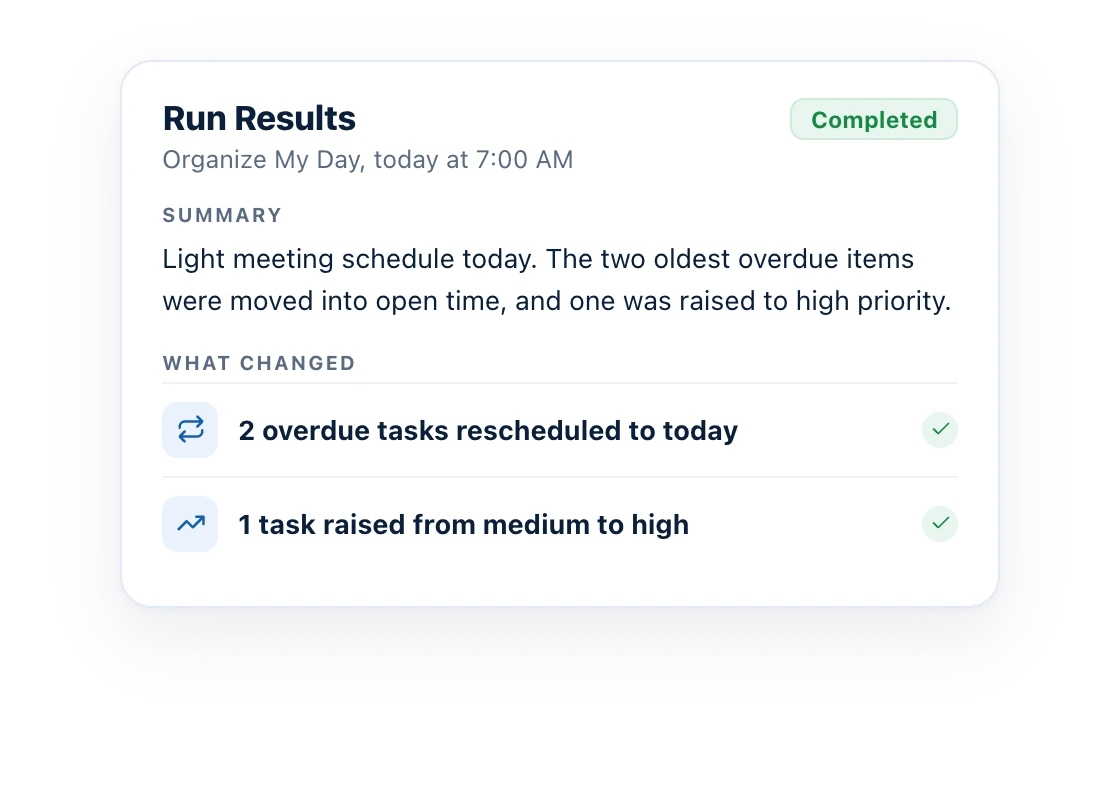
Each run ends with a report: a summary, today’s focus list and the details of what changed. Run History lists every scheduled, manual and test run so you can open any result again.
Troy Works Within Your Permissions
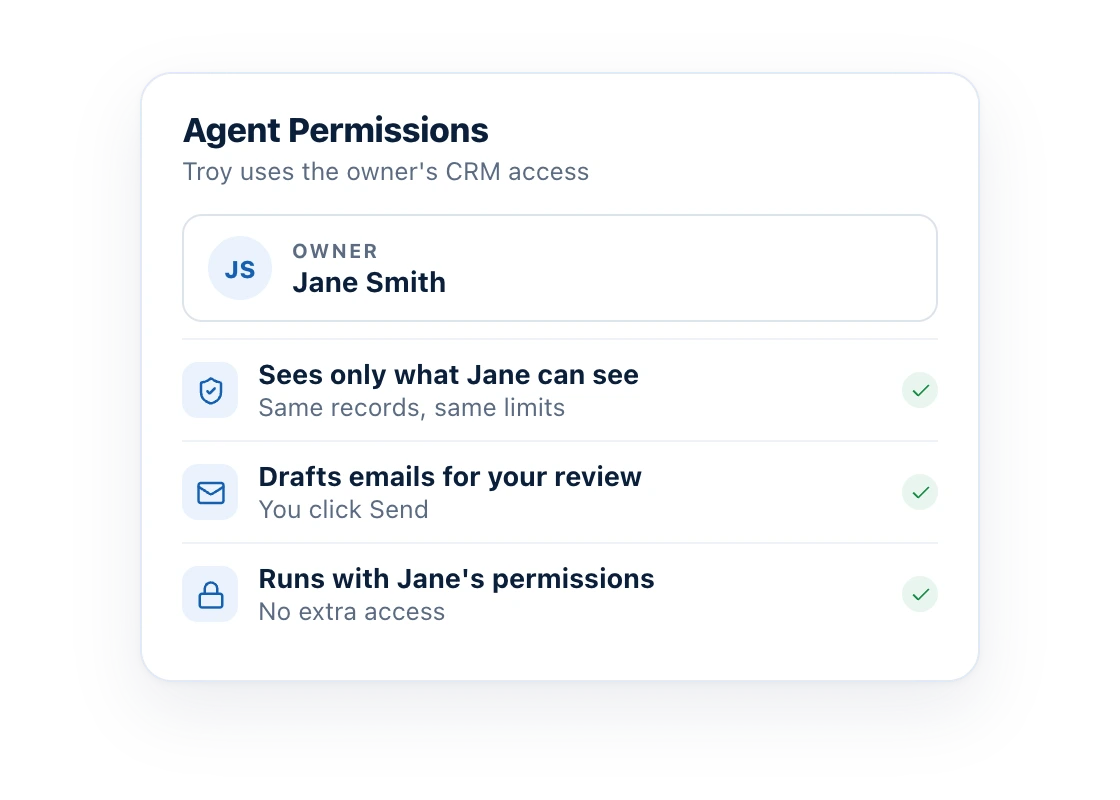
Each agent runs with its owner’s access, so it only sees and changes what that person can already see in LeadCenter. Troy drafts emails and campaigns for your review and never sends or publishes them on its own.
Frequently asked questions
What can a Troy AI agent do?
Agents can reschedule overdue tasks, create follow-up tasks, sort tasks into the right lists, draft email replies and outreach, and draft marketing campaigns. Every run ends with a report of what changed.
Does an agent send emails or campaigns on its own?
No. Agents draft emails and campaigns for you to review and send. Troy never sends or publishes a campaign by itself.
What can an agent see?
An agent uses its owner’s LeadCenter permissions, so it only sees and changes what that person can already access. Turn on Visible only to me to keep an agent private.
Can I start from a template?
Yes. Start from templates such as Organize My Day, Unanswered Email Follow-ups, Pipeline Advancement Tasks, Organize Task Inbox or Weekly Newsletter, then edit the prompt before you save.
What if the agent I need is not listed?
Click Request agent, describe the job and choose how often it should run. LeadCenter’s AI team builds requested agents at no development cost, based on feasibility and availability.
Put Your Routine CRM Work on a Schedule
Create your first Troy AI agent, test it, and let it handle the work your team repeats every week.
LeadCenter CRM, anywhere you go
Access your contacts, calendar, and tasks on the go with the LeadCenter mobile app for iOS and Android.