Save Time by Creating Meetings Without Leaving LeadCenter
Stop switching between apps. When you book an appointment in LeadCenter, a Microsoft Teams meeting link is generated instantly—with zero manual steps.
This means you schedule faster, avoid mistakes, and give clients the smooth, professional experience they expect.
Let Clients Self-Book Teams Meetings
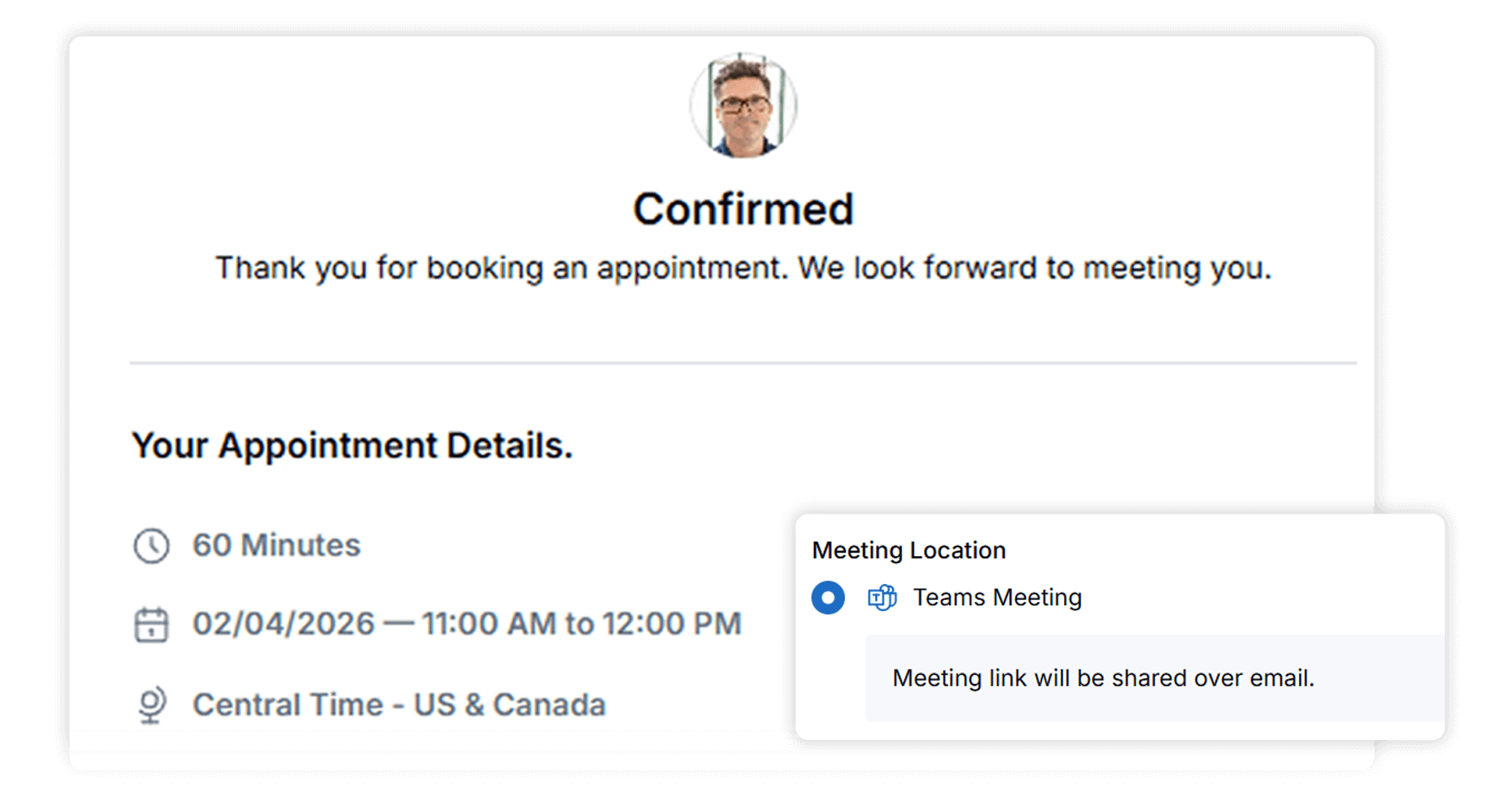
When prospects book through your bookmytime public scheduling link, they instantly receive a Microsoft Teams meeting link—no action required from you.
This creates a friction-free onboarding process, helping advisors convert more leads into booked meetings.
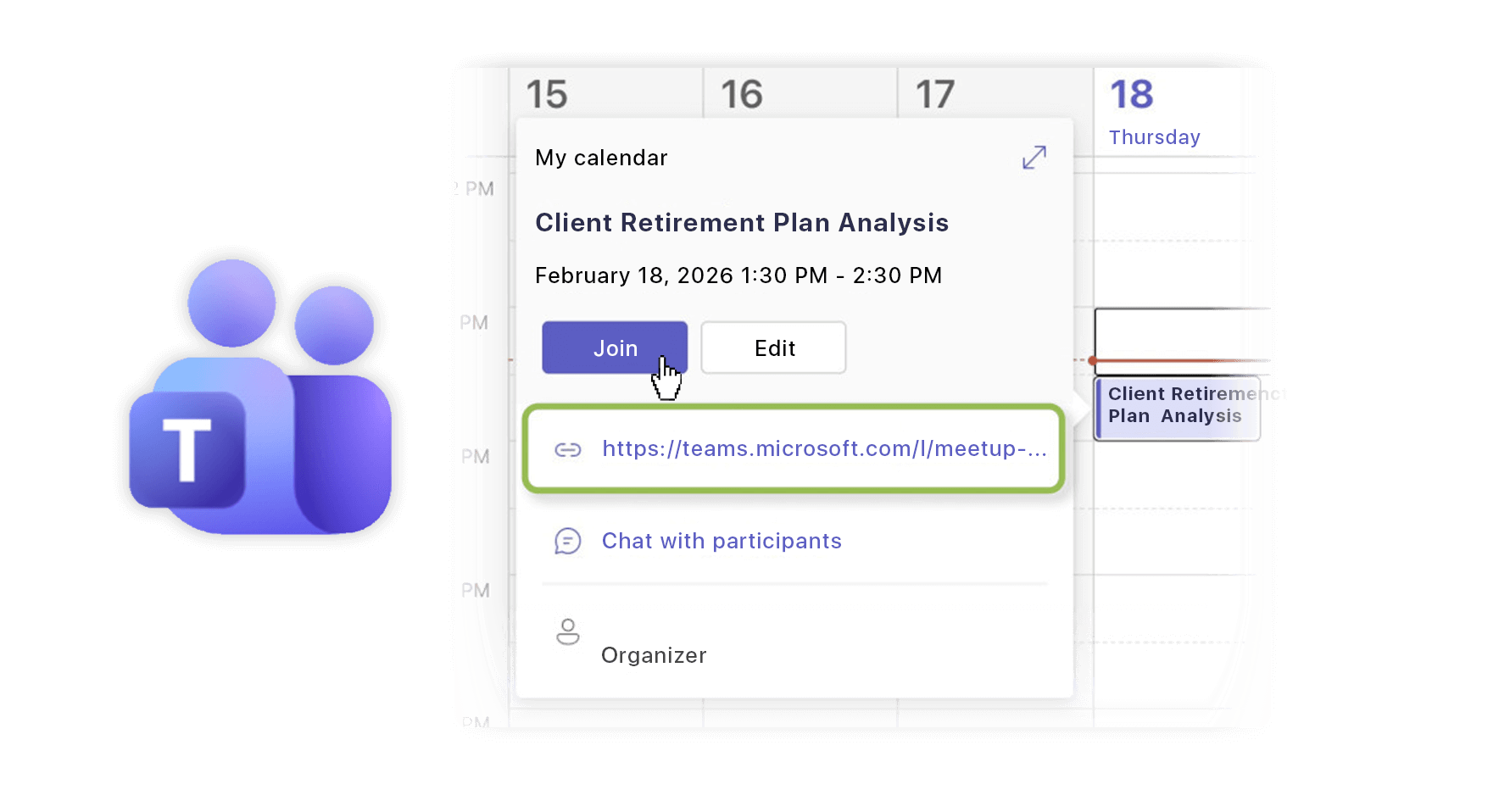
One Clean Invite With a One-Click Join Button
Your clients shouldn’t have to search for meeting links or deal with messy follow-ups.
LeadCenter inserts the Teams join URL directly into the event invitation, so clients always get the correct link, right in their inbox, as soon as the meeting is booked. This reduces no-shows, confusion, and back-and-forth emails.
Stay Organized With Automatic Syncing Across Your CRM and Microsoft Account
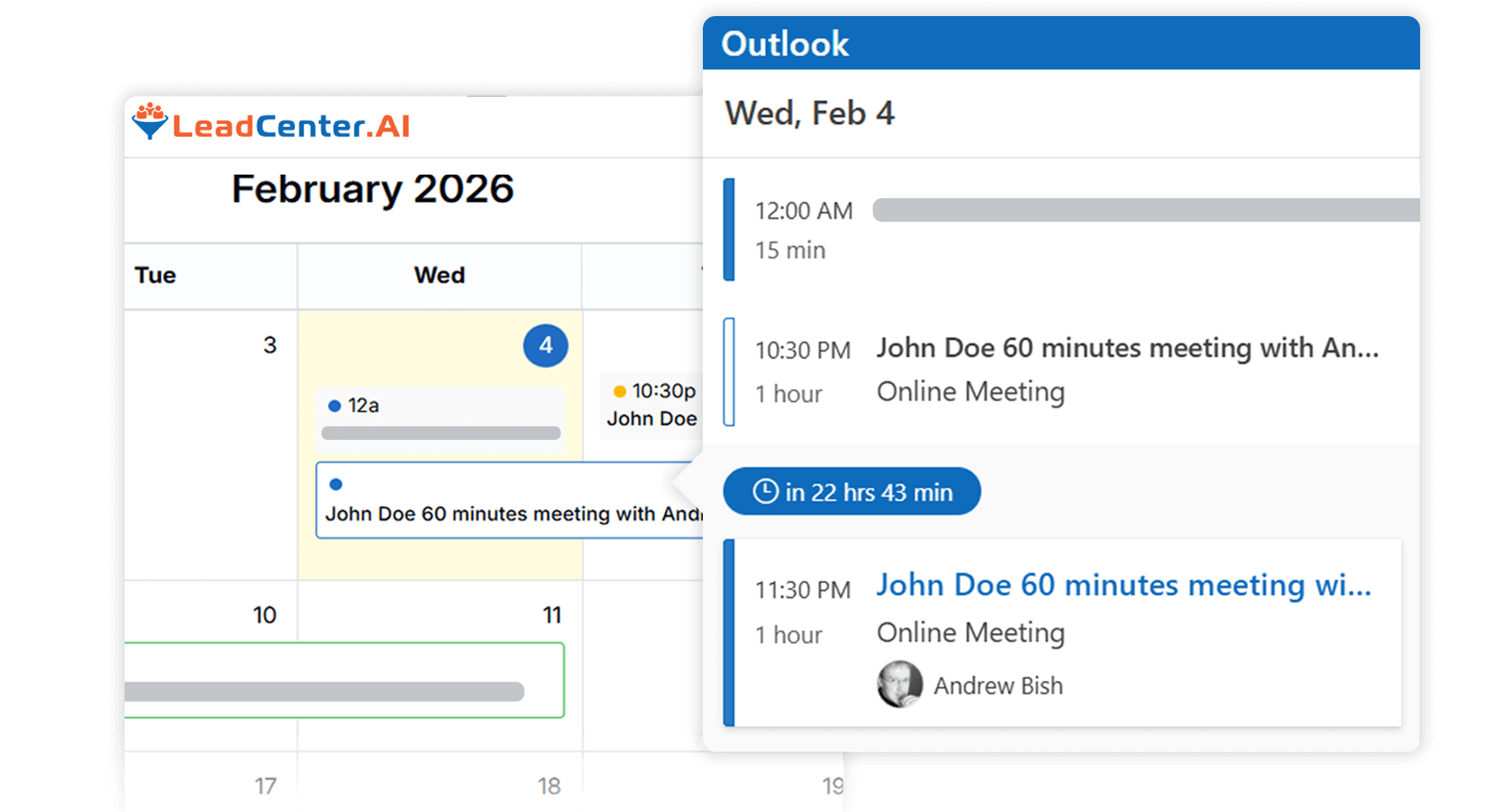
All Teams meetings created in LeadCenter sync automatically with your Microsoft calendar.
You stay organized, your availability is always accurate, and your whole team can collaborate more effectively.
Yes. Once “Teams Meeting” is selected, LeadCenter generates the meeting link and inserts it directly into the calendar invitation.
Absolutely. Enable the Teams option inside your booking-link settings and all client-booked meetings will include a Teams meeting link automatically.
Your connected Microsoft account may not have permission to create online meetings. Personal accounts cannot generate Teams links—only business/organization accounts are supported.
Yes. LeadCenter’s email and SMS reminders work the same way with Teams-enabled appointments.
No. All scheduling happens inside LeadCenter. The system communicates with your Microsoft account to create the meeting behind the scenes.
Bring Microsoft Teams Directly Into Your Scheduling Workflow
Create Teams meetings instantly, streamline your online appointments, and deliver a smoother client experience—all inside LeadCenter.
Automate your marketing, sales, and operations processes and increase your lead-to-business conversion rates with a fully automated platform designed specifically for financial advisors.