Call clients and prospects without leaving LeadCenter. Every RingCentral call is automatically tied to the right contact, so conversations, follow-ups, and context never get lost.
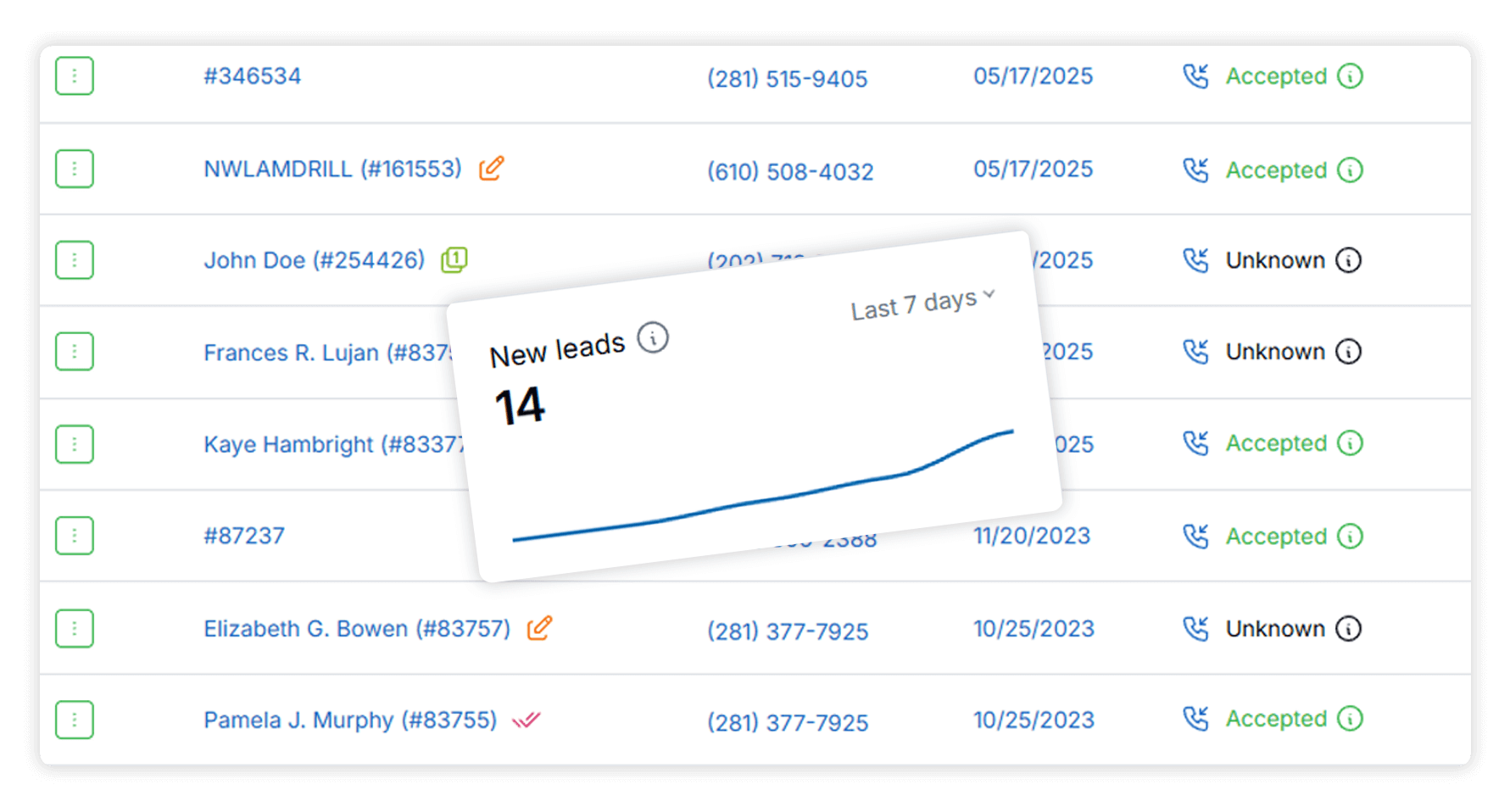
When someone calls your office from a number that isn’t in LeadCenter, a new lead is created automatically and tagged as coming from RingCentral. Every inbound call becomes a trackable opportunity — not a missed follow-up.
Click-to-Call From Any Contact
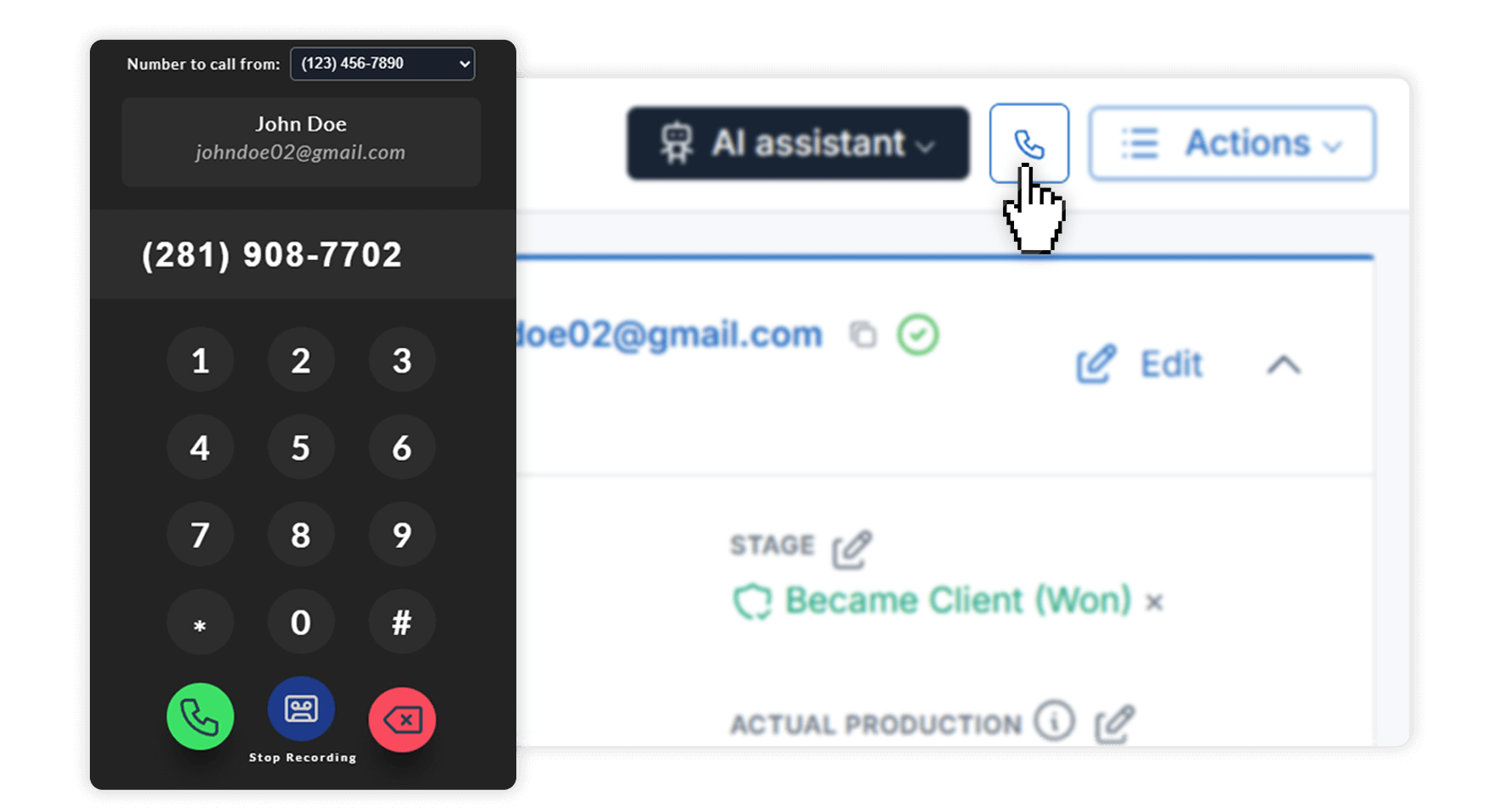
Call any lead, prospect, or client by clicking their phone number in LeadCenter. The call is placed using RingCentral, while your workflow stays inside the CRM.
Automatic Call Logging
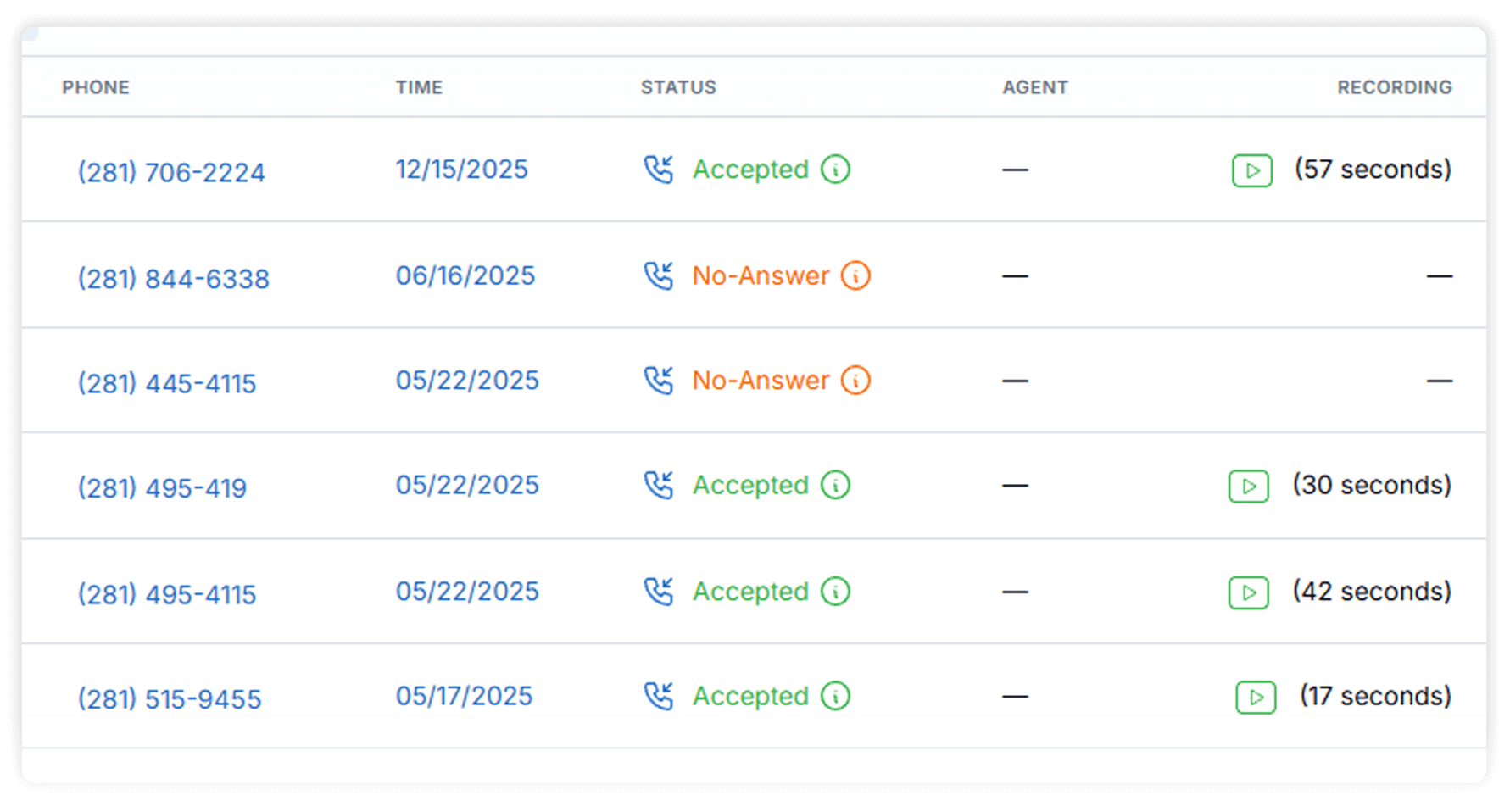
Inbound and outbound RingCentral calls are logged automatically on the contact timeline, including call time and duration — without any manual work.
Call Recordings & Transcriptions, In Context
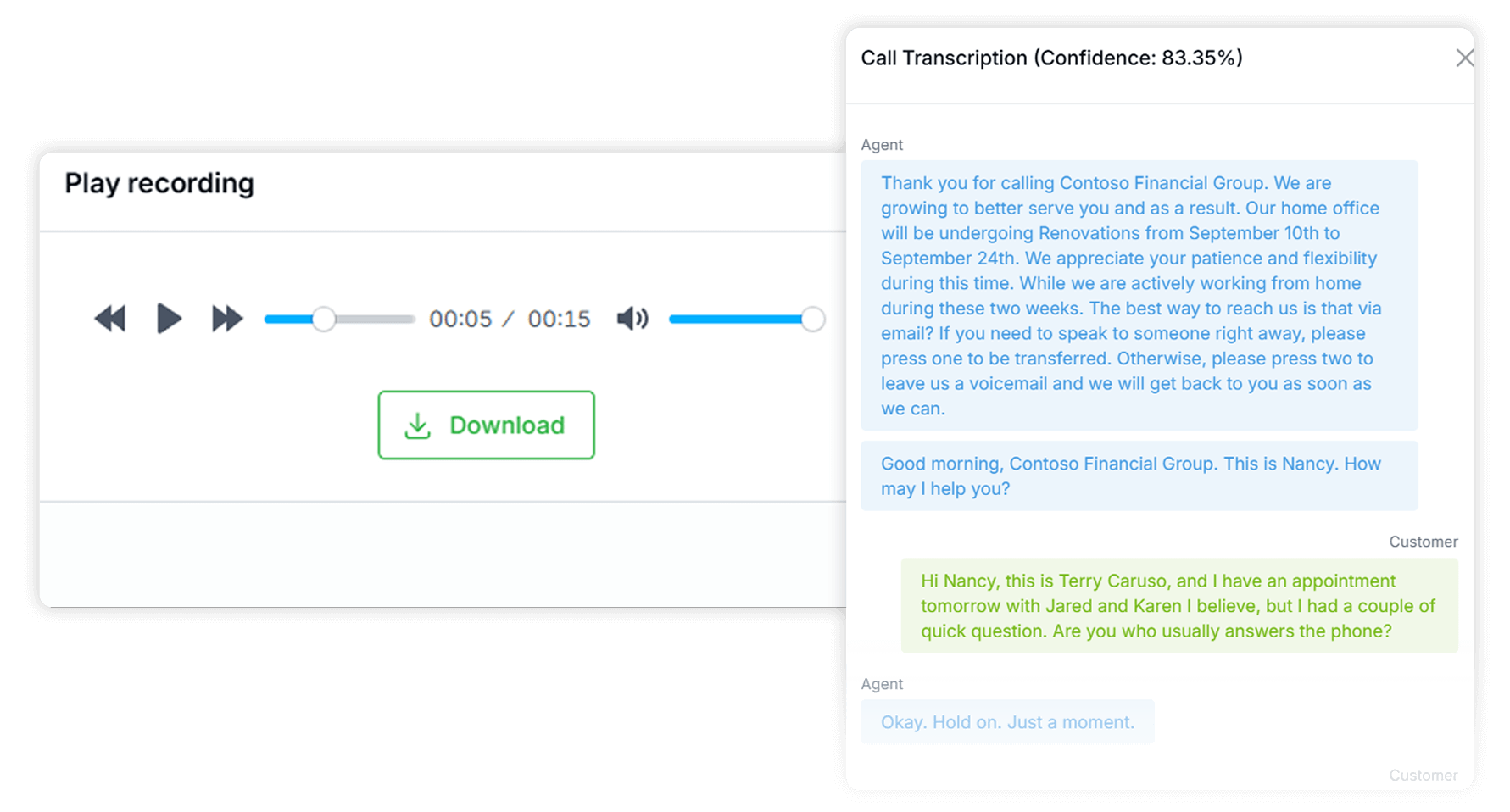
Review calls directly on the contact record with recordings and AI-generated transcriptions, so you can quickly recall conversations, prep follow-ups, and stay aligned across your team—without replaying entire calls.
Yes. You can place calls by clicking phone numbers on contacts, leads, and records inside LeadCenter.
Yes. Both inbound and outbound RingCentral calls are automatically logged to the related contact record.
When call recording is enabled in RingCentral, recordings sync to LeadCenter. From there, LeadCenter can generate AI-powered transcriptions to help review conversations more efficiently.
LeadCenter can automatically create a new lead from the call and associate it with RingCentral, making follow-up easy.
RingCentral handles the calling infrastructure, while LeadCenter manages the CRM experience and call context. You place and track calls directly from LeadCenter.
Make Phone Calls Part of the Client Record
Stop jumping between systems and piecing together conversations. With RingCentral integrated into LeadCenter, calls become part of the relationship — not just an isolated activity.
Automate your marketing, sales, and operations processes and increase your lead-to-business conversion rates with a fully automated platform designed specifically for financial advisors.