Sina: Al Email and Text Assistant for Financial Advisors

Write polished emails, personalized text messages, and branded email layouts in seconds, all built directly into LeadCenter.

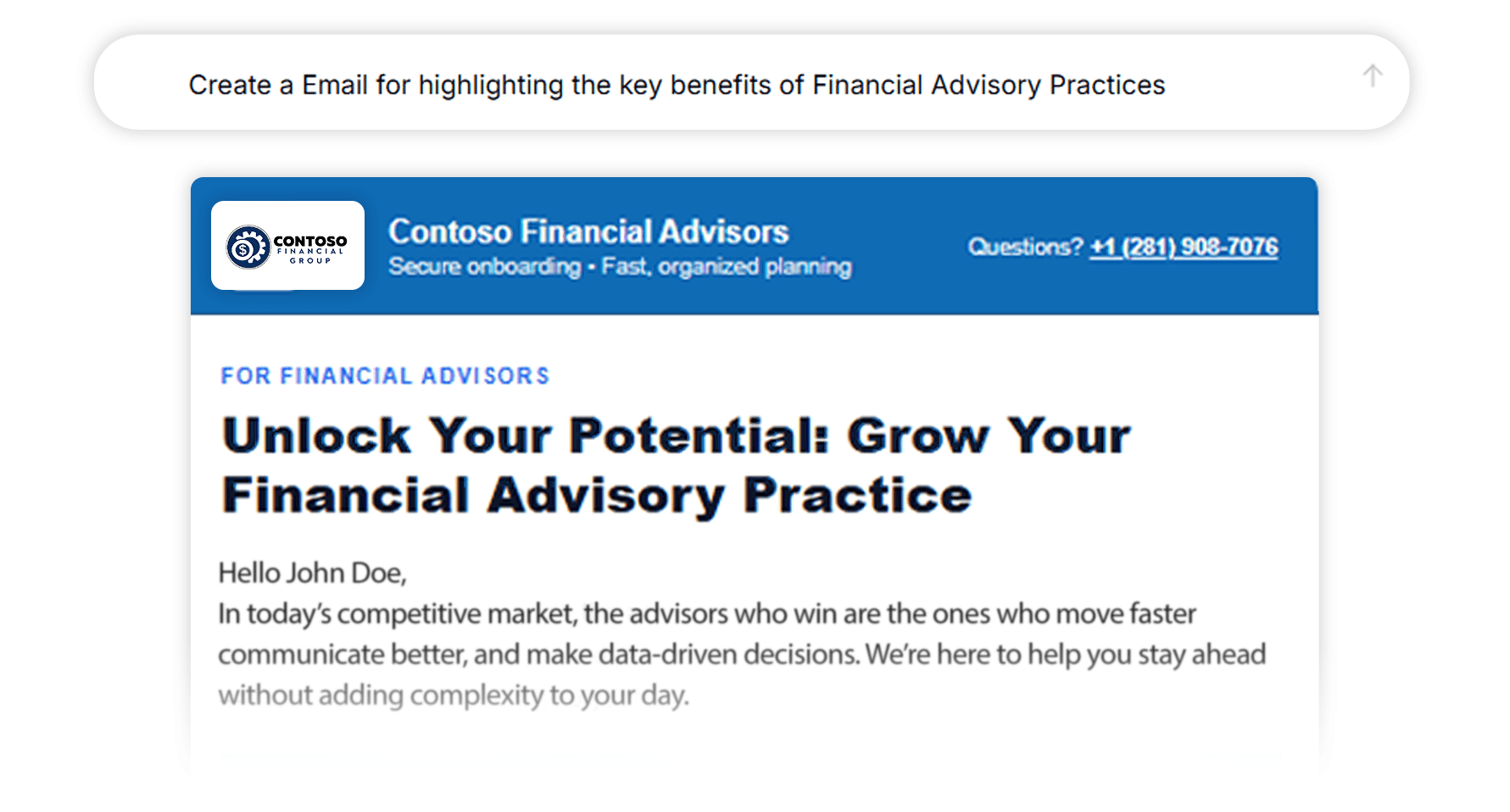
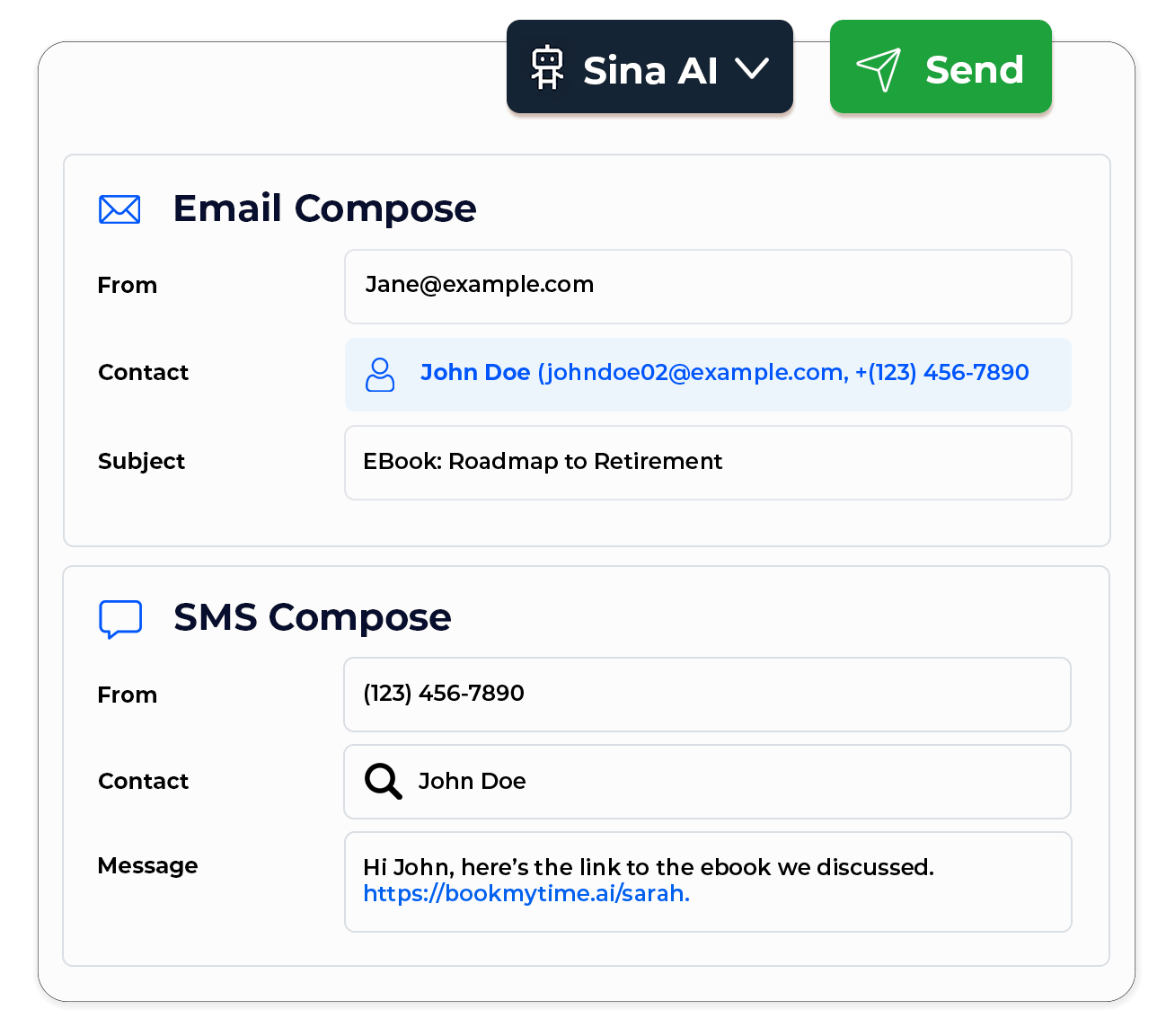
Instant Email and SMS Creation

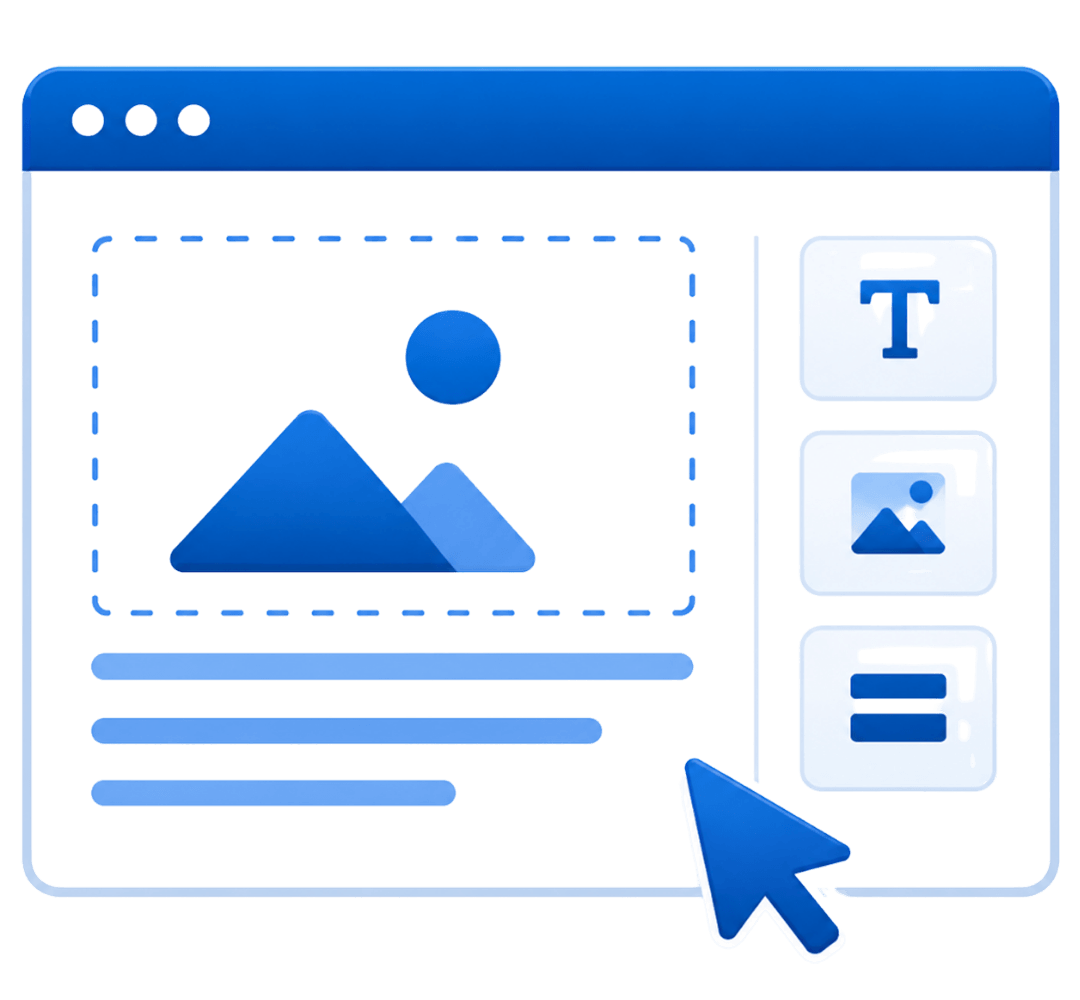
Built-In Email Designer

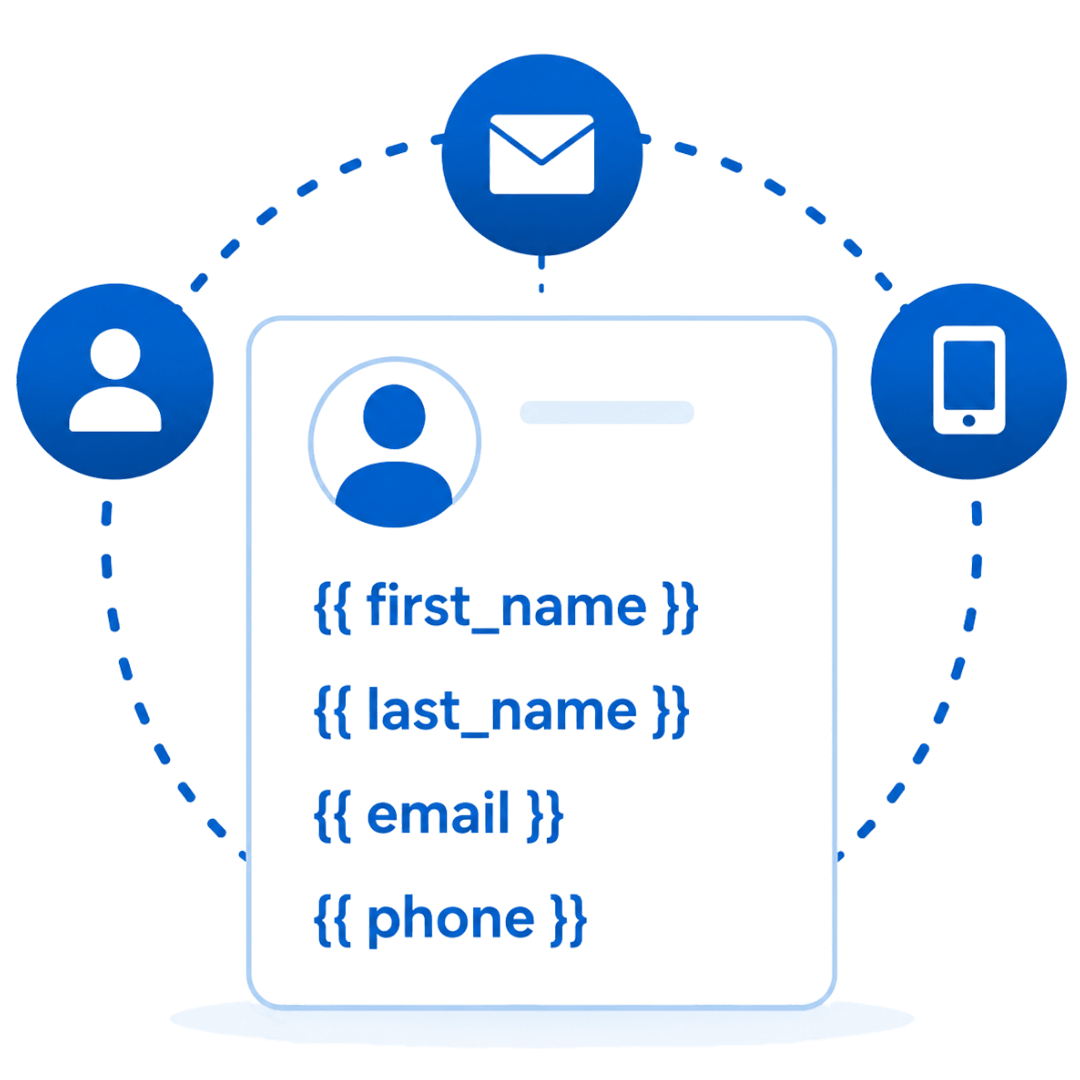
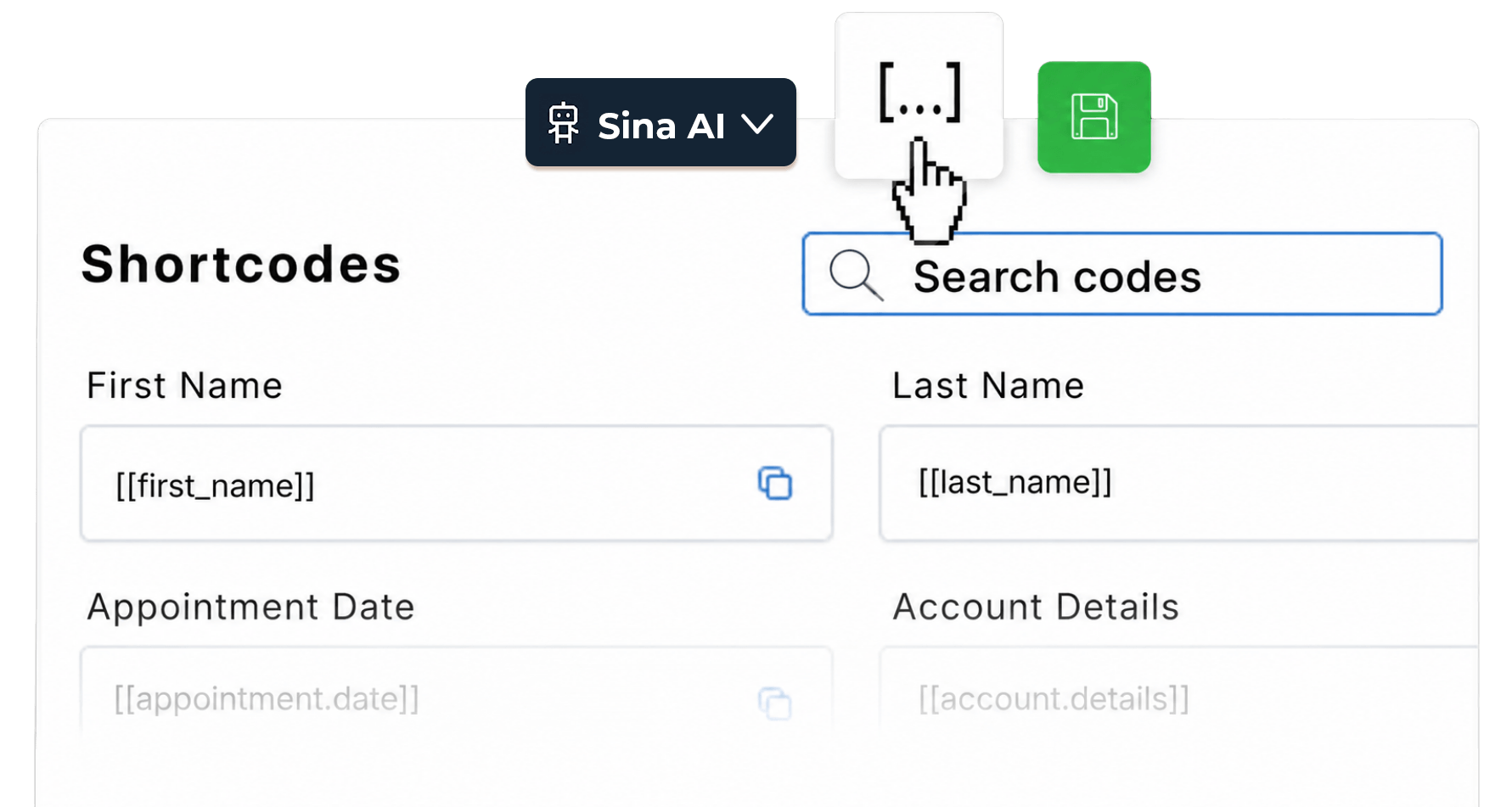
Personalize With Contact Shortcodes

Write Emails and Text Messages in Seconds with Al

You have 20 follow-ups to send and not enough time. Sina drafts polished
emails and texts instantly so your pipeline keeps moving without the
writing bottleneck.

Every Message Feels Personal, Automatically

As Sina writes, it automatically inserts contact details like first name, appointment date, and account info. Every message feels personal when it arrives.

Refine Until It Sounds Exactly Like Your Firm

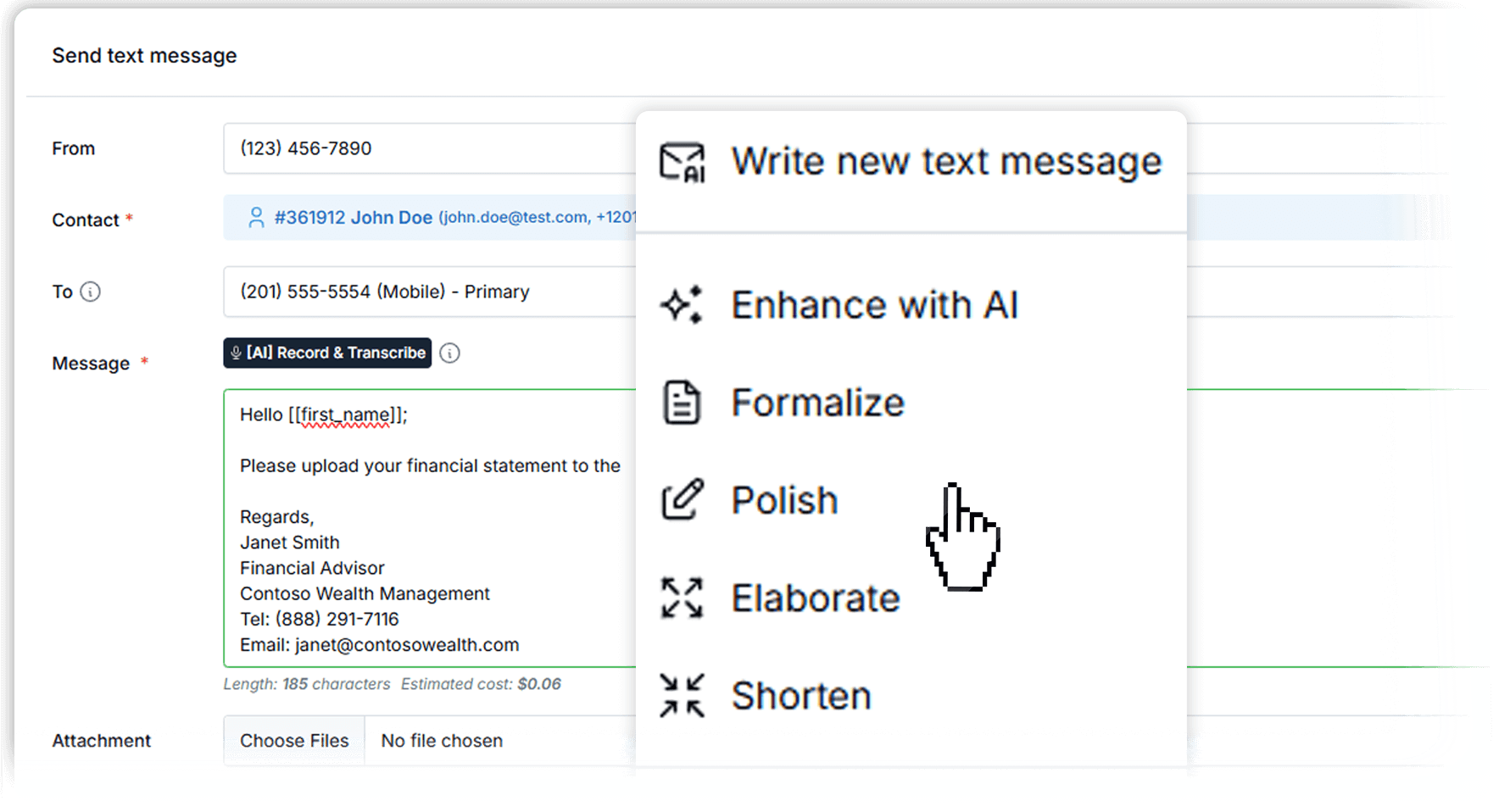
Ask Al to shorten, rewrite, or adjust the tone so each message sounds exactly like your brand.
Generate a Full HTML Email Layout from a Simple Prompt

Describe the email you want (newsletter, follow-up sequence template, seminar invite, appointment reminder, re-engagement) and generate a complete, branded HTML layout in seconds-ready to edit and reuse.

Brand-Ready Sections: Headlines, CTAs, Columns, and Content Blocks

Instead of "just copy", you get real layout: headers, sections, call-to-action blocks, and a clean structure that feels like a designed email- without needing to touch code.
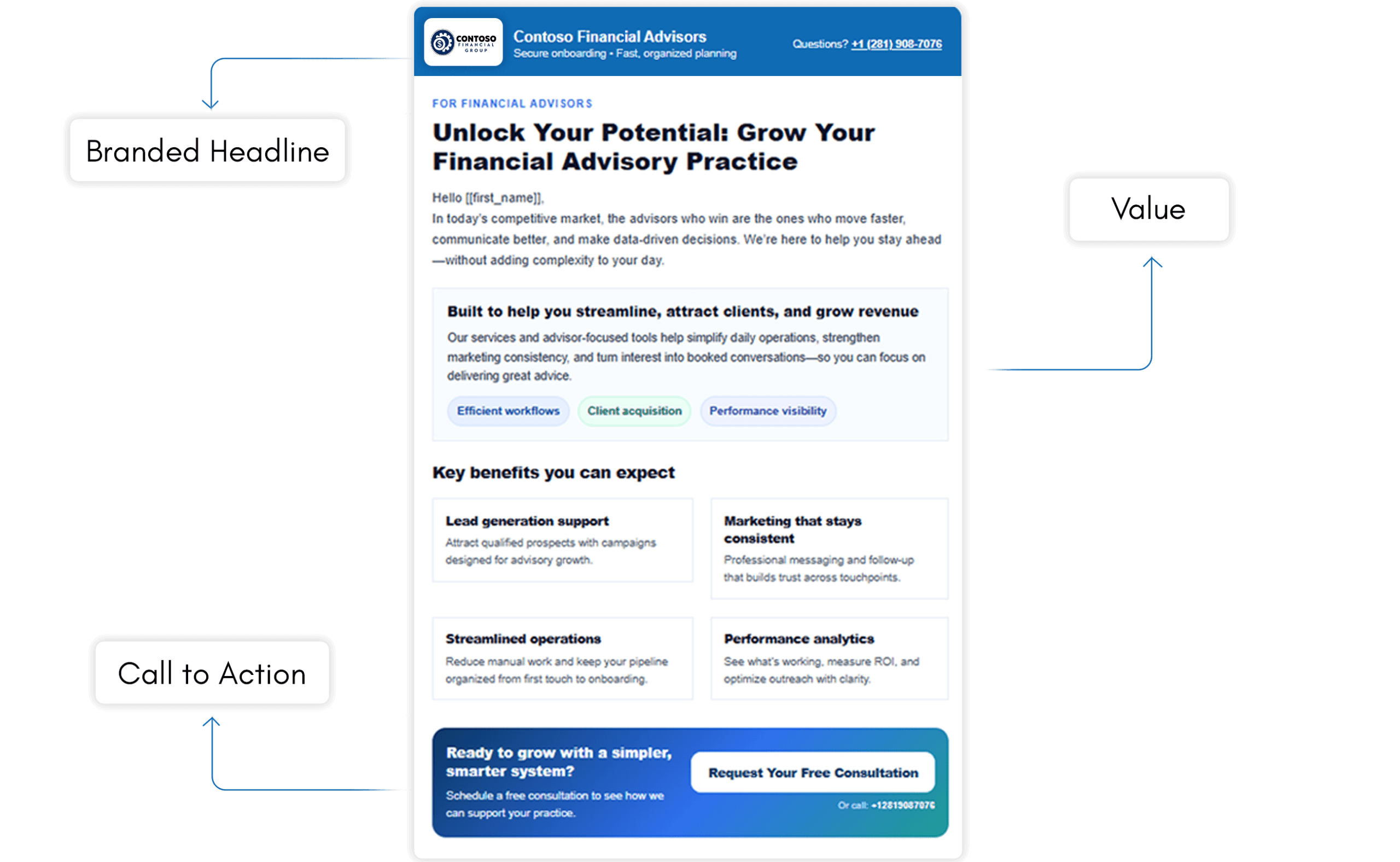
Sina helps you instantly write emails, text messages, and build branded email layouts, all inside LeadCenter with shortcodes, tone control, and template saving built in.
Yes. Sina automatically inserts LeadCenter shortcodes into both email and text templates. When sent, LeadCenter fills in each contact's real details so every message feels personal.

Yes. Both emails and text messages can be saved as templates and reused across campaigns, workflows, reminders, and team-shared libraries.

Yes. You can ask Sina to formalize, shorten, elaborate, or polish any email or text until it matches your firm's communication style.
Yes. Sina generates both email and SMS drafts with the same AI assistant, shortcodes, tone controls, and template saving built in.

Transform the Way You Write Emails

Create personalized, professional, and effective emails in seconds, directly inside LeadCenter. Improve follow-up speed, boost engagement, and scale your communication effortlessly.
Book a Demo

LeadCenter CRM—Anywhere You Go

Access your contacts, calendar, and tasks on the go with the LeadCenter mobile app for iOS and Android.
Get it on Google Play buttonDownload on the Apple App Store button
LeadCenter.AI mobile app mockup on smartphone screen
© All Rights Reserved By LeadCenter.AI
chevron-down