Connect Jump to your LeadCenter CRM. Meeting summaries, action items, and follow-up tasks are pushed directly into your client records automatically after every conversation.
Meeting Notes Appear in LeadCenter Contact Records
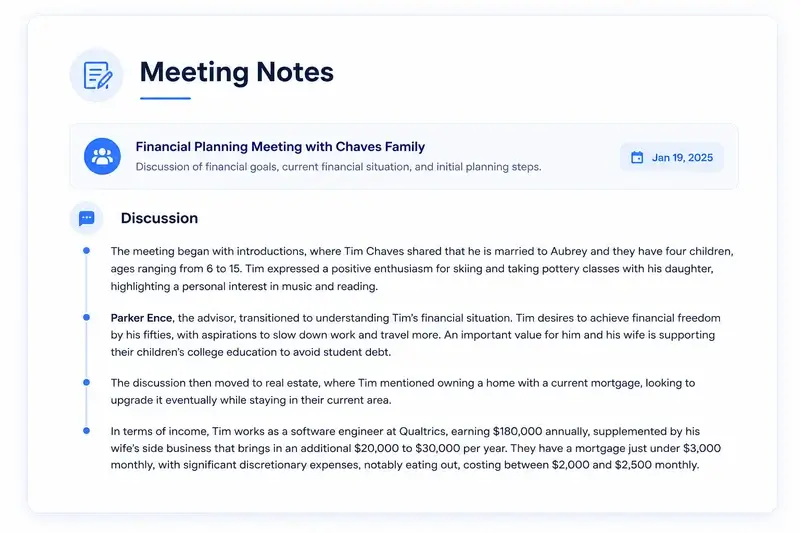
After every meeting, Jump sends the full meeting summary directly into the correct LeadCenter contact record. No need to open LeadCenter after the meeting ends.
Action Items Become LeadCenter Tasks Automatically
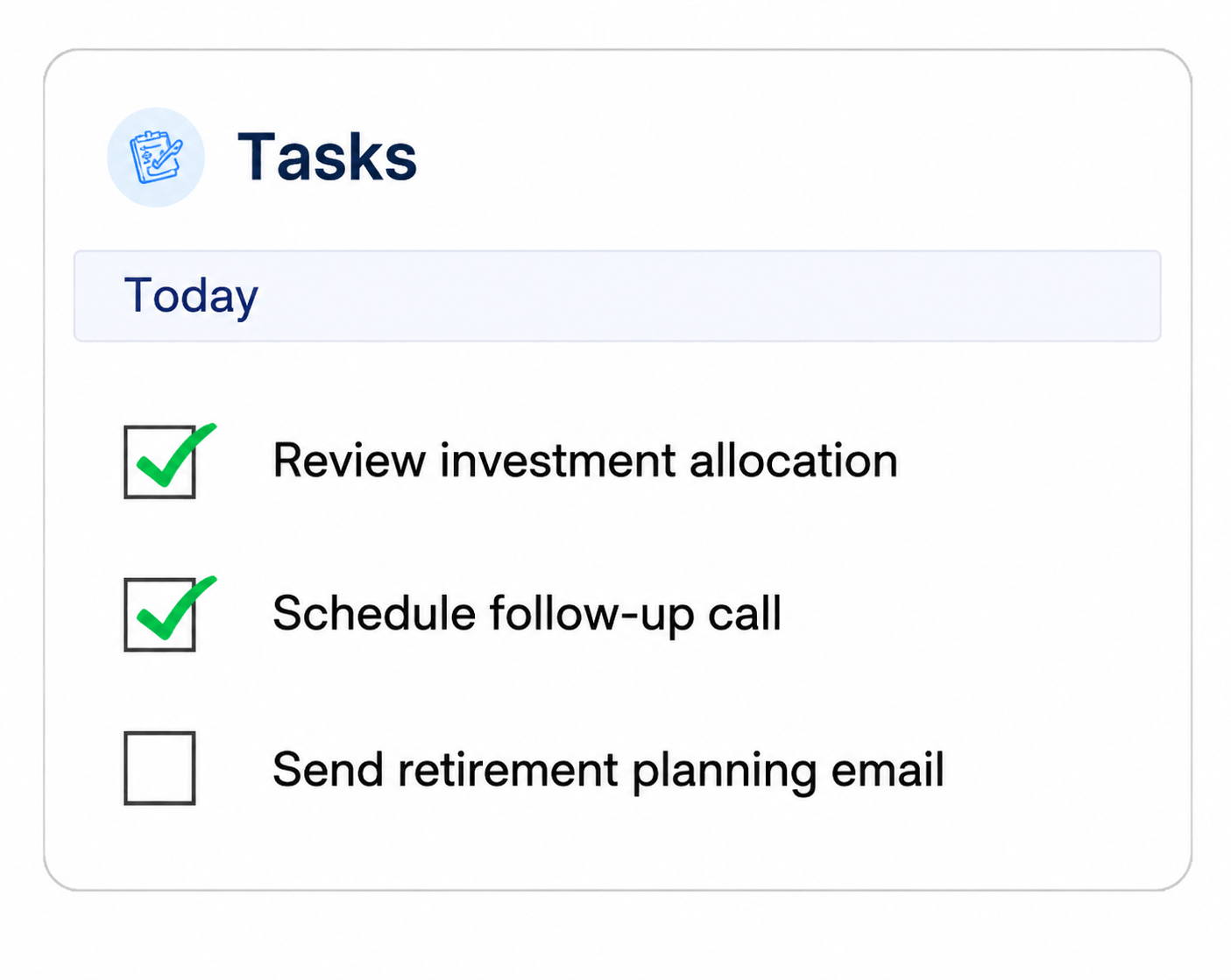
Action items from Jump are automatically created as tasks inside LeadCenter with the subject, due date, and owner already mapped and ready to action.
Pull LeadCenter Contacts into Jump Before the Meeting
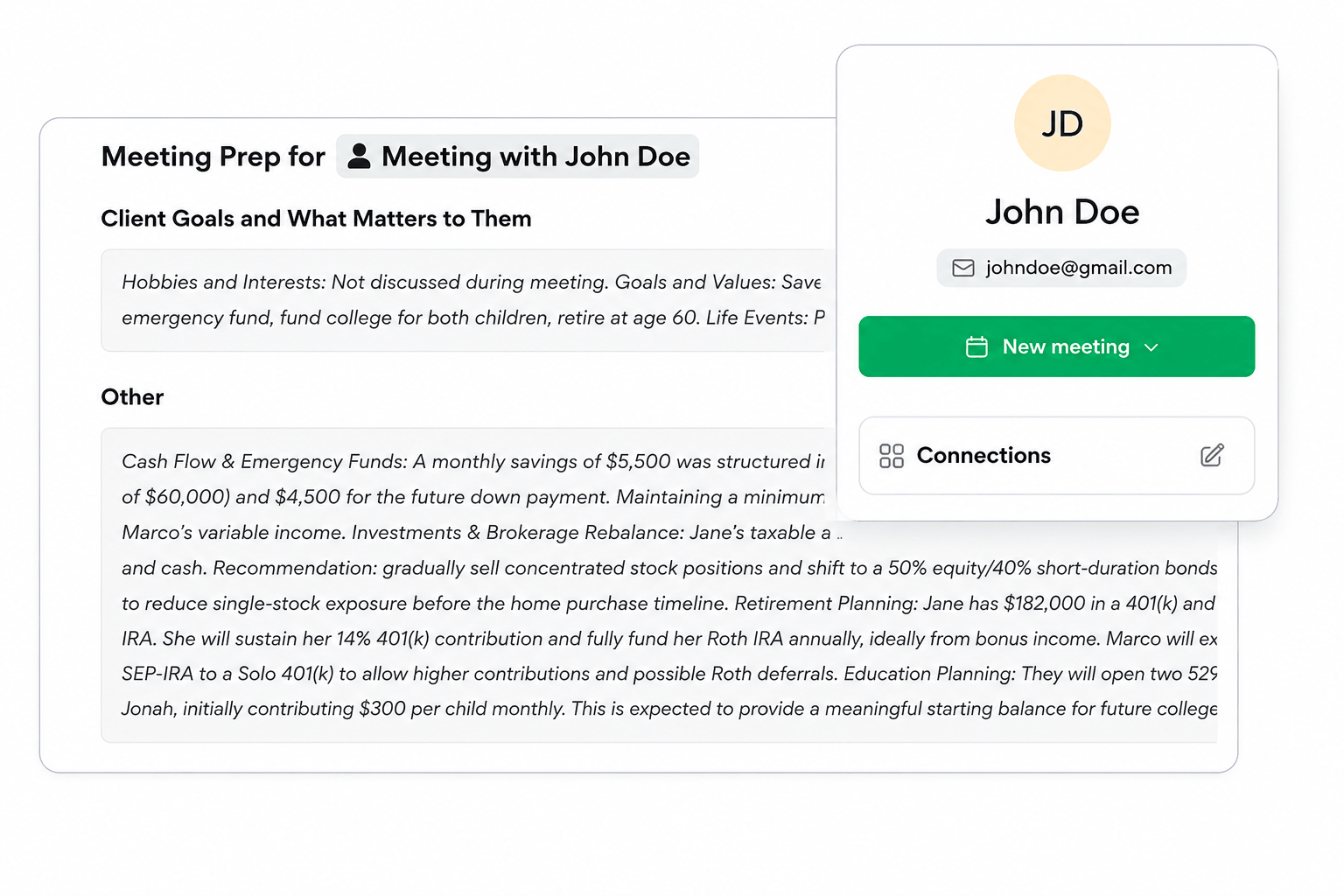
Before every meeting, Jump imports your LeadCenter contacts so advisors always have the right client data available inside Jump without switching between platforms.
How It Work
Connect LeadCenter to Intulse
Get started in under 5 minutes by easily linking your account and start saving time immediately.
Run your meetings in Jump as usual
Meetings continue seamlessly while Jump automatically syncs all your LeadCenter data.
Find everything in LeadCenter when the meeting ends
Instantly get summaries, tasks, and follow-ups so you never have to worry about outdated information.
Why LeadCenter Works Better With Jump Then Your Current CRM
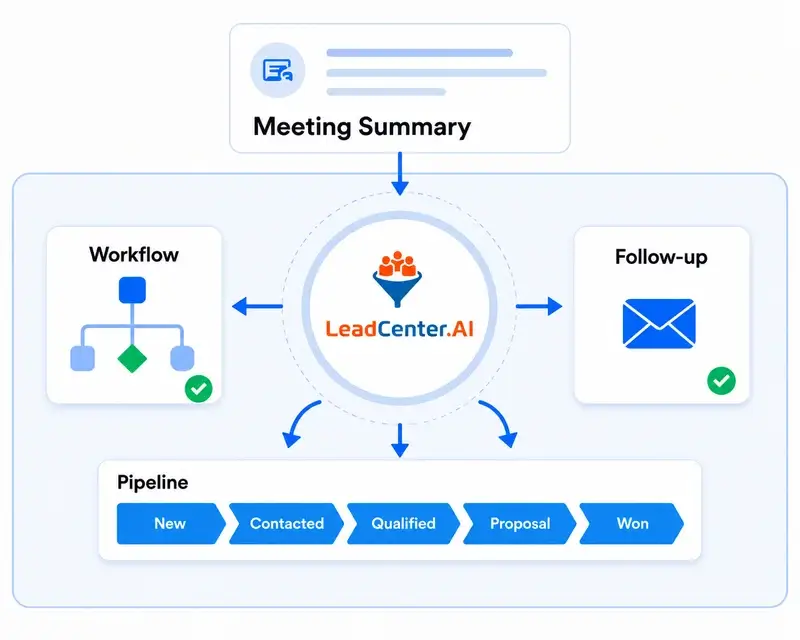
Once a meeting summary lands, LeadCenter triggers workflows, sends follow-up emails, and moves contacts through the pipeline automatically. Other CRMs only store the notes.
No. Jump handles your meetings as your AI Operating System. LeadCenter handles everything after — contacts, workflows, pipeline, and reporting. The two work together seamlessly.
Jump connects to LeadCenter automatically, pulling client data before meetings and writing meeting summaries and action items back into LeadCenter after. No developer needed - it’s that simple.
Yes. Once the integration is connected, Jump pulls your LeadCenter contacts and keeps them synced - so you’re always prepared with accurate client data for every meeting.
After the meeting, Jump automatically pushes the summary into LeadCenter as a note attached to the correct contact. Action items are turned into tasks, complete with due dates and assigned owners - so nothing slips through the cracks.
LeadCenter is designed to be your primary CRM. If you are currently using Redtail or Wealthbox, LeadCenter can sync with those platforms as well. Talk to the LeadCenter team about the best migration or integration path for your firm.
Not at all. LeadCenter is an all-in-one CRM for financial advisors. Whether you’re using Jump or not, it offers marketing automation, pipeline management, reporting, and more.
Less than 5 minutes. Connect Jump to LeadCenter in just a few clicks, with no technical setup required. It’s simple, fast, and ready to go.
Get started with LeadCenter and Jump today
If you use Jump for AI-powered meeting notes and want your client records to stay current automatically, LeadCenter is the CRM built for financial advisors that makes that happen.
Automate your marketing, sales, and operations processes and increase your lead-to-business conversion rates with a fully automated platform designed specifically for financial advisors.