LeadCenter + Intulse

Every inbound and outbound call, every text message, automatically matched to the right contact in LeadCenter. No manual entry. No missing history.

Every call and text lands in the right contact record automatically

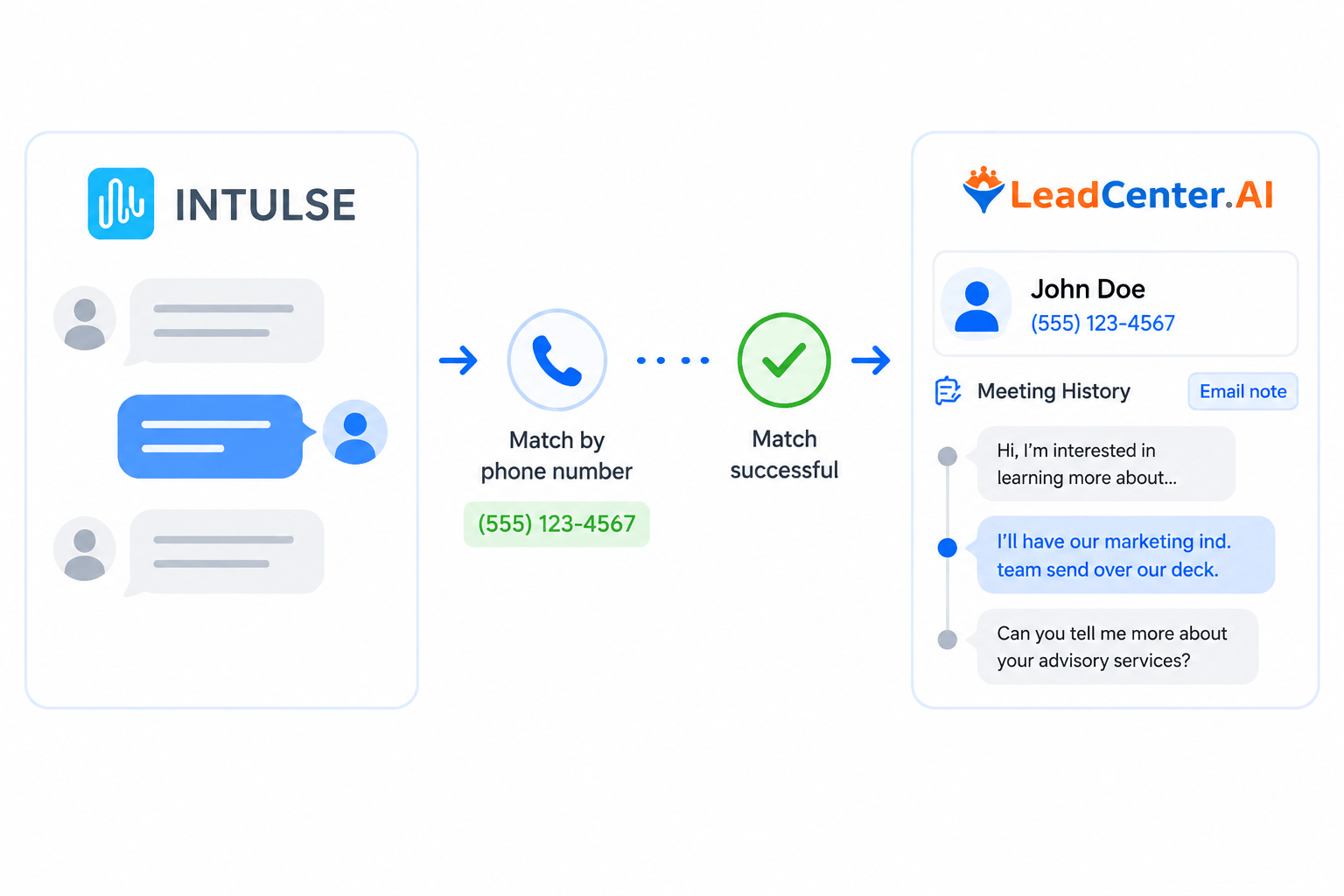
Full text message history in one place

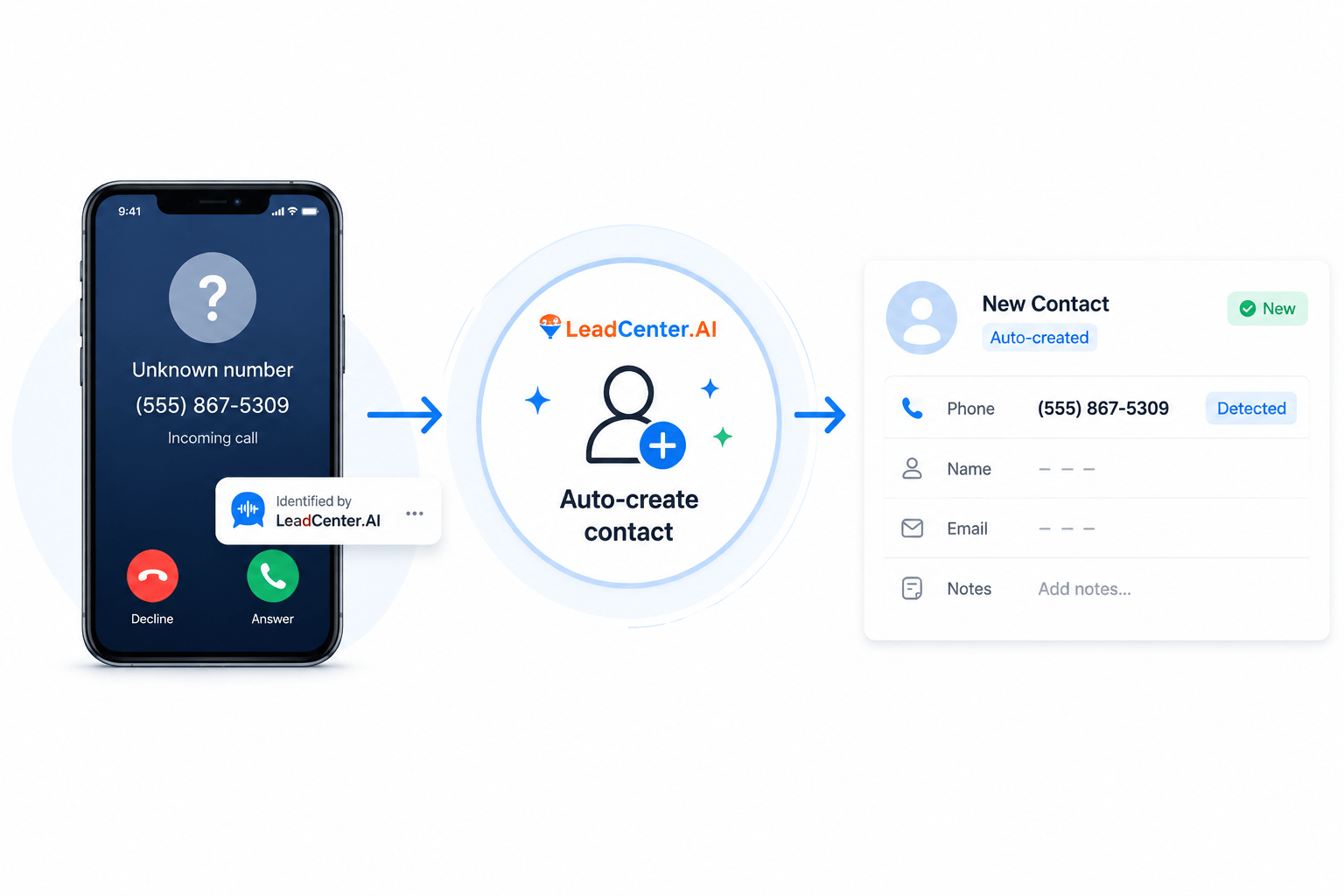
Unknown callers become new contacts automatically

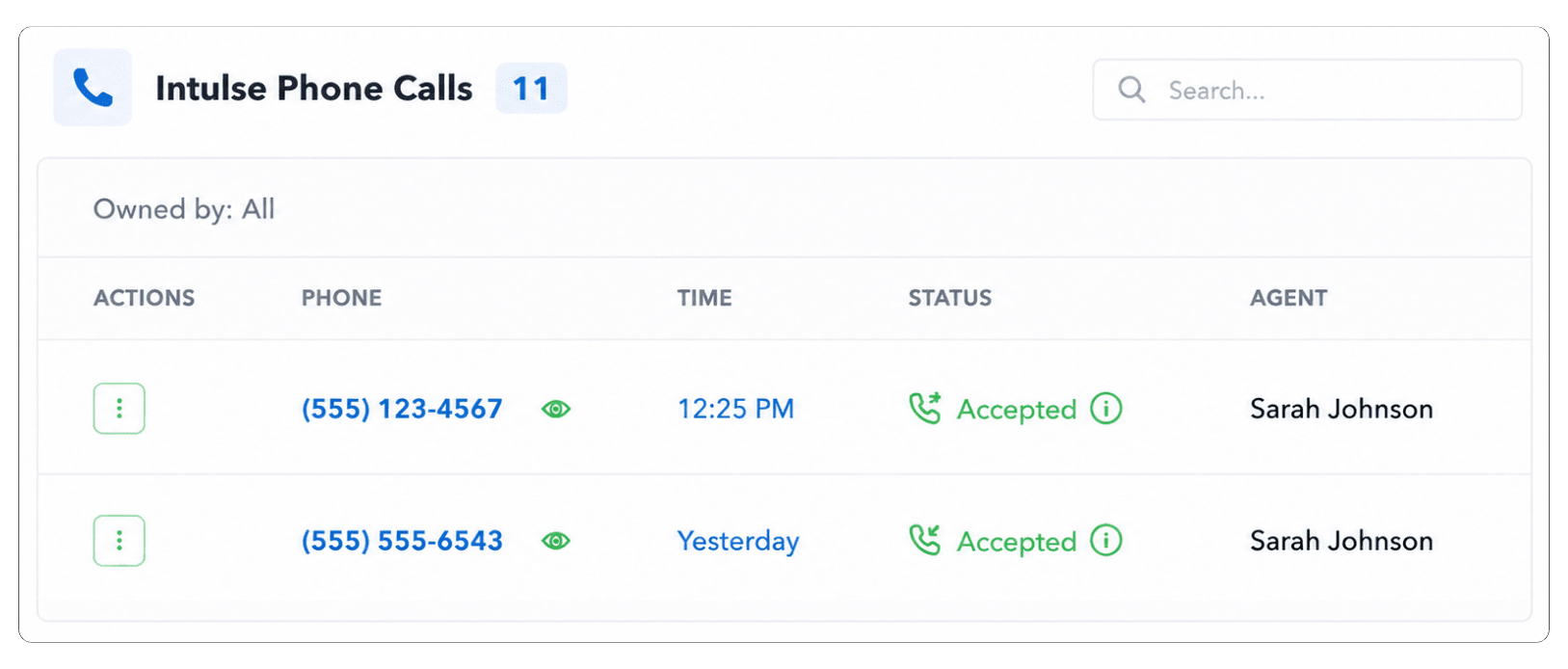
Inbound and Outbound Call Activity Synced Into LeadCenter

Every call, whether inbound or outbound, is matched to the correct contact by phone number. Direction, result, and duration are all logged automatically.

Text Message History Matched To Contact Records

SMS conversations from Intulse are matched to the correct LeadCenter contact by phone number and displayed in chronological order inside the contact record.

New Contacts Created Automatically From Unknown Phone Numbers

When a call or text arrives from an unknown number, LeadCenter automatically creates a new contact record. The advisor fills in details later.

How It Work

Connect LeadCenter to
Intulse

Link your account in under 5 minutes and start saving time while managing calls effortlessly.

Make and receive calls through Intulse as usual

Your team continues calls seamlessly while Intulse automatically logs everything in LeadCenter.

Find everything in LeadCenter contact records automatically

All call and text data appear instantly, keeping your CRM up to date with zero manual work.

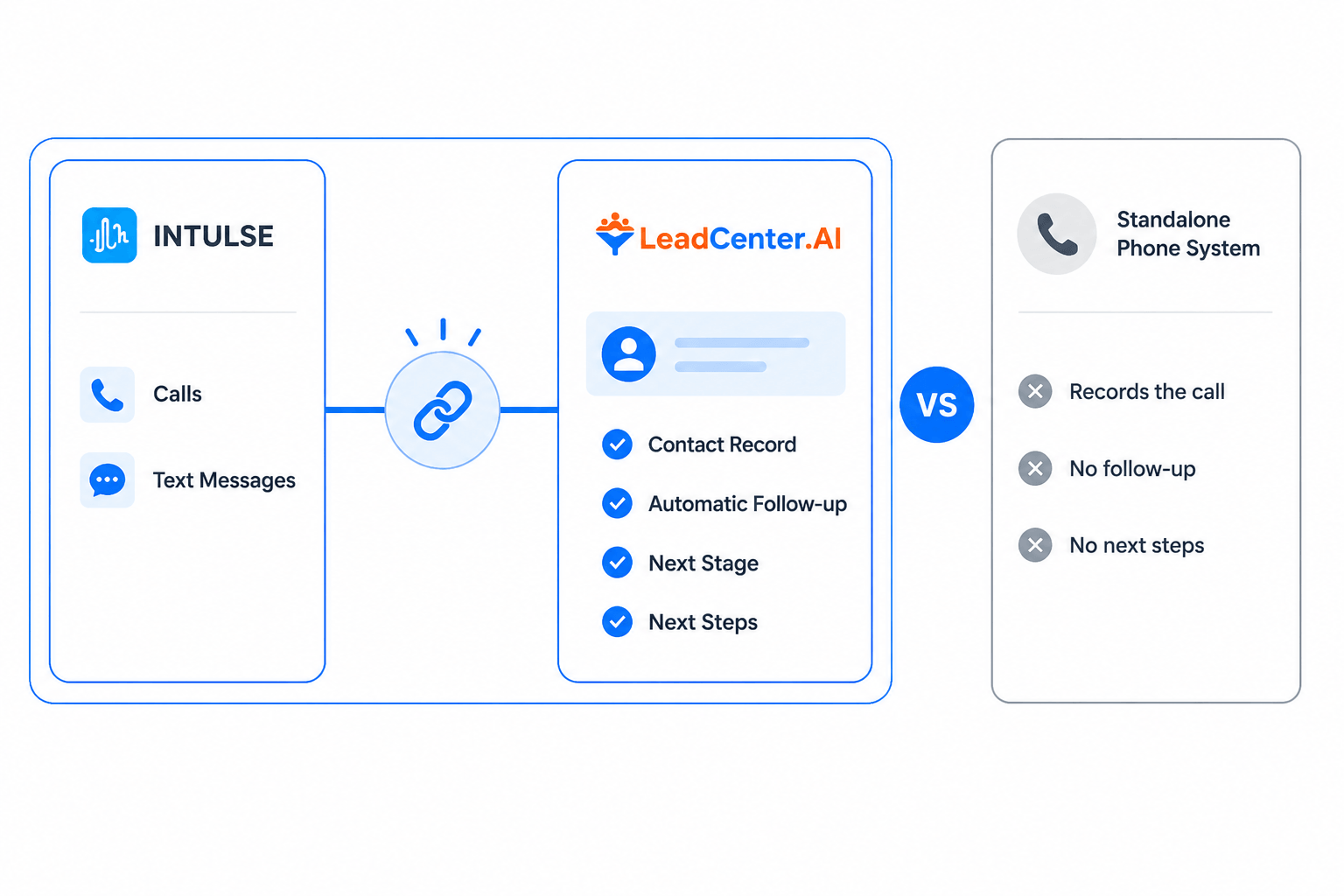
Why LeadCenter Works Better With Intulse Than a Standalone Phone System

A standalone phone system routes the call and stops. LeadCenter goes further by logging the call, triggering follow-up tasks, and moving the contact forward automatically.
No. Intulse continues to handle your calling and texting. LeadCenter is your CRM — it stores your contacts, tracks your communication history, runs your workflows, and manages your pipeline. The two tools work together through the integration.

Intulse connects to LeadCenter through your Organization API Key, which you enter inside the Intulse card under Settings > Integrations > Telephony in LeadCenter. Once connected, LeadCenter begins pulling in call and text activity from Intulse automatically. No developer is needed.

Each synced call entry includes the phone number, direction (inbound or outbound), call result (completed, missed, voicemail, busy), duration, and a recording link when Intulse provides one for that call.
Yes. Intulse SMS conversations are matched to contacts by phone number and displayed as read-only conversation history inside LeadCenter. Sent and received messages appear in chronological order grouped by contact. To reply, use Intulse directly.
LeadCenter automatically creates a new contact record using the unknown phone number so the activity is not lost. You can open the record later and add the contact's name and other details once you identify the person.
Disconnecting Intulse stops future call and text activity from syncing into LeadCenter. All previously synced calls and messages remain on the related contact records. Your history is preserved.
Yes. After connecting Intulse, return to the Intulse card under Settings > Integrations > Telephony in LeadCenter to review available connection settings for your account. From there you can manage sync preferences and configuration options.

Get started with LeadCenter and Intulse today

If you use Intulse for calling and texting and want every conversation to land in the right client record automatically, LeadCenter is the CRM built for financial advisors that makes that happen.
Book a Demo

LeadCenter CRM—Anywhere You Go

Access your contacts, calendar, and tasks on the go with the LeadCenter mobile app for iOS and Android.
Get it on Google Play buttonDownload on the Apple App Store button
LeadCenter.AI mobile app mockup on smartphone screen
© All Rights Reserved By LeadCenter.AI
chevron-down