AI Speech to Text for Financial Advisors

Record notes and messages by voice and turn them into clean, searchable text—instantly inside LeadCenter.

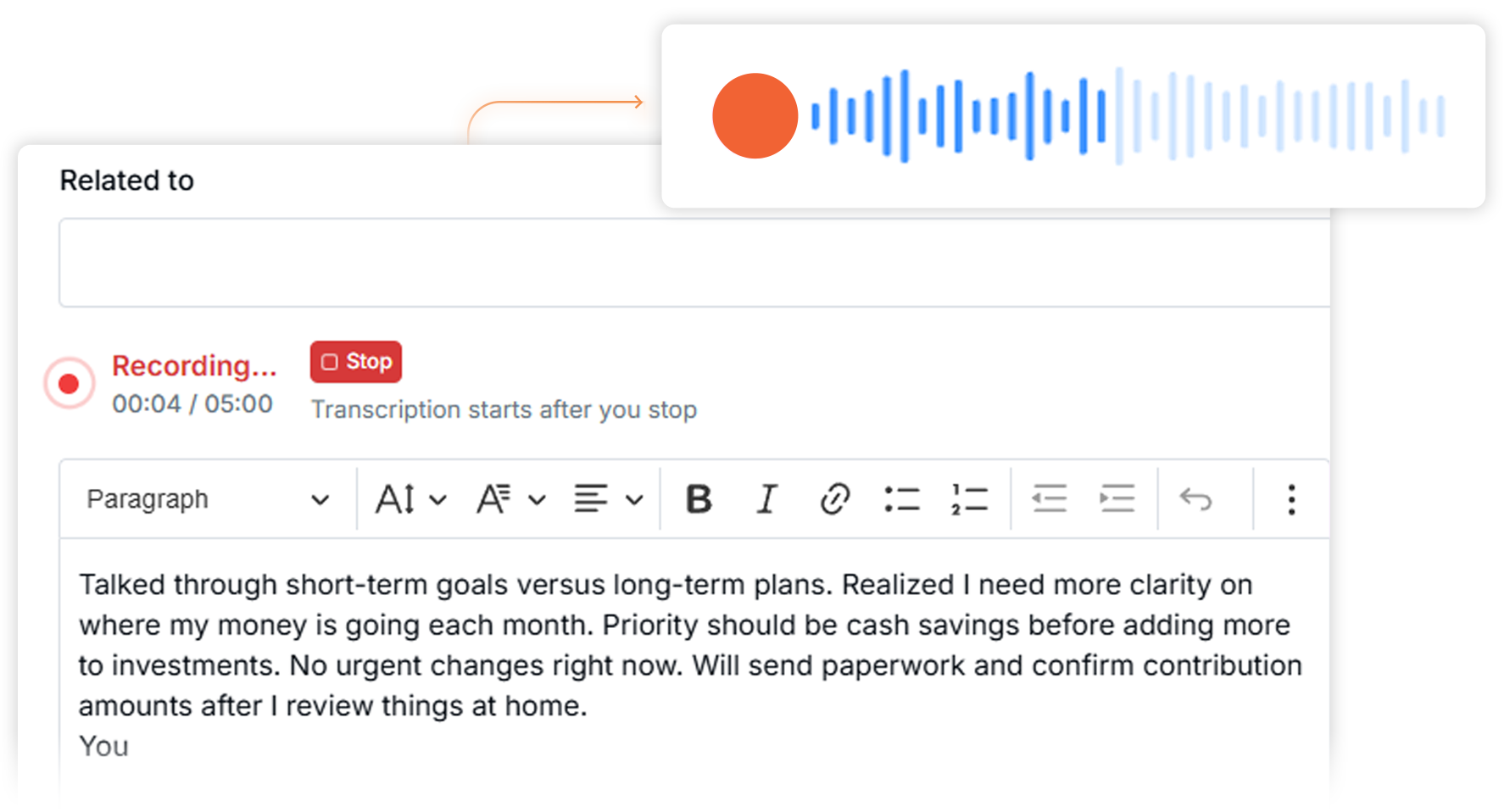
Record Notes Instead of Typing

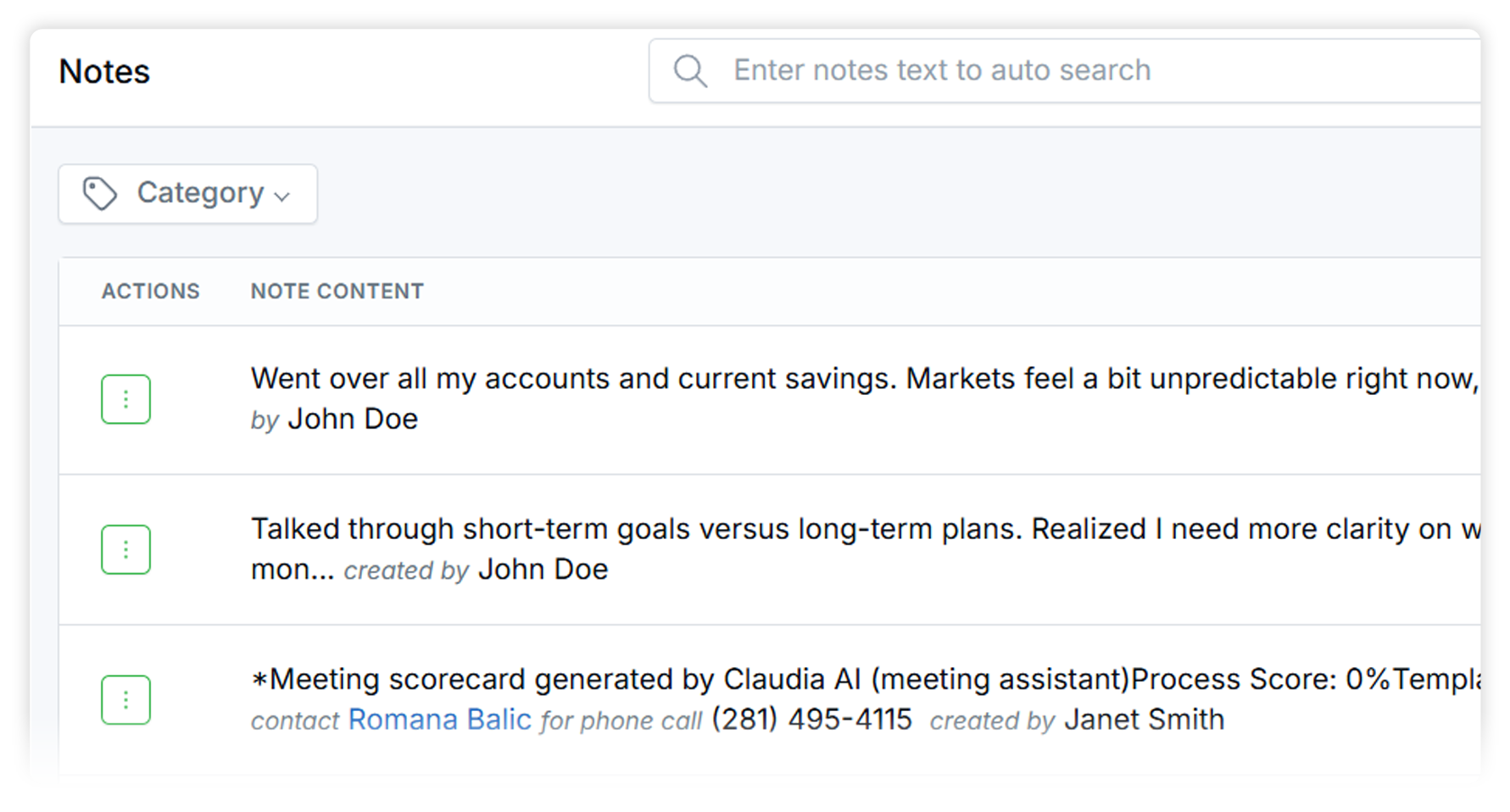
Instant Transcription in LeadCenter

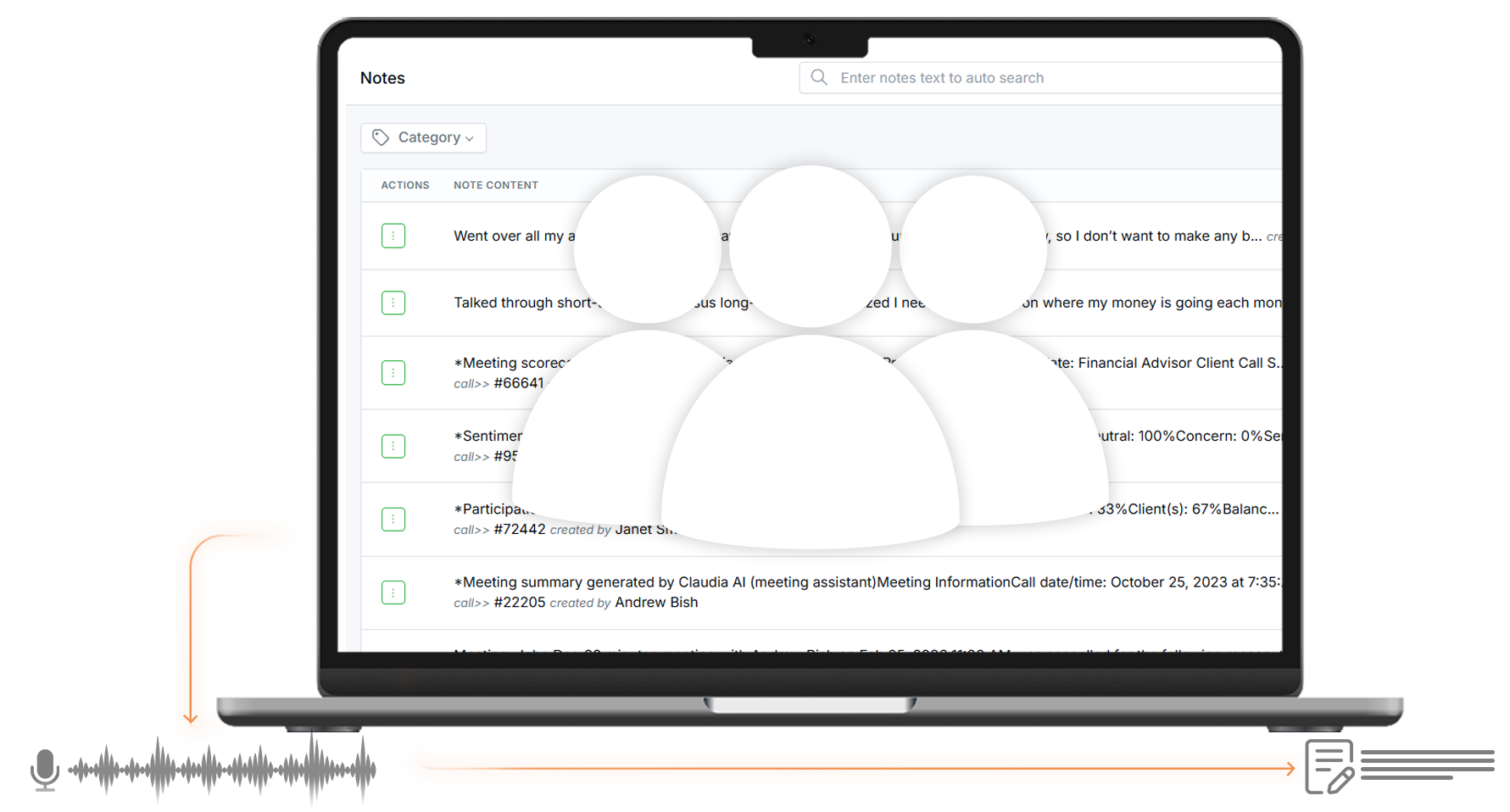
Notes Saved to the Right Record

Capture Thoughts While They’re Fresh

Advisors don’t always have time to type detailed notes—especially between meetings or calls.
AI Speech to Text lets you record your thoughts the moment they happen and turns them into written notes automatically inside LeadCenter.

No typing. No shortcuts. Just speak and move on.

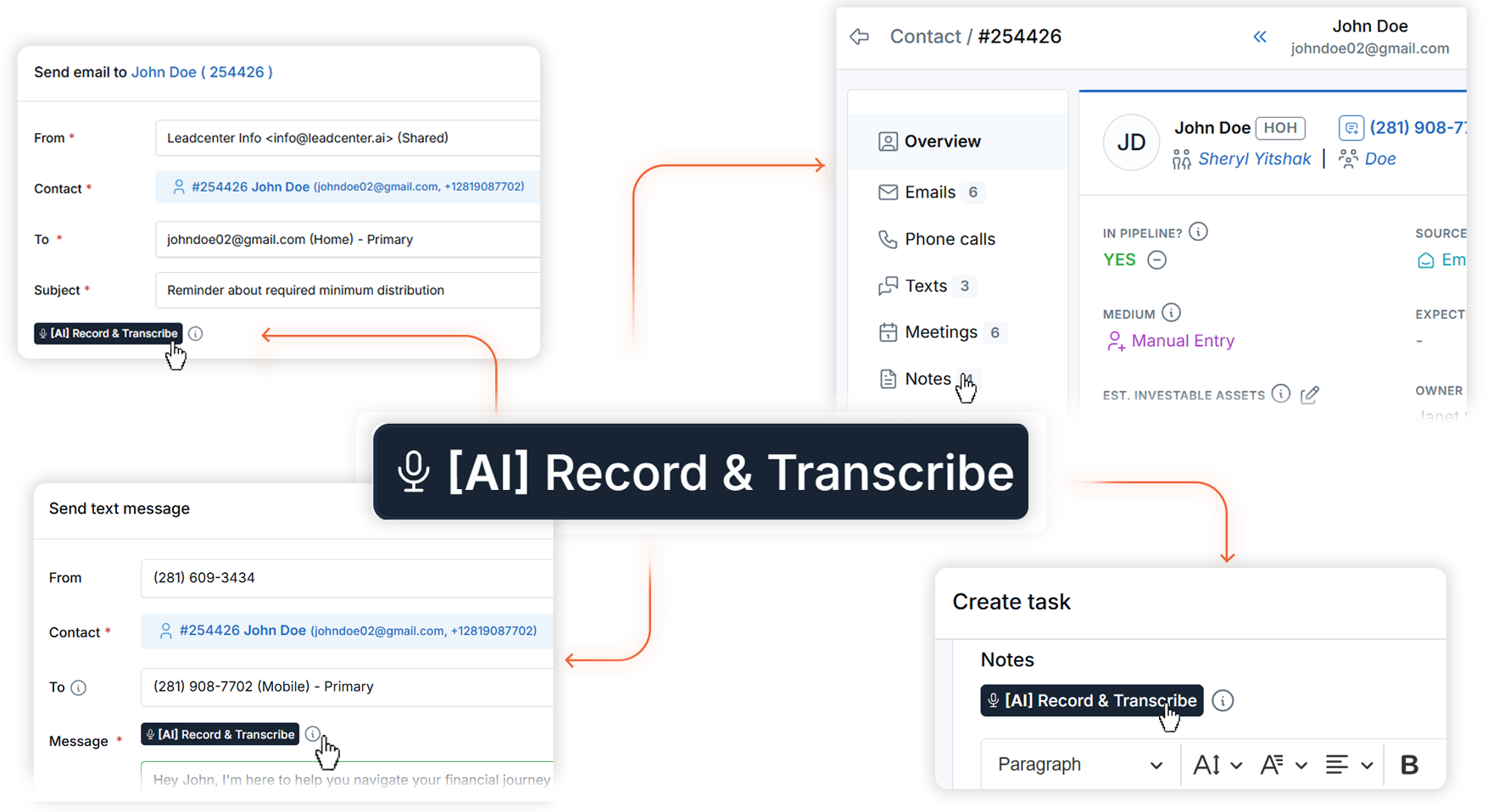
Record Notes and Messages with One Click

Use AI Speech to Text to record:

  • Contact notes

  • Follow-up reminders

  • Internal messages

  • Quick summaries after calls or meetings

Your voice is converted into text instantly, so you can keep working without breaking your flow.

Automatically Transcribed into Clean, Readable Text

Recorded audio is transcribed into clear, structured text you can read, edit, and search later.
This makes your notes more useful—not just recorded, but actionable.

Saved Directly to Contacts, Deals, and Activities

Transcribed notes are saved exactly where they belong in LeadCenter.
That means future conversations, follow-ups, and reviews always have the right context—without hunting through scattered files or memory.

Stay Focused on Clients, Not the Keyboard

Whether you’re between meetings, on the move, or wrapping up a call, AI Speech to Text helps you stay present.
You talk. LeadCenter handles the rest.
AI Speech to Text allows you to record spoken notes or messages and automatically convert them into written text inside LeadCenter.
You can use it when adding notes or messages within LeadCenter—such as on contact records, activities, or follow-ups.

Yes. Once your note is transcribed, it behaves like any other note in LeadCenter—you can edit, refine, or update the text at any time.

The focus of AI Speech to Text is capturing your note as text. Once the transcription is created, you work with the written note inside LeadCenter—making it easy to read, search, and reference later.
It’s ideal for post-call notes, quick client summaries, reminders, and anytime typing would slow you down.

Capture More—Without Slowing Down

AI Speech to Text helps advisors document conversations and ideas effortlessly.
Speak your notes, keep your records clean, and move on with your day.
Book a Demo

LeadCenter CRM—Anywhere You Go

Access your contacts, calendar, and tasks on the go with the LeadCenter mobile app for iOS and Android.
Get it on Google Play buttonDownload on the Apple App Store button
LeadCenter.AI mobile app mockup on smartphone screen
© All Rights Reserved By LeadCenter.AI
chevron-down