Claudia: AI Meeting Assistant Inside LeadCenter

Meeting prep, notes, follow-ups, and insights, automatically saved to the client record, without adding another AI subscription.

CRM-Native: Saved to the Client Record

Pay-As-You-Go
No Extra Subscriptions

Prep + Notes + Follow-Ups
Automatically

Meetings that stay with the client record

Advisors don’t need another tab. They need meeting documentation that’s organized, consistent, and connected to the client record. Follow-ups happen faster and context is never lost.

Meeting Prep Before You Join

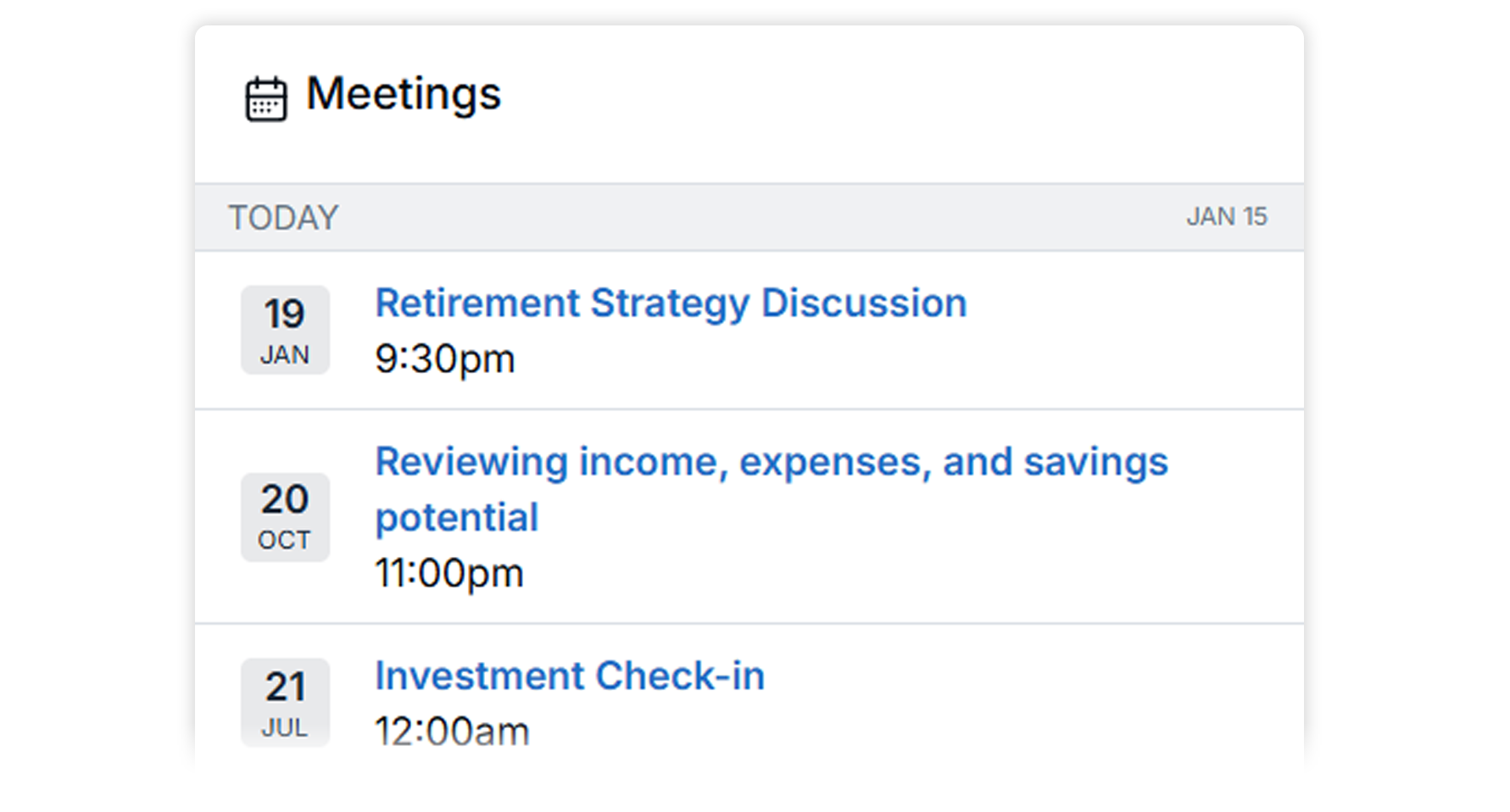
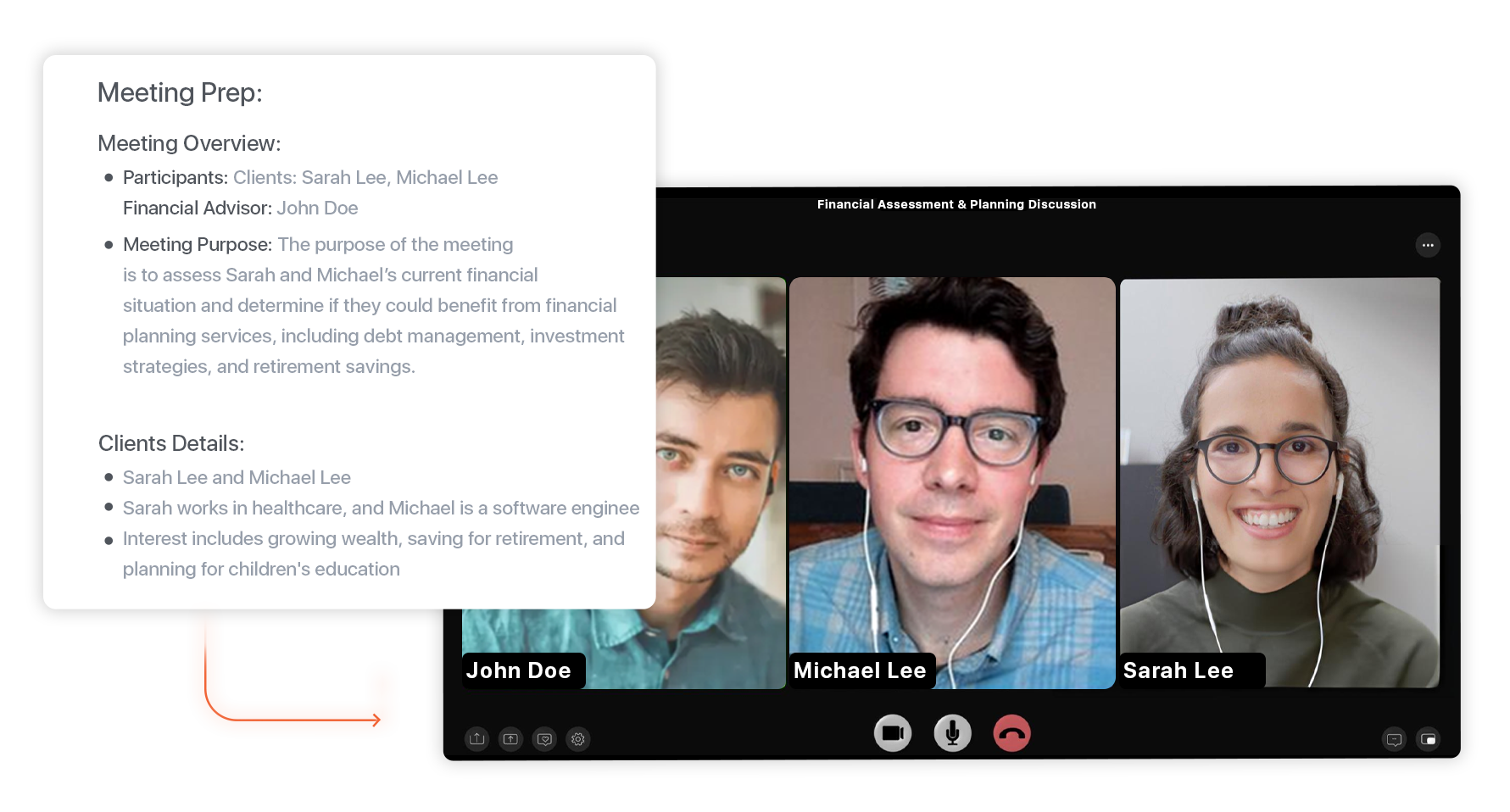
Claudia generates meeting prep ahead of scheduled appointments using the contact’s CRM context and activity history, so you walk in ready without digging.

Structured Notes & Summaries After the Meeting

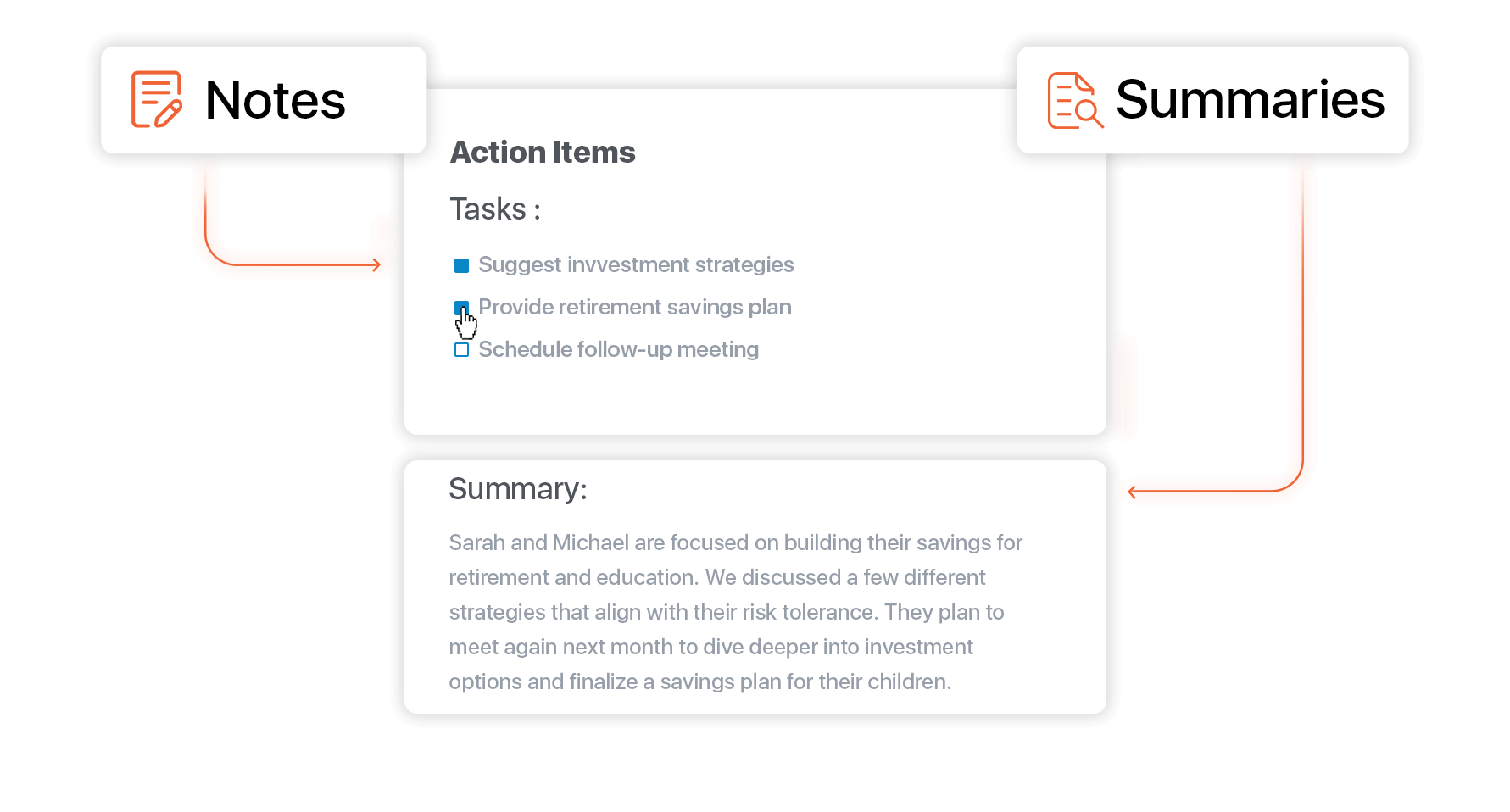
Turn conversations into clear, structured outputs mapped to your templates, so key details and action items are captured consistently without manual write-ups.

Follow-Up Email Drafts Without Starting From Scratch

Automatically generate a follow-up email draft based on what was discussed, saved for you to review, edit, and send. This keeps momentum from stalling after meetings.

Works Across Meetings and Calls

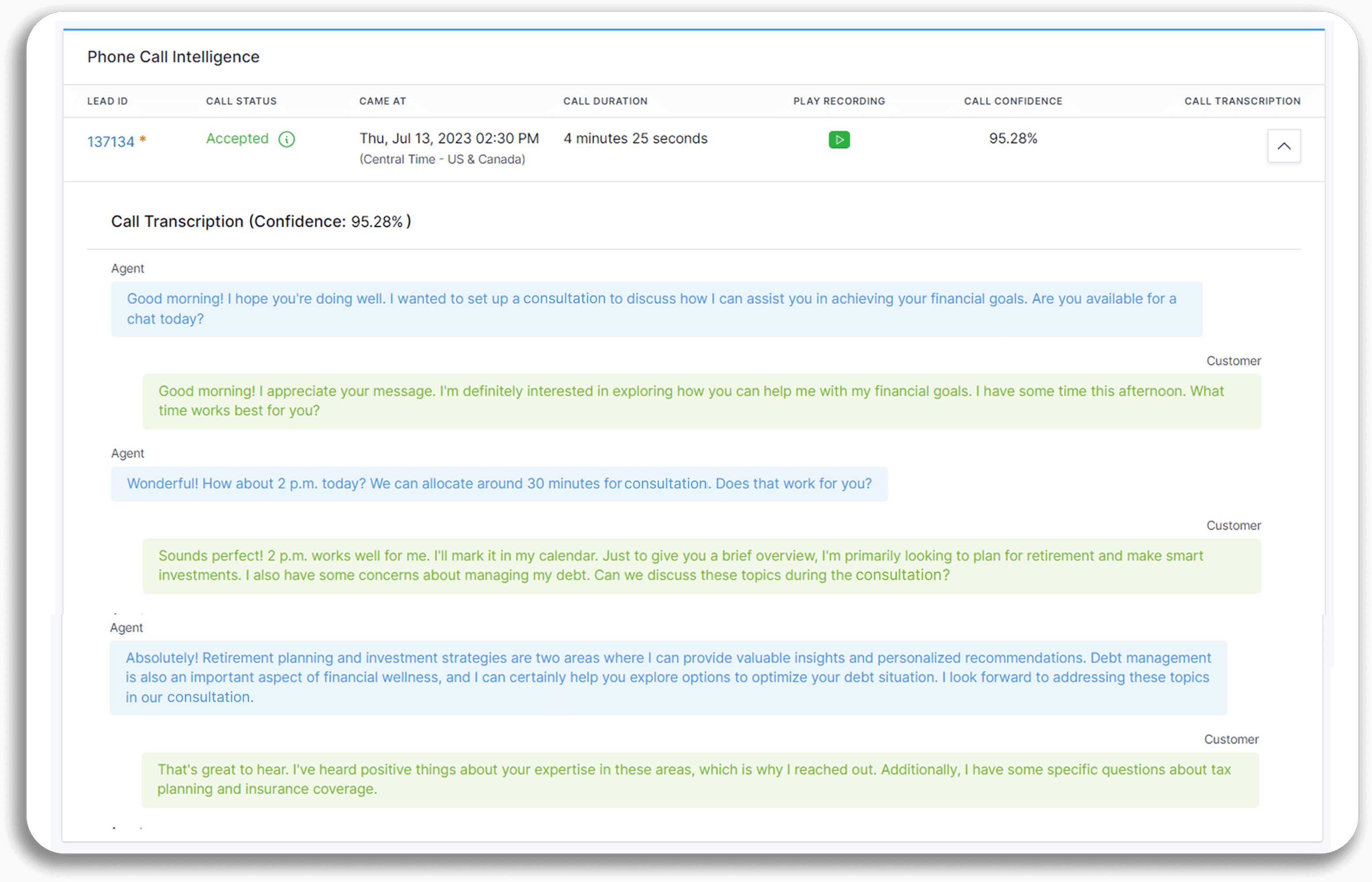
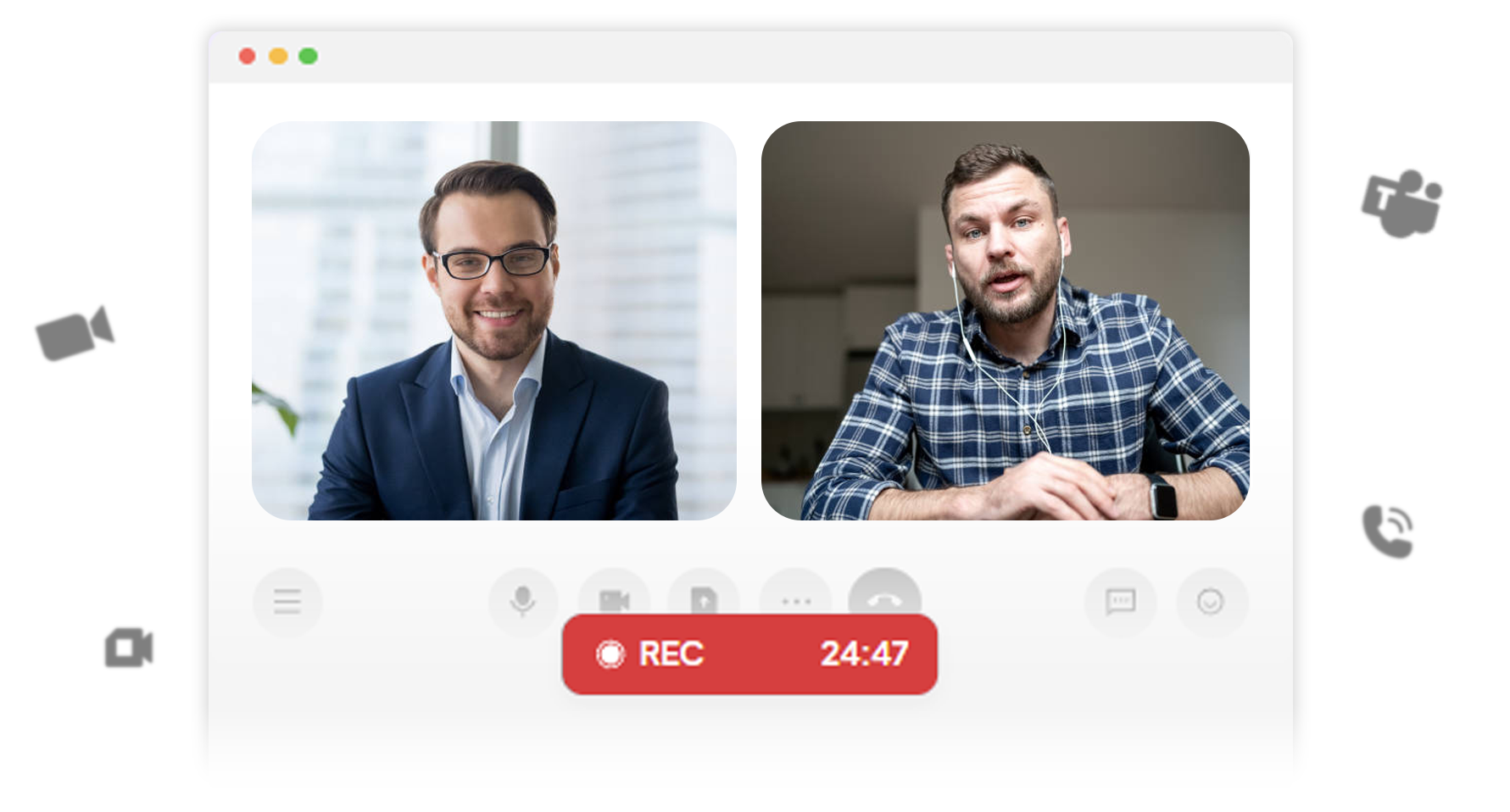
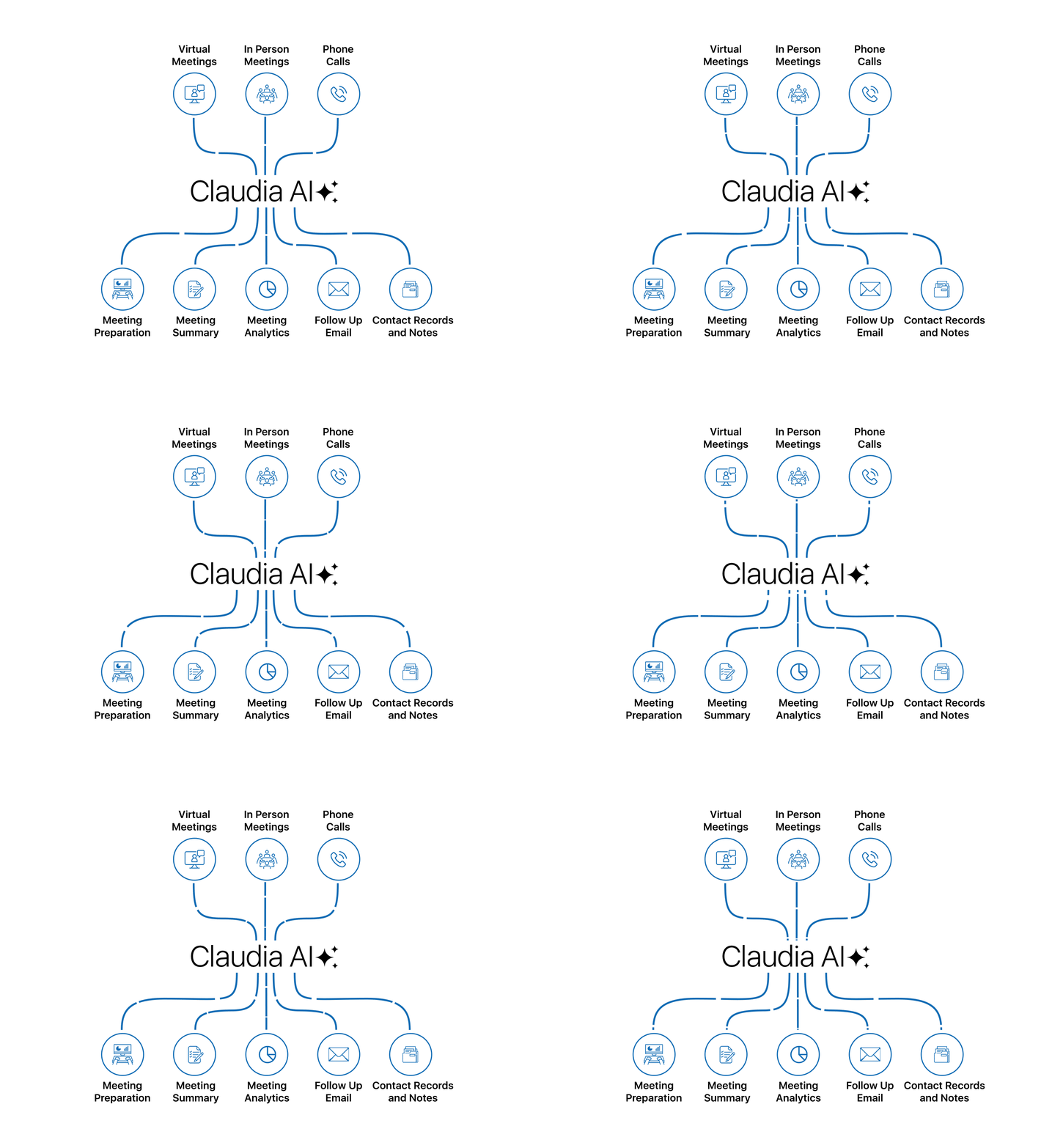
Use Claudia across virtual meetings, in-person meetings, and phone calls, so every conversation follows the same workflow and lands in the same place: the client record.

Conversation Insights That Help You Improve

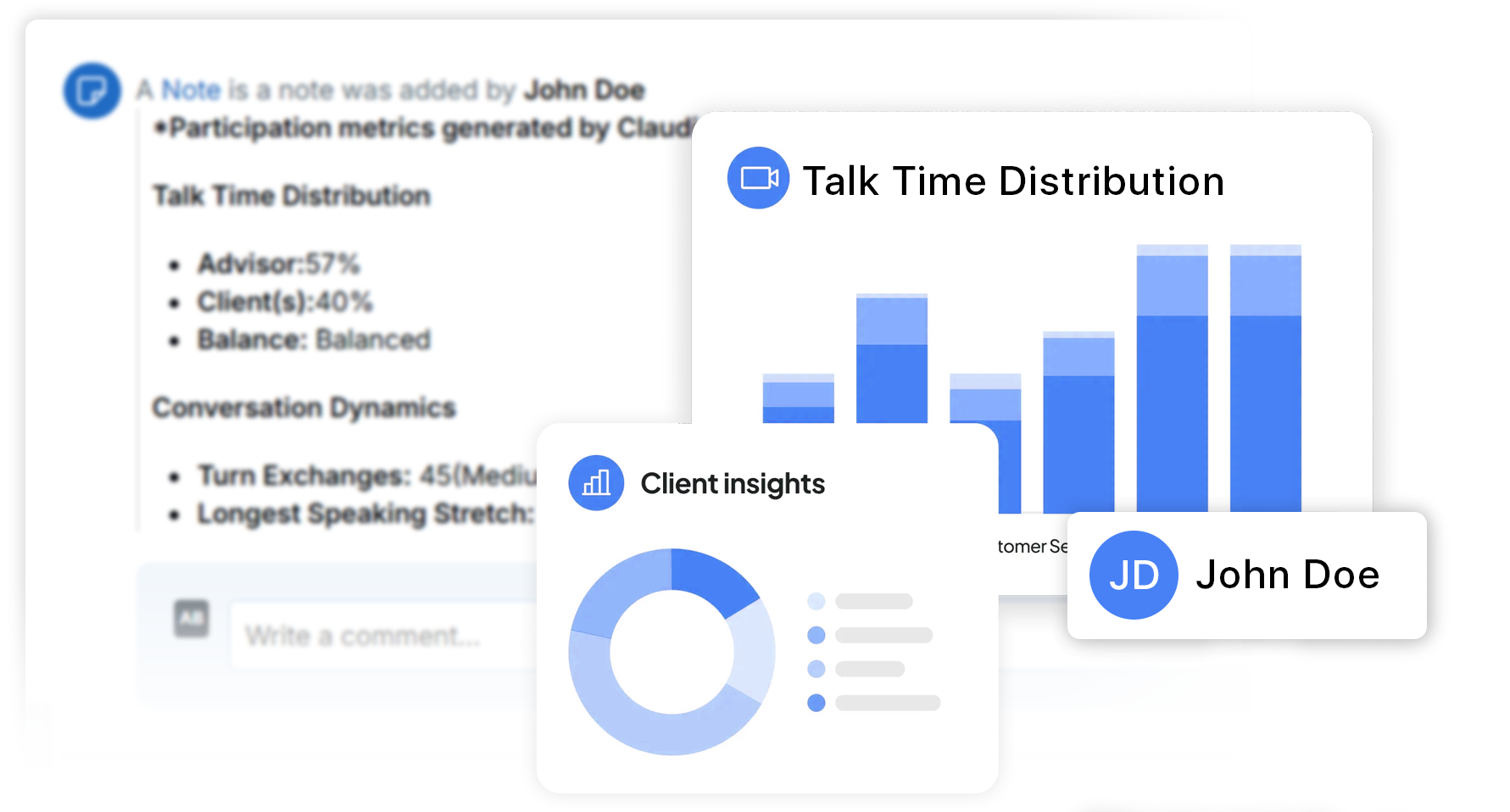
Go beyond notes with participation metrics (talk vs. listen), sentiment, and scorecards, so advisors can standardize discovery conversations and elevate the client experience over time.

No Extra Tools to Buy

Claudia is built into LeadCenter, so your team doesn’t need a separate AI note-taker account to manage, onboard, and pay for. (And because it’s CRM-native, outputs don’t depend on manual syncing.)

Claudia AI helps with meeting prep, meeting capture, transcripts, structured summaries, follow-up drafts, and conversation analytics. Everything is saved to the client record in LeadCenter.
No, Claudia AI is designed for pay-as-you-go usage inside LeadCenter so teams can avoid stacking extra per-seat subscriptions.

Summaries are saved on the related contact record and can also be delivered by email. Follow-up drafts are saved for you to review, edit, and send.

Yes. You can use different templates for different meeting types so outputs stay consistent across the firm.
Yes. When call transcription and summaries are enabled for a phone number, Claudia can generate call summaries (and optionally tasks / email drafts depending on settings).

Replace tool-switching with a CRM-native workflow

Prep faster. Document consistently. Follow up immediately.
Claudia AI turns meetings into organized client context inside LeadCenter.
Book a Demo

LeadCenter CRM—Anywhere You Go

Access your contacts, calendar, and tasks on the go with the LeadCenter mobile app for iOS and Android.
Get it on Google Play buttonDownload on the Apple App Store button
LeadCenter.AI mobile app mockup on smartphone screen
© All Rights Reserved By LeadCenter.AI
chevron-down