AI HTML Email Designer for Financial Advisors

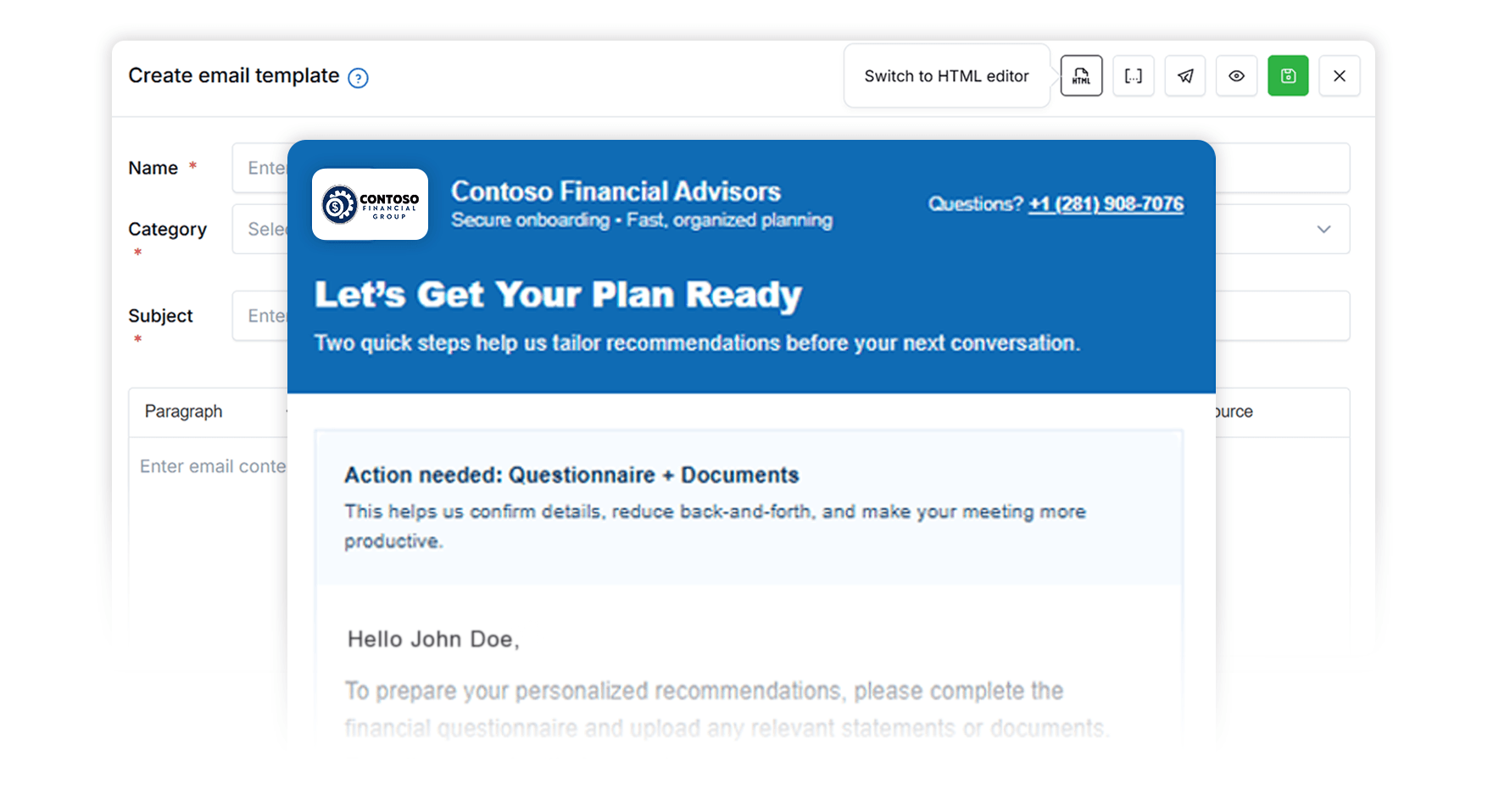
Build branded email layouts in seconds—no coding needed—then save them as templates inside LeadCenter.

Branded HTML Layouts in Seconds

No Coding or Designers Needed

Saved as Templates in LeadCenter

Emails that look professional—without the back-and-forth

Advisors shouldn’t have to fight HTML, hire a designer, or paste code into external tools just to send a good-looking email. AI HTML Email Designer creates the layout + structure for you, right where you already build email templates in LeadCenter.

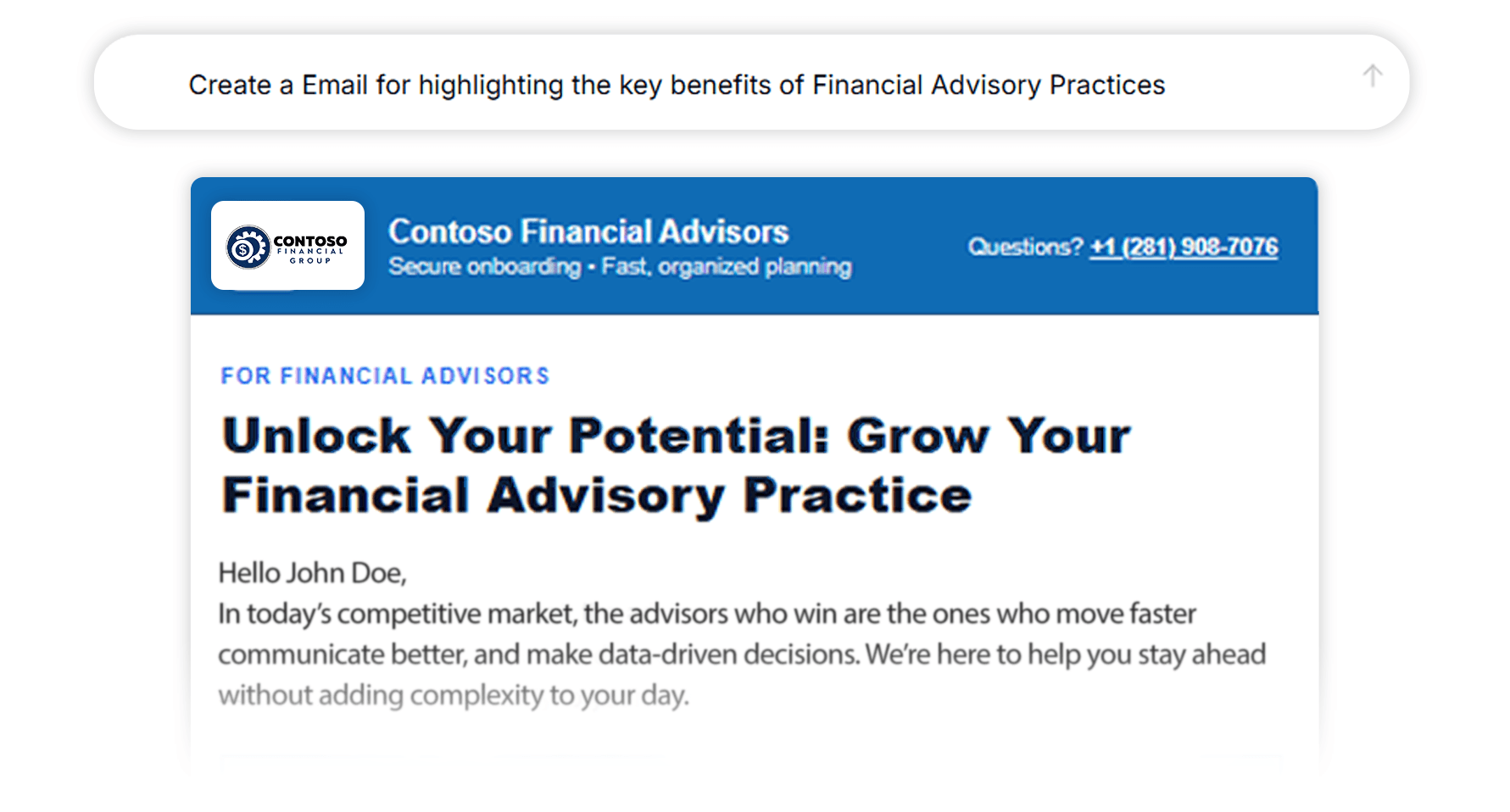
Generate a Full HTML Email Layout from a Simple Prompt

Describe the email you want (newsletter, follow-up sequence template, seminar invite, appointment reminder, re-engagement) and generate a complete, branded HTML layout in seconds—ready to edit and reuse.

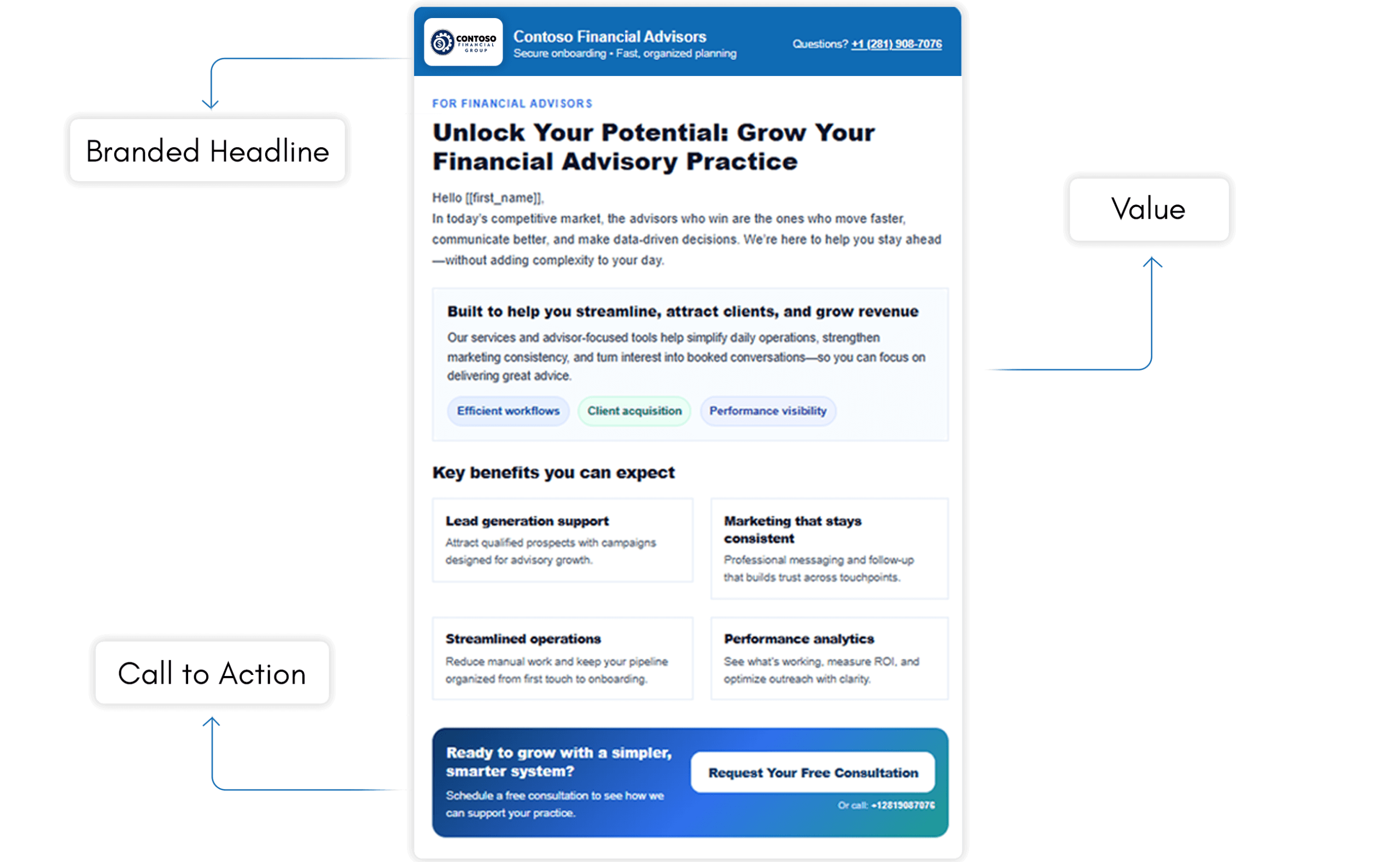
Brand-Ready Sections: Headlines, CTAs, Columns, and Content Blocks

Instead of “just copy”, you get real layout: headers, sections, call-to-action blocks, and a clean structure that feels like a designed email—without needing to touch code.
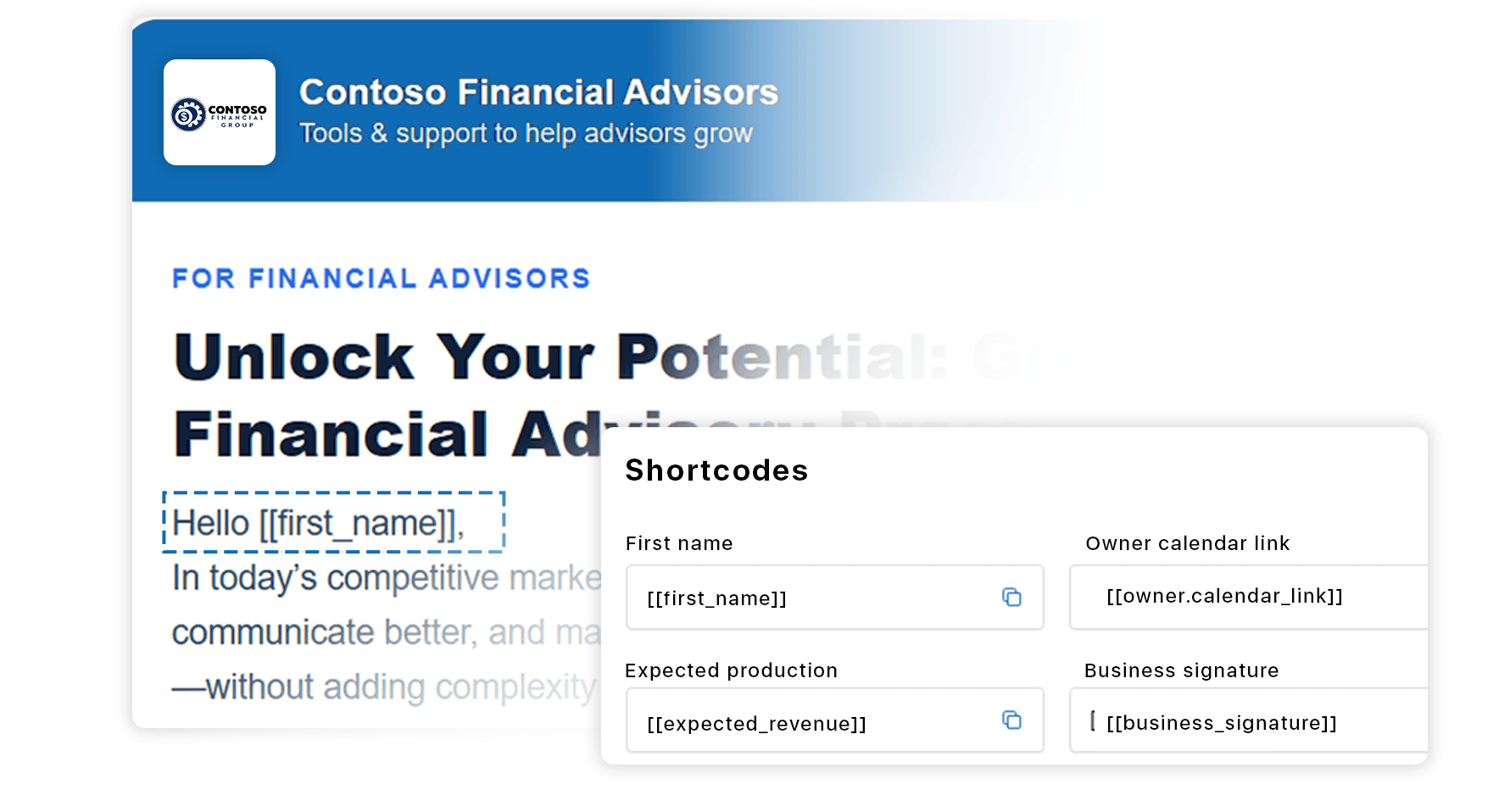
Works with LeadCenter Shortcodes for Personalization

Templates support LeadCenter shortcodes so your email can automatically pull real contact values (like name, appointment details, and other fields) into the message.

Built-In Compliance Check While You Draft

As you build and refine your email, you can run the built-in Compliance Check in the same window to flag potential SEC/FINRA-related considerations before sending or saving.

It’s an AI-powered tool inside LeadCenter that generates complete HTML email layouts (not just text) so advisors can create professional, branded templates without coding.
Yes. You can refine content, adjust sections, and iterate on the layout until it matches your firm’s style.

Yes. Your templates can include LeadCenter shortcodes so emails automatically populate contact-specific values when sent.

Yes. Save the result as a template and reuse it across LeadCenter email campaigns and workflows.
Yes. The AI Assistant includes a built-in Compliance Check option you can run after drafting your copy.

Build Better Emails—Faster

Create branded HTML email layouts in seconds, save them as templates, and use them across campaigns and workflows—right inside LeadCenter.
Book a Demo

LeadCenter CRM—Anywhere You Go

Access your contacts, calendar, and tasks on the go with the LeadCenter mobile app for iOS and Android.
Get it on Google Play buttonDownload on the Apple App Store button
LeadCenter.AI mobile app mockup on smartphone screen
© All Rights Reserved By LeadCenter.AI
chevron-down
