Outlook + LeadCenter

Connect your Outlook or Microsoft 365 mailbox in about two minutes. Emails with your contacts land on their records, and you can send and reply without leaving LeadCenter.
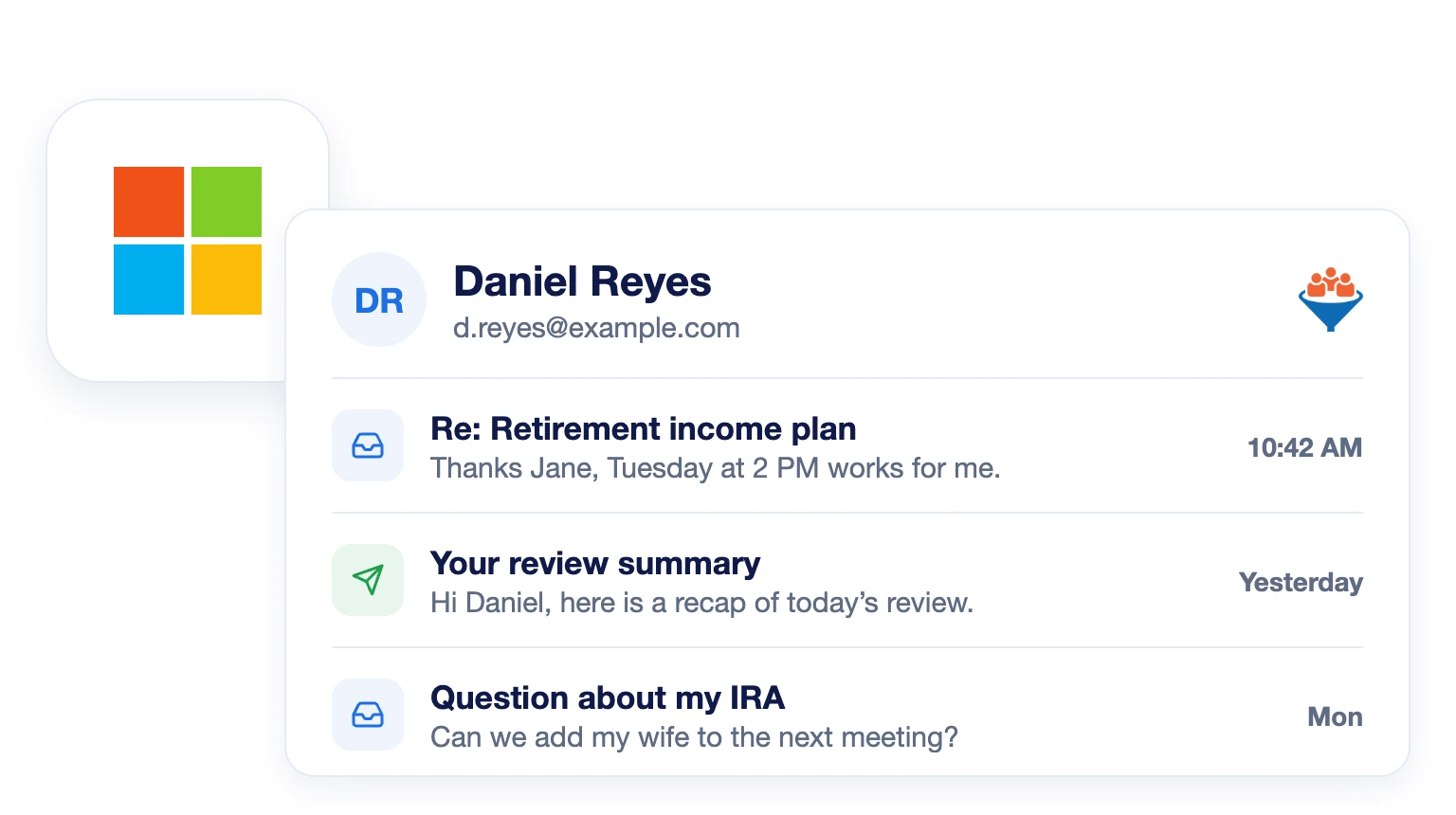
Outlook emails with a client shown on the LeadCenter contact record

Two-Minute Setup

Connect icon

Emails on the Contact Record

Email icon

Send From LeadCenter

Send icon

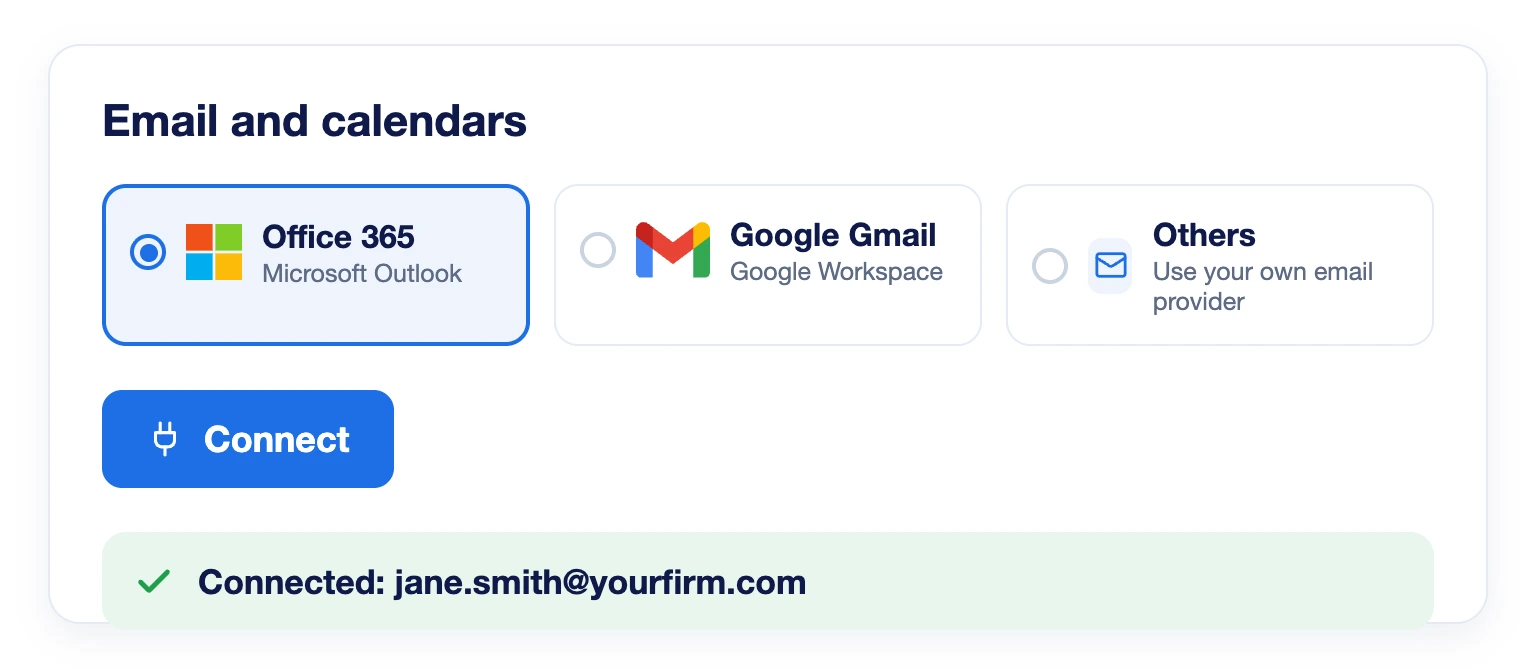
Connect Outlook in About Two Minutes

Open Personal profile, go to Email and calendars, choose Office 365 and click Connect. Sign in with Microsoft and approve. It works with Microsoft 365, outlook.com and live.com, and LeadCenter stores no server settings or passwords.

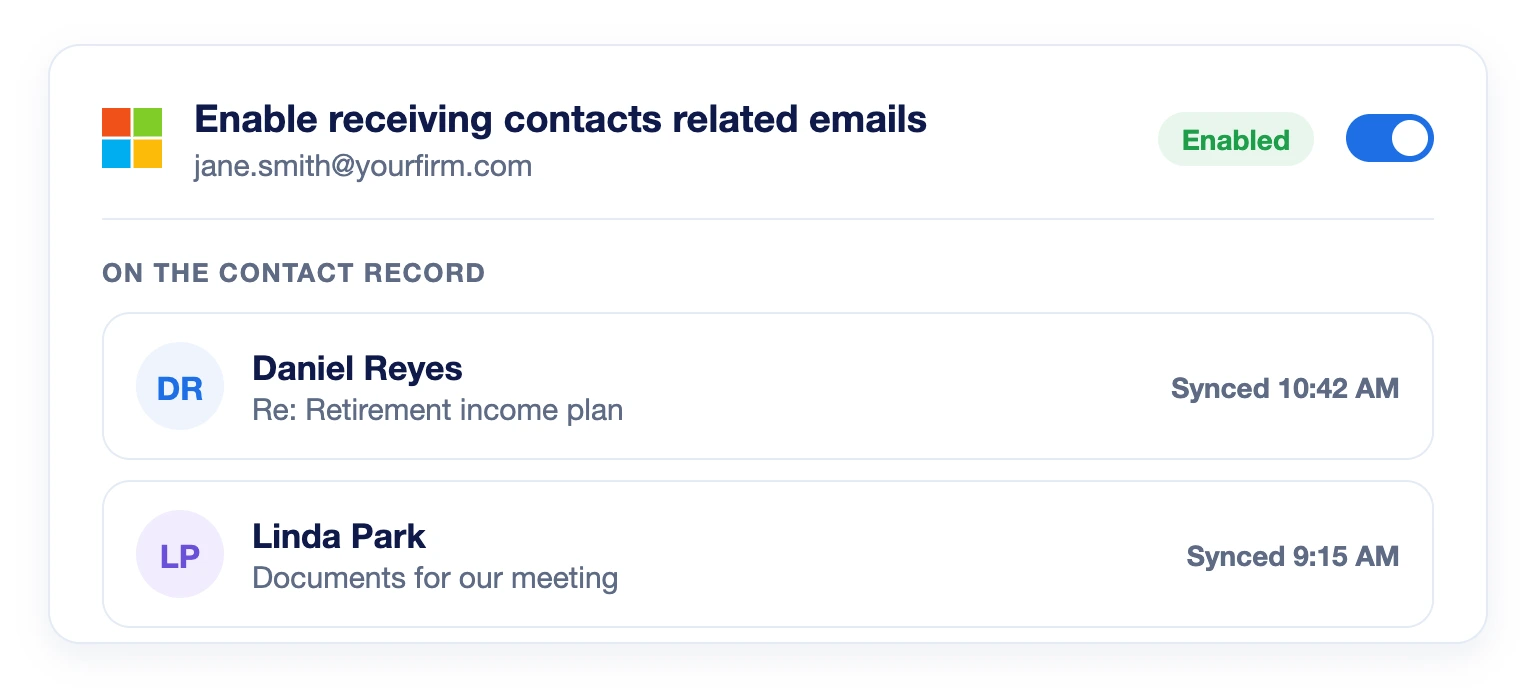
Every Client Email on the Contact Record

Turn on Enable receiving contacts related emails. From then on, emails you exchange with a contact appear on their record automatically, matched by email address. Your whole client history stays in one place.

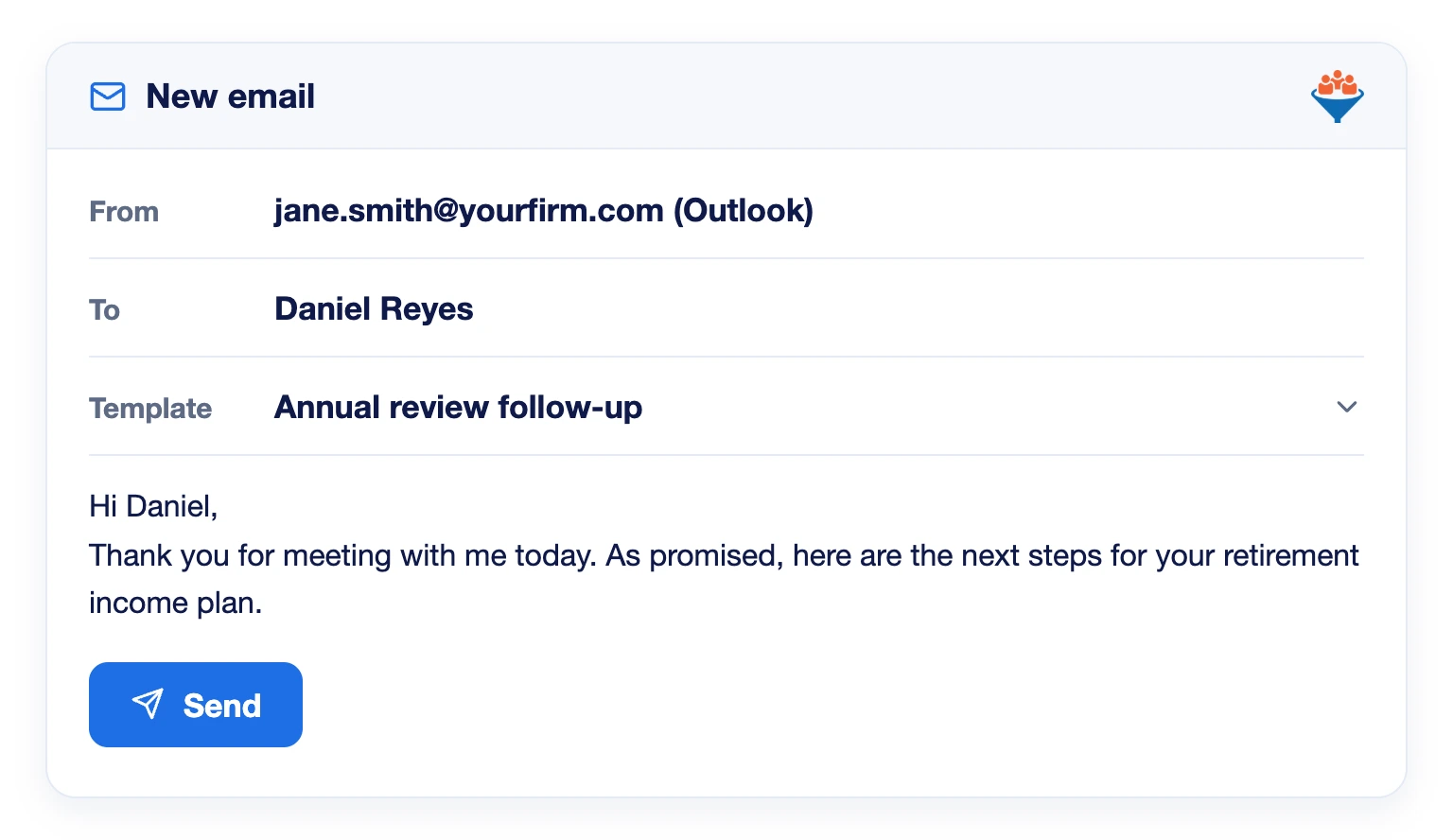
Send and Reply Without Switching Apps

Write to contacts and reply to them from inside LeadCenter, using your saved email templates. No copying between Outlook and your CRM.

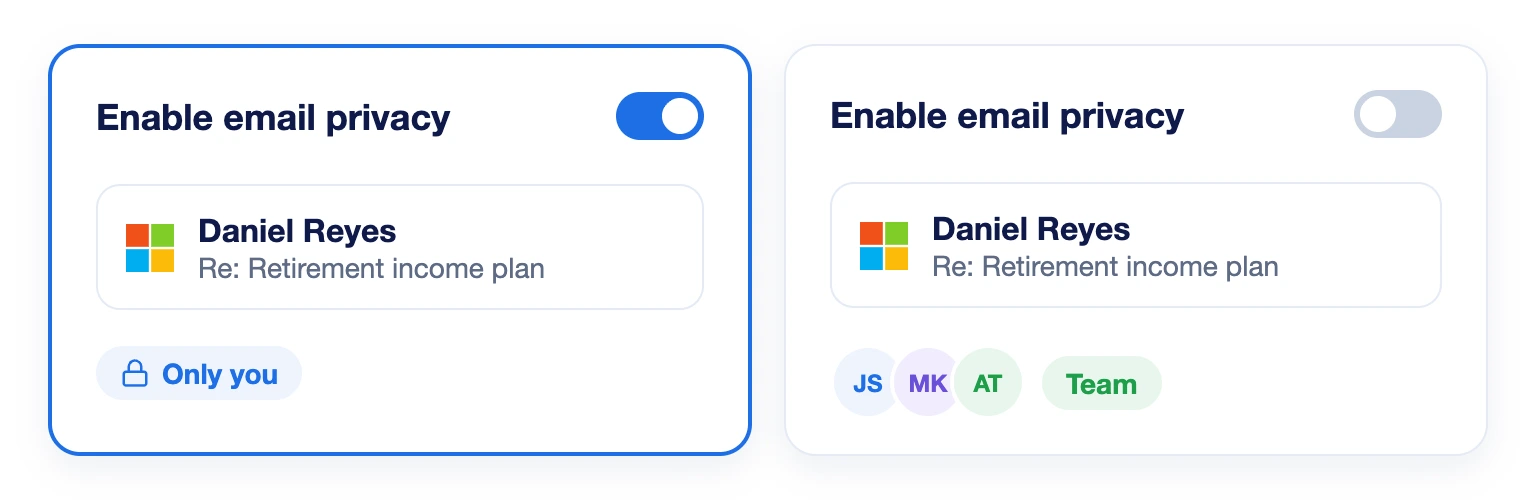
You Decide Who Sees Your Emails

Turn on Enable email privacy and only you can read your synced emails. Leave it off and your team shares visibility of client correspondence on the contact record.
No. Sync covers emails with your contacts from the day you connect. Your mailbox history is not imported.
Only emails exchanged with addresses that belong to a contact in LeadCenter, once Enable receiving contacts related emails is turned on.
No. Appointment confirmations, reminders, workflows and email marketing send from a shared email account in LeadCenter.
Your sign-in has likely expired or been revoked by IT policy. Microsoft emails you a Disconnected notice. Reconnect from Email and calendars.
Emails already logged stay on the contact records. You can reconnect any time from Email and calendars.
Bring Your Outlook Inbox Into LeadCenter

Keep every client conversation on the contact record, and reply without switching apps.
Book a Demo

LeadCenter CRM—Anywhere You Go

Access your contacts, calendar, and tasks on the go with the LeadCenter mobile app for iOS and Android.
Get it on Google Play buttonDownload on the Apple App Store button
LeadCenter.AI mobile app mockup on smartphone screen
© All Rights Reserved By LeadCenter.AI
chevron-down