Google Meet + LeadCenter

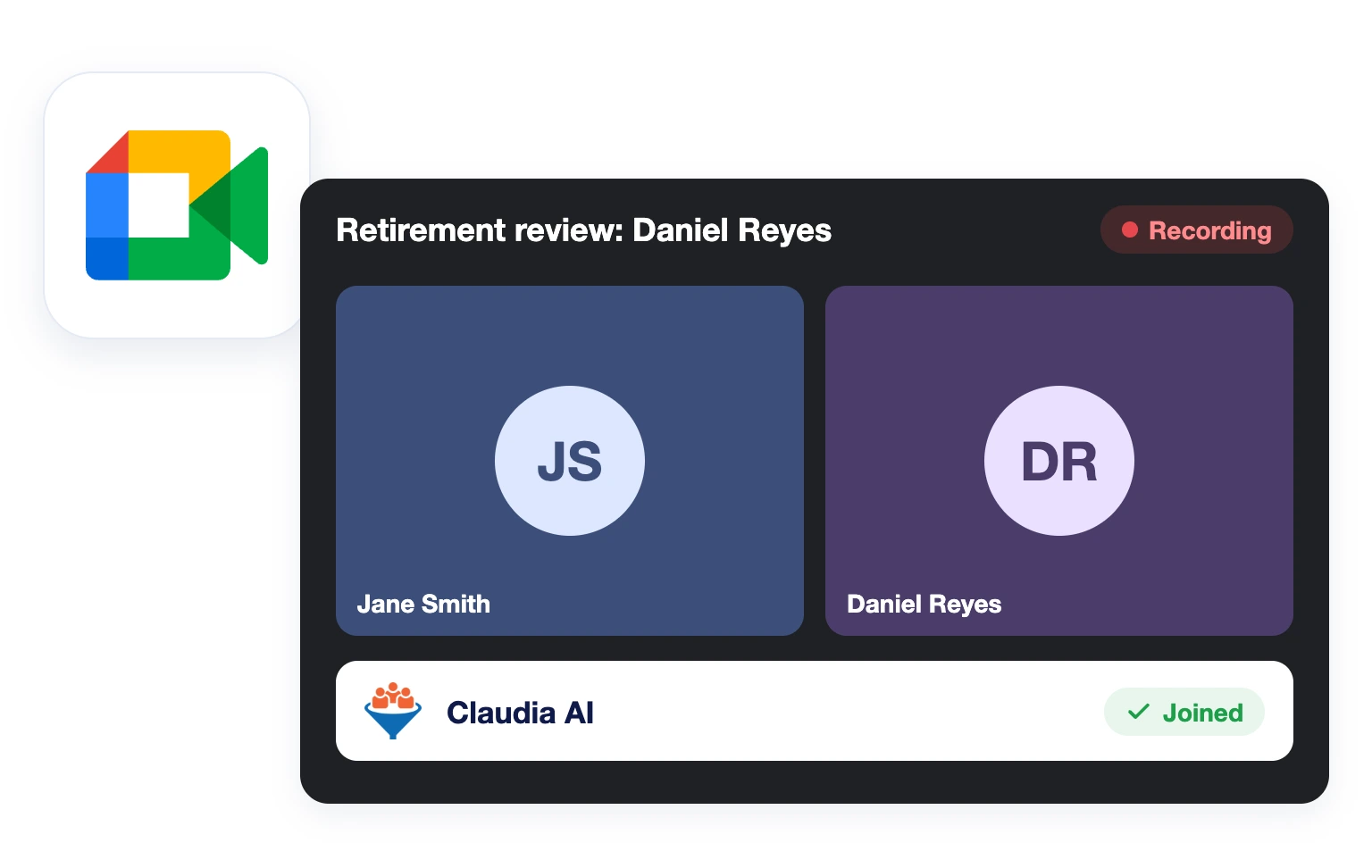
Hold client meetings on Google Meet and let Claudia AI take the notes. Summaries, transcripts and follow-up drafts land on the contact record.
Google Meet call with Claudia AI joined to take notes

Claudia Joins Your Calls

Video meeting icon

Notes on the Contact Record

Notes icon

Start From Your Reminder

Reminder icon

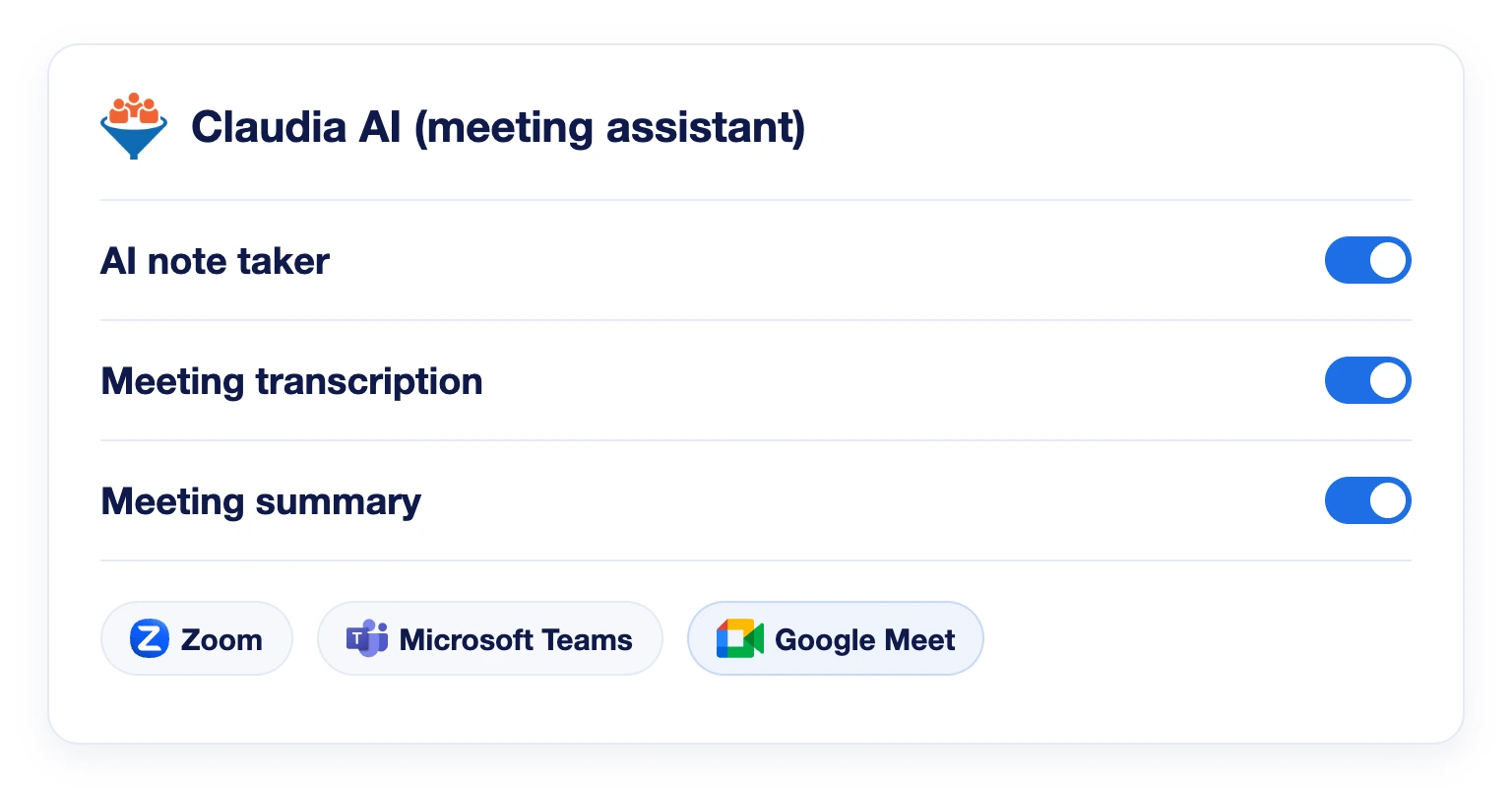
Let Claudia Take the Notes

Turn on the AI note taker and Claudia joins your Google Meet calls that have a join link. It records the meeting and writes the transcript, so you can focus on your client. It works for appointments created in LeadCenter and for meetings synced from your connected Google or Outlook calendar.

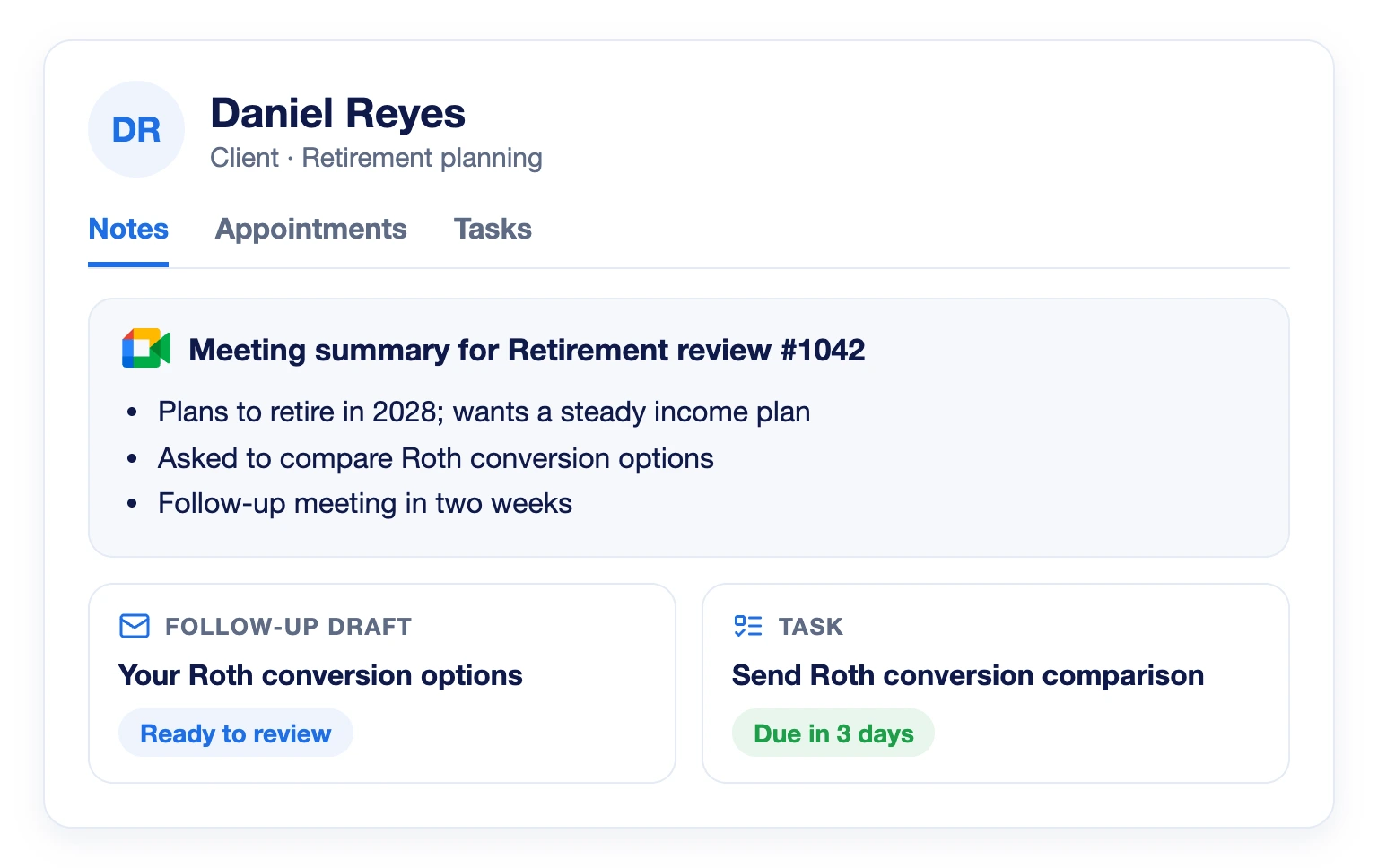
Summaries and Follow-Ups on the Contact Record

After the call, the meeting summary is saved as a note on the contact record and emailed to you. Claudia can also prepare a follow-up email draft and tasks for you to review. You can also set Claudia to delete recordings and transcripts on your schedule, while the notes stay on the contact.

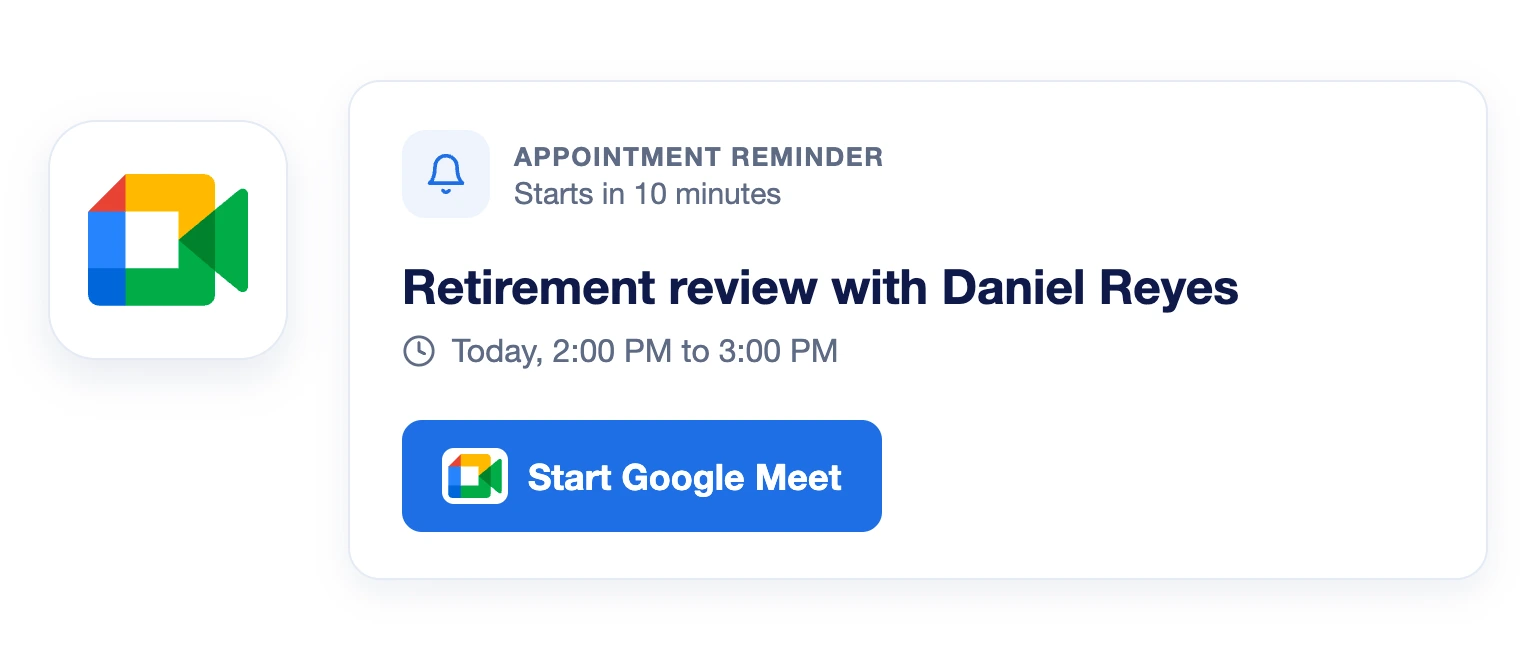
Start the Meeting From Your Reminder

When an appointment has a Google Meet join link, the reminder shows a Start Google Meet button. One click and you are in the meeting.

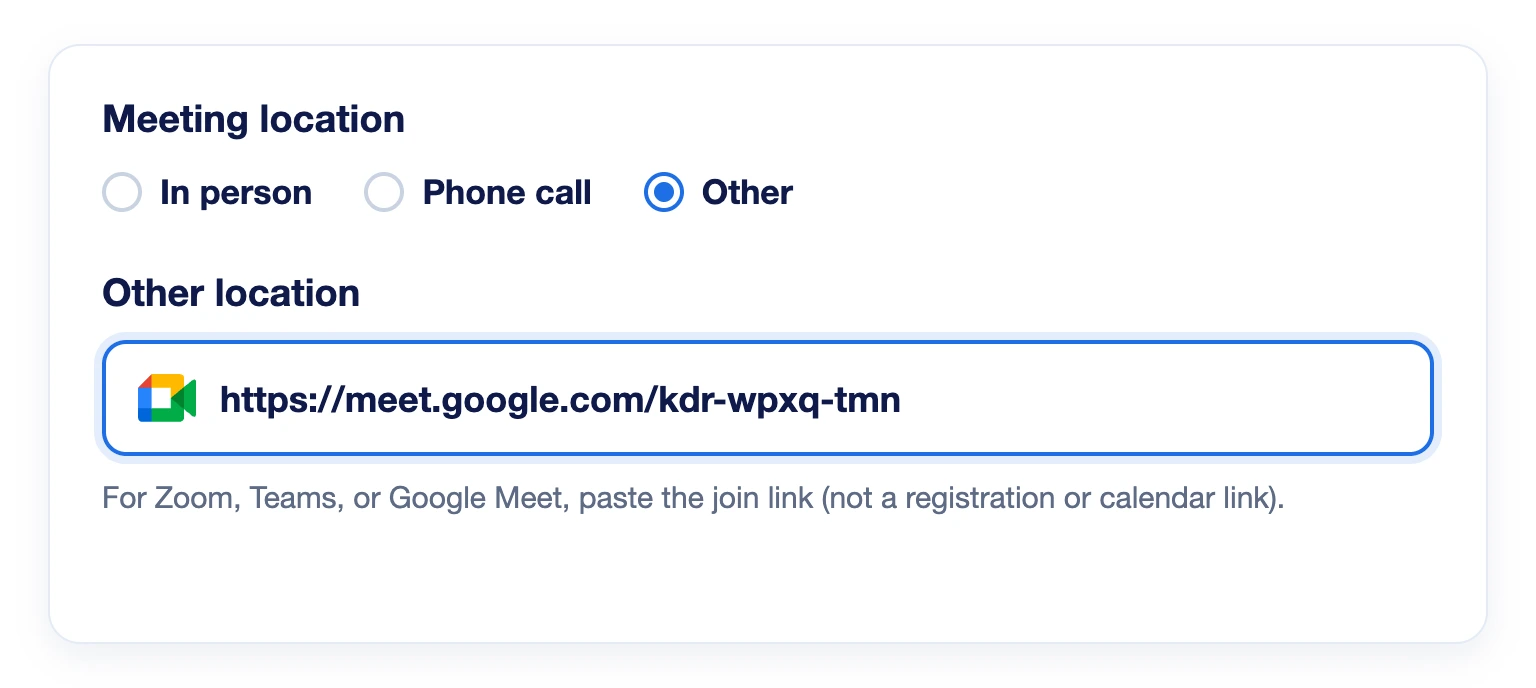
Add Google Meet to Any Appointment

Connect your Google calendar and Google Meet appears as a meeting location. You can also paste a Google Meet join link into any appointment, and Claudia will use it.
Zoom, Microsoft Teams and Google Meet meetings that include a supported join link, on calendars with the AI note taker and meeting transcription turned on.
No. Meetings synced from your connected Google or Outlook calendar work as long as the Google Meet link is in a readable place, such as the location or description.
On the contact record, in the Notes tab, and from the Appointments tab under View meeting summary. You also get the summary by email.
You choose in the Claudia AI settings: visible only to you or to all users. Internal meetings with no client stay private to the host by default.
If you replace it with another supported link, LeadCenter follows the new link.

Bring Google Meet Into Your Client Workflow

Let Claudia AI capture every client meeting on Google Meet, so nothing gets lost between the call and the follow-up.
Book a Demo

LeadCenter CRM—Anywhere You Go

Access your contacts, calendar, and tasks on the go with the LeadCenter mobile app for iOS and Android.
Get it on Google Play buttonDownload on the Apple App Store button
LeadCenter.AI mobile app mockup on smartphone screen
© All Rights Reserved By LeadCenter.AI
chevron-down